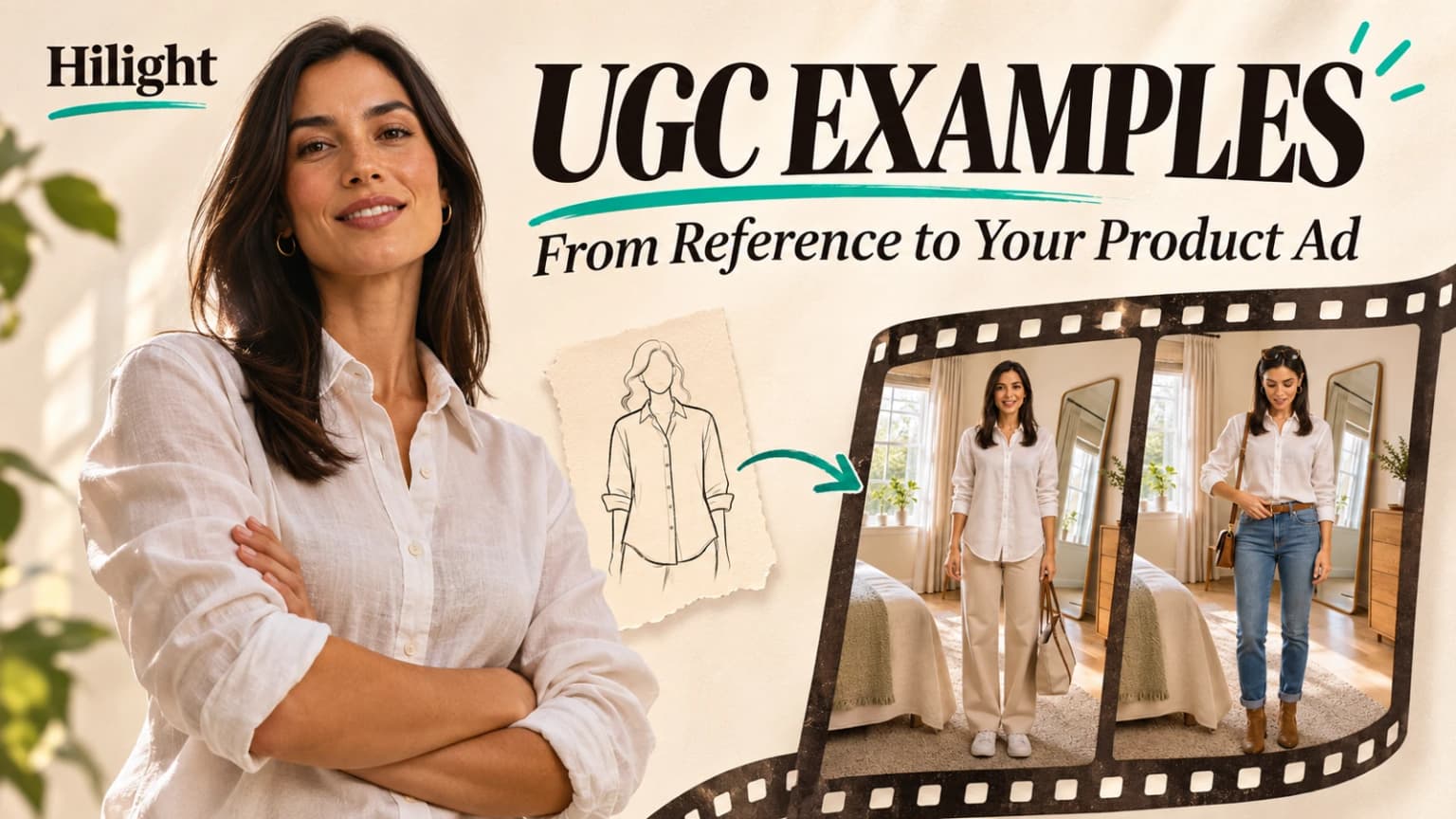
A creator video catches your attention. You save it, then try to picture your own product in the same format. The presenter and transitions are easy to remember; deciding what to borrow takes more thought.
Useful UGC examples help you see what a viewer learns about a product. The opening gives them a reason to stay, the visuals support the message, and the demonstration helps them picture a use for it. Start with those choices when you adapt a reference.
A clothing reference and a short video created with Hilight show how that works: keep a useful way of presenting the product, then develop content that belongs to the item you sell.
Choose UGC References That Fit Your Product
In UGCtip’s creator portfolio, the Mountain Moverz outfit video opens with three stacked views of different looks before showing individual outfits. Light trousers, jeans and a cap give viewers several ways to picture the clothing in an outfit.
That makes it a useful reference for showing styling possibilities. The clip includes tees with different colors and graphics, so adapting it for a single product calls for a more focused comparison.
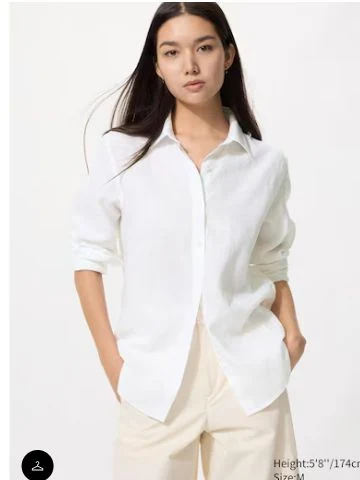
For the new video, the product is one white linen shirt. The product image establishes its appearance; the video adds two ways to style it. Viewers can compare the loose outline of an untucked shirt with the waist definition of a tucked front.
When comparing UGC video examples, consider what makes the reference persuasive and whether your materials support that approach.
Choose UGC ad examples that give you a useful way to explain the product. An appealing presenter or attractive setting can support the idea, but your product information and goal should determine the content.
Adapt the Expression to Your Product
Describe the useful part of the reference in one sentence: “Show different outfits so viewers can picture how to wear the item.” You can then develop your own setting, presenter lines and ending.
This gives the new video its own product content. The audience sees ways to style this shirt; the original presenter’s lines and offer do not become the new ad’s script.
Some UGC content examples depend on a person describing what happened after they bought or used a product. That part needs a genuine experience. An AI presenter can explain styling suggestions, as in this video, which carries an “AI-generated styling example” label.
Develop an Original Video with Hilight
Hilight is an AI marketing agent. Share the product information and the presentation you like, let the agent develop ideas, then give feedback on the choices that matter. Creative Collaboration suits a project where you want to discuss the concept and review the script before production.
The starting input here was one shirt image and a short request: create a 15-second, 9:16 English clothing video, proposing the concept and two everyday outfits for review first. The opening and specific looks remained part of the agent’s creative work.
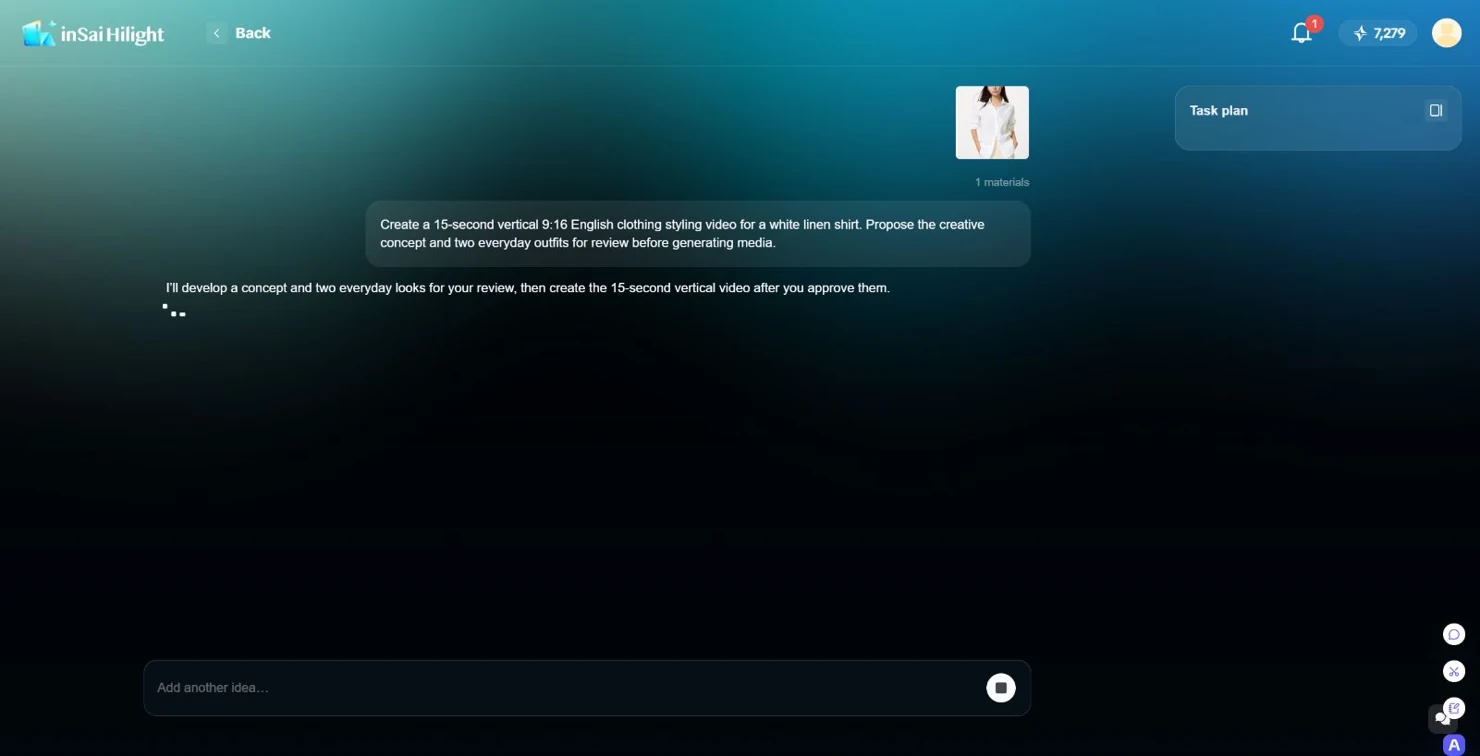
Hilight proposed directions including a lifestyle vlog, a fashion editorial, a casual spoken outfit share and fabric close-ups. The casual outfit share kept the visual styling comparison while making room for a brief explanation from the presenter.
The next piece of feedback changed the content: make the two looks distinct through their silhouettes, shirt styling and accessories. That gave the agent a reason to develop complete outfits beyond a change of trouser color.
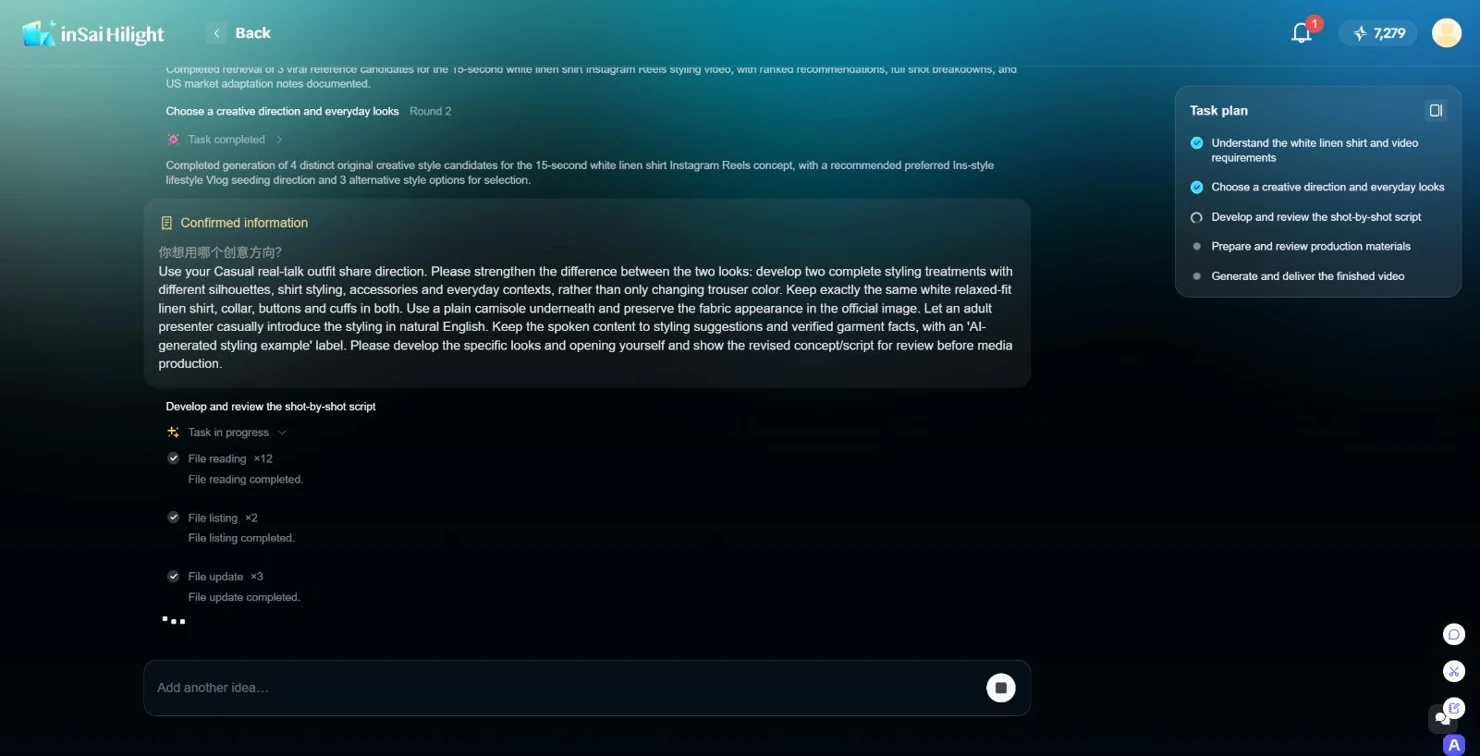
The revised plan paired an untucked shirt with cream wide-leg trousers and a tote. For the other look, the front of the shirt went into jeans, with a belt and crossbody bag. The suggested lines followed the styling details viewers would see.
During script review, the opening and closing became product-focused introductions: “One linen shirt, two everyday looks.” and “Same shirt. A completely different look.” The presenter demonstrates and explains the styling without claiming a personal customer experience.
Hilight then prepared presenter, garment and setting references before generating the video. The product image established the shirt to show; the presenter reference and room established its presentation. These are useful points to give feedback before asking the agent to continue production.
For the broader creation process, see the guide to making UGC-style product videos with AI.
Compare the Adaptation with the Reference
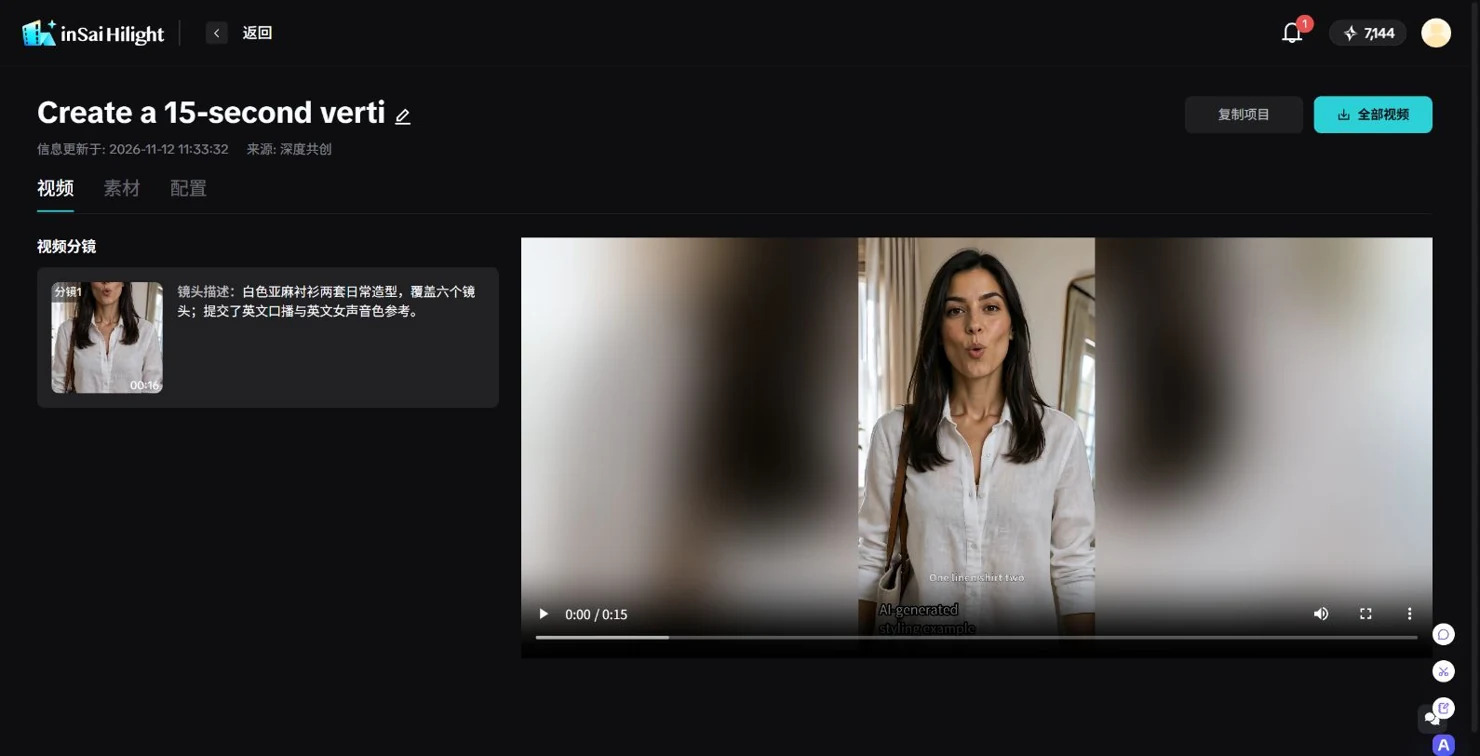
The finished video runs for about 15 seconds. It opens on the presenter, shows the shirt untucked with light trousers, then switches to jeans, a tucked front, belt and crossbody bag. The two looks give viewers specific styling possibilities.
The adaptation narrows the reference’s presentation of several tees to two ways of wearing one shirt. It retains the on-camera clothing demonstration and outfit change, then adds a short explanation tied to the new product.
A useful way to assess the change is to imagine the video without its music or captions. You can still distinguish the outfits through the hem position, trouser shape and bag. Those choices give the new video substance and make the reference useful for this product.
As you collect more examples of UGC ads, ask what a viewer needs to see to understand your item. Share the product, the presentation you like and your goal with Hilight. Let the agent propose a direction, then shape the content through specific feedback.
Questions About Hilight
Yes. Share a clear image and basic product information, then describe the audience and what you want the video to communicate. Hilight can propose directions for you to choose and refine. A reference can help express your preferences; you can start without a finished script.

