
inSai Hilight/
FEATURESBLOGPRICINGABOUT
Try Now

From creative direction to marketing video

Choose how you want to work with your agent, then bring the right tools into the production.

Quick VideoCreative CollaborationAI AvatarTikTokClothing Try-OnHilight SkillDigital HumanProduct BGTalking PhotoAI Video+Image

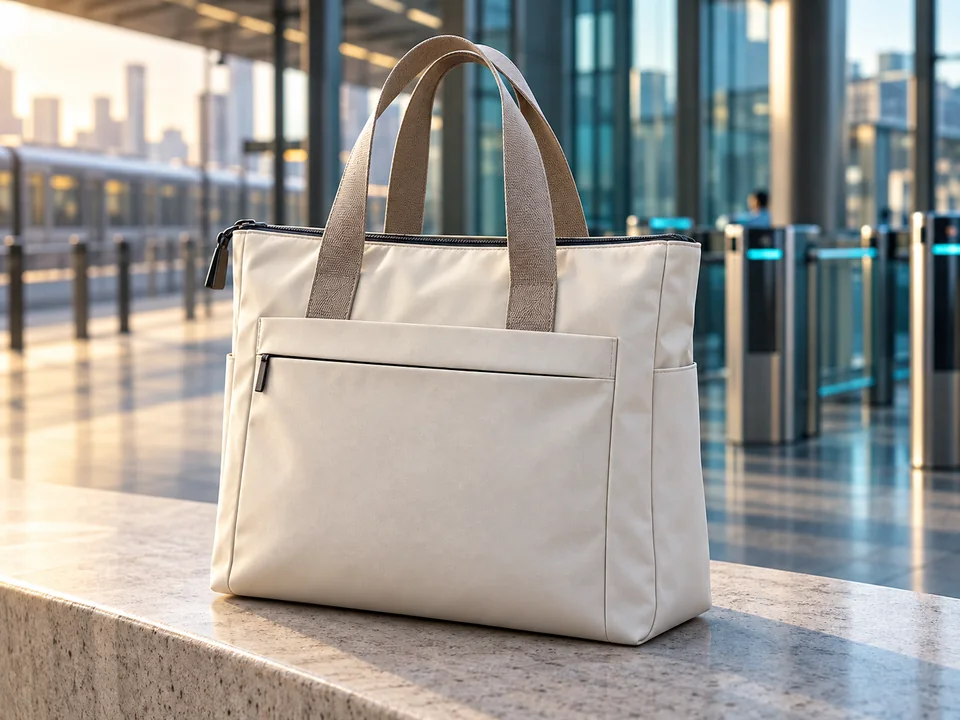
Quick Video

Go from a product brief to a first cut, with your agent handling the production steps.

Start with product images, a brief or a supported product linkStart with product images, a brief or a supported product link

Tell your agent the audience, message and target channelTell your agent the audience, message and target channel

Let Hilight develop the script, visuals, voiceover and editLet Hilight develop the script, visuals, voiceover and edit

Review the first cut and request changesReview the first cut and request changes

Create a first cut

Creative Collaboration

Work through the creative decisions with your agent, from the brief to the storyboard and video.

Clarify your product, audience and goal through conversationClarify your product, audience and goal through conversation

Explore the creative angle and refine the scriptExplore the creative angle and refine the script

Review the shot plan before continuing productionReview the shot plan before continuing production

Give feedback in everyday language while your agent carries out the workGive feedback in everyday language while your agent carries out the work

Shape my video idea

AI Avatar

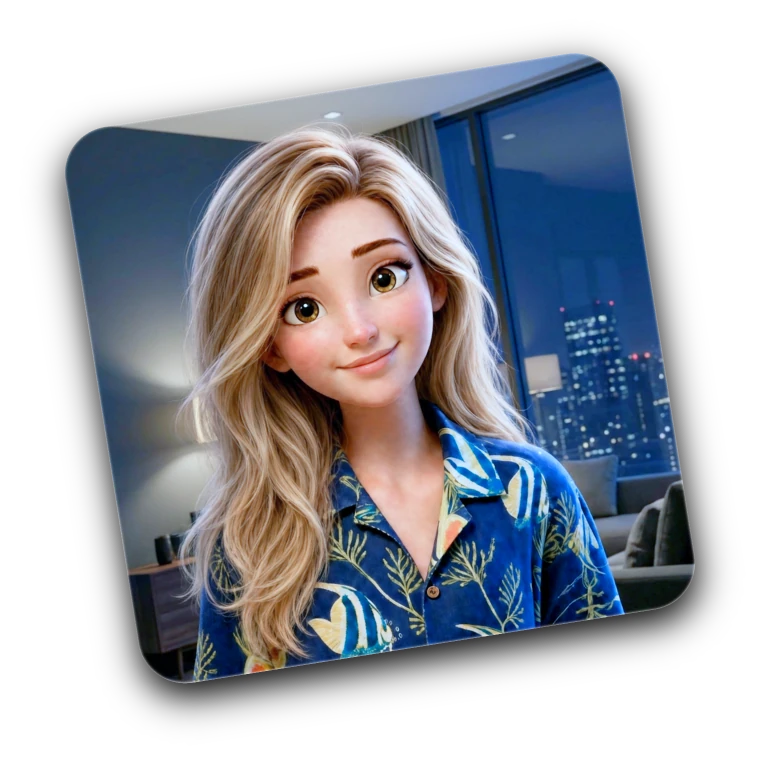
Use an AI spokesperson to present your product and deliver a script for your audience.

Choose an available avatar or follow the custom avatar setupChoose an available avatar or follow the custom avatar setup

Explain product benefits with a script you controlExplain product benefits with a script you control

Choose from the voice and language options in the workspaceChoose from the voice and language options in the workspace

Review the delivery and product details before publishingReview the delivery and product details before publishing

Create an avatar video

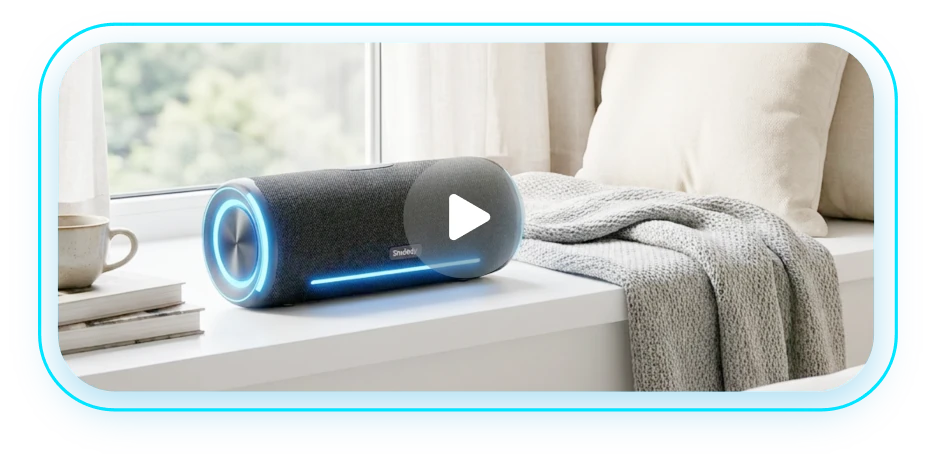
TikTok Product Video

Develop short product videos for TikTok, from the opening hook to the closing call to action.

Start with product images and a clear selling pointStart with product images and a clear selling point
Explore an opening that suits your audienceExplore an opening that suits your audience

Create variations for your content testing planCreate variations for your content testing plan

Review the video against the requirements of your placementReview the video against the requirements of your placement

Create for TikTok

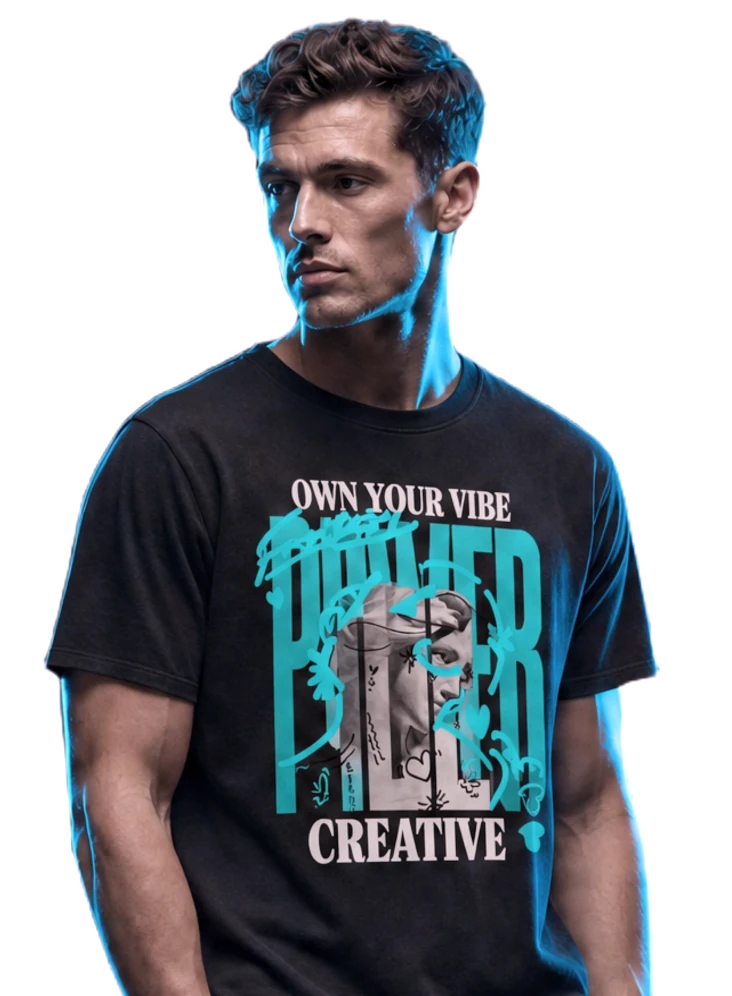
AI Clothing Try-On

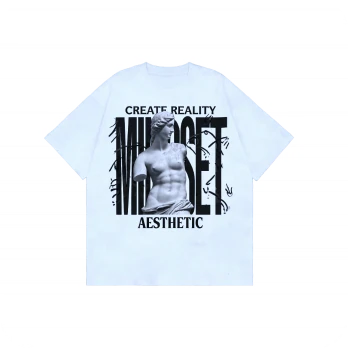
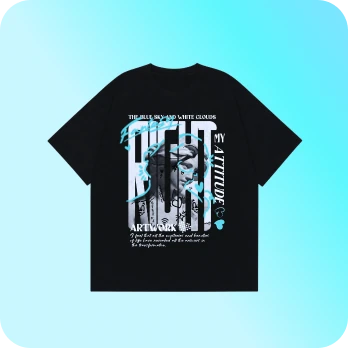
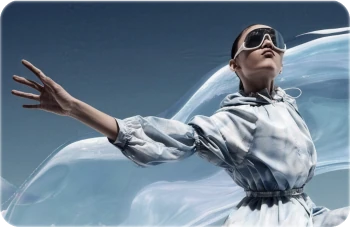
Turn clothing images into model visuals for product pages and marketing concepts.

Start with clear images of the clothingStart with clear images of the clothing

Explore available model styles and presentation optionsExplore available model styles and presentation options

Create visual concepts without arranging a new shootCreate visual concepts without arranging a new shoot

Check fit, garment details and product accuracy before useCheck fit, garment details and product accuracy before use

Create a try-on visual

Skill Workflow: Batch Video

Already using AI agents? Plug in batch video generation. Product link in, marketing video out.

Don't know workflow design? AI handles it Don't know workflow design? AI handles it 

One link, multiple variations, simultaneous testingOne link, multiple variations, simultaneous testing

Bring Quick Video into an existing agent workflowBring Quick Video into an existing agent workflow

Comes with workflow templates, ready to useComes with workflow templates, ready to use

Learn about Hilight Skill

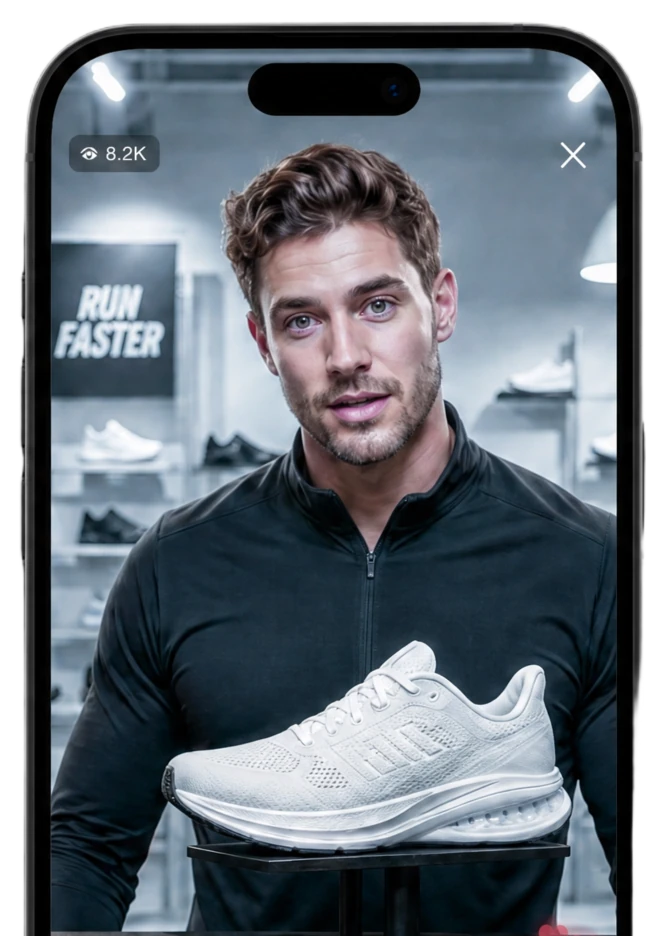
AI Avatar Demo Studio

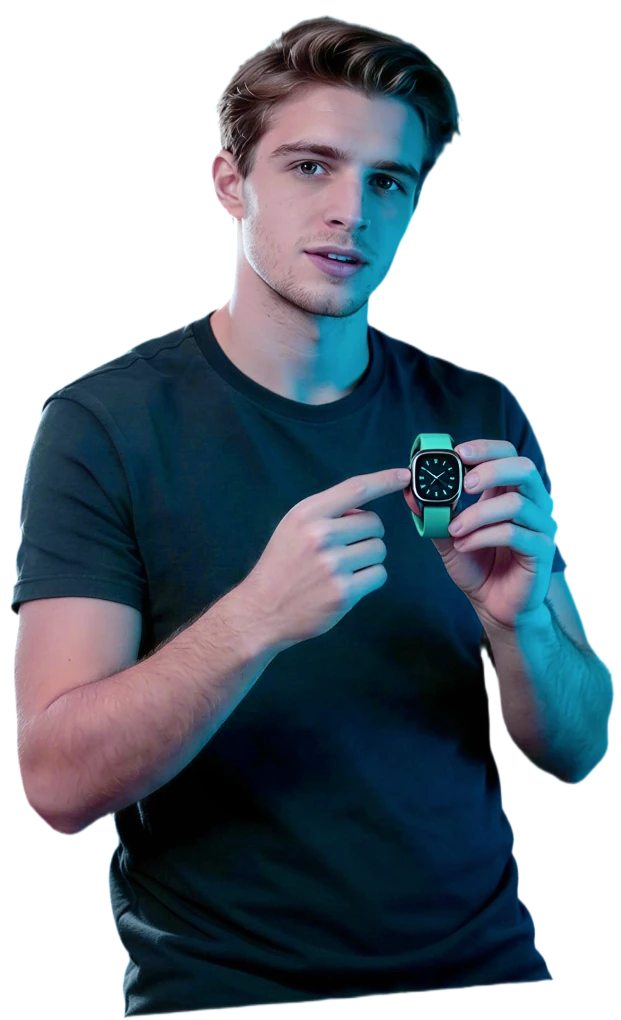
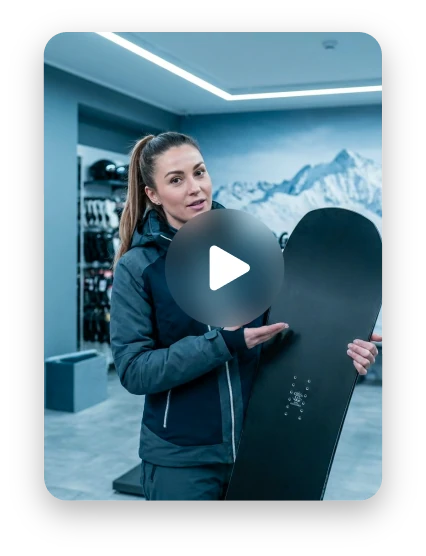
Upload product images, write a script, and generate a digital human holding and presenting your product.

Drag-and-drop product images or select from libraryDrag-and-drop product images or select from library

AI Write, Polish, Translate built inAI Write, Polish, Translate built in

Preset avatars or upload your own photo Preset avatars or upload your own photo 

Multi-language dubbing with auto lip-syncMulti-language dubbing with auto lip-sync

Show your product in hand

Product Background

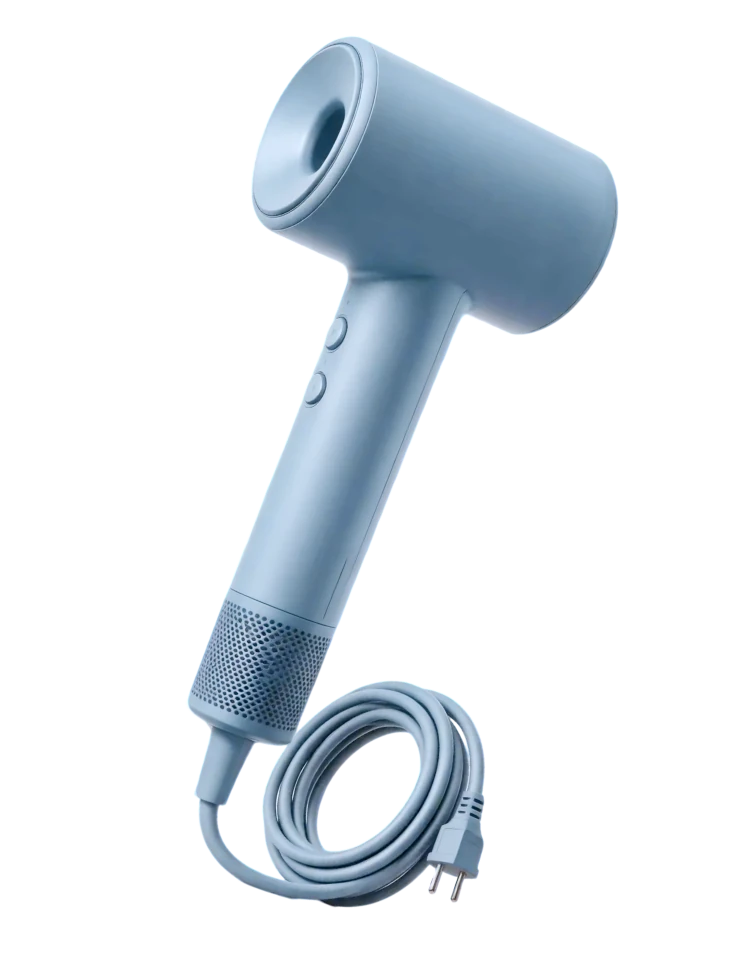
Create new settings for your product images to suit different seasons, markets and campaigns.

AI-powered product background replacementAI-powered product background replacement

Explore scene options that fit your productExplore scene options that fit your product

Describe the mood, setting and brand style you needDescribe the mood, setting and brand style you need

Review the product details in each generated imageReview the product details in each generated image

Swap background

Talking Photo

Upload a portrait and a script to create a talking video for a product introduction or short message.

One photo → talking videoOne photo → talking video

AI voiceover with lip-syncAI voiceover with lip-sync

Choose from the available voice and language optionsChoose from the available voice and language options

No training needed, upload and goNo training needed, upload and go

Animate a photo

AI Video & Image

Explore product images, video clips and visual concepts with the models available in Hilight.

Create images and video clips in one workspaceCreate images and video clips in one workspace

Explore creative directions before producing a full videoExplore creative directions before producing a full video

Choose a model for the style and movement you needChoose a model for the style and movement you need

Build visual assets around your product and messageBuild visual assets around your product and message

Explore AI Studio
inSai Hilight

Donson Marketing Technology pte. Ltd.

112 Robinson Road, #03-01, Robinson 112, Singapore 06890, Singapore

Discord

Features

  • Quick Video
  • Avatar Video
  • TikTok Video Maker
  • Avatar Product Video

Resources

  • Blog
  • About
  • User Terms
  • Privacy Policy

Pricing

  • Subscription plans
  • Plan benefits
  • Credits and billing
INSAI HILIGHT

Only for non-chinese mainland users

User Terms|Privacy Policy