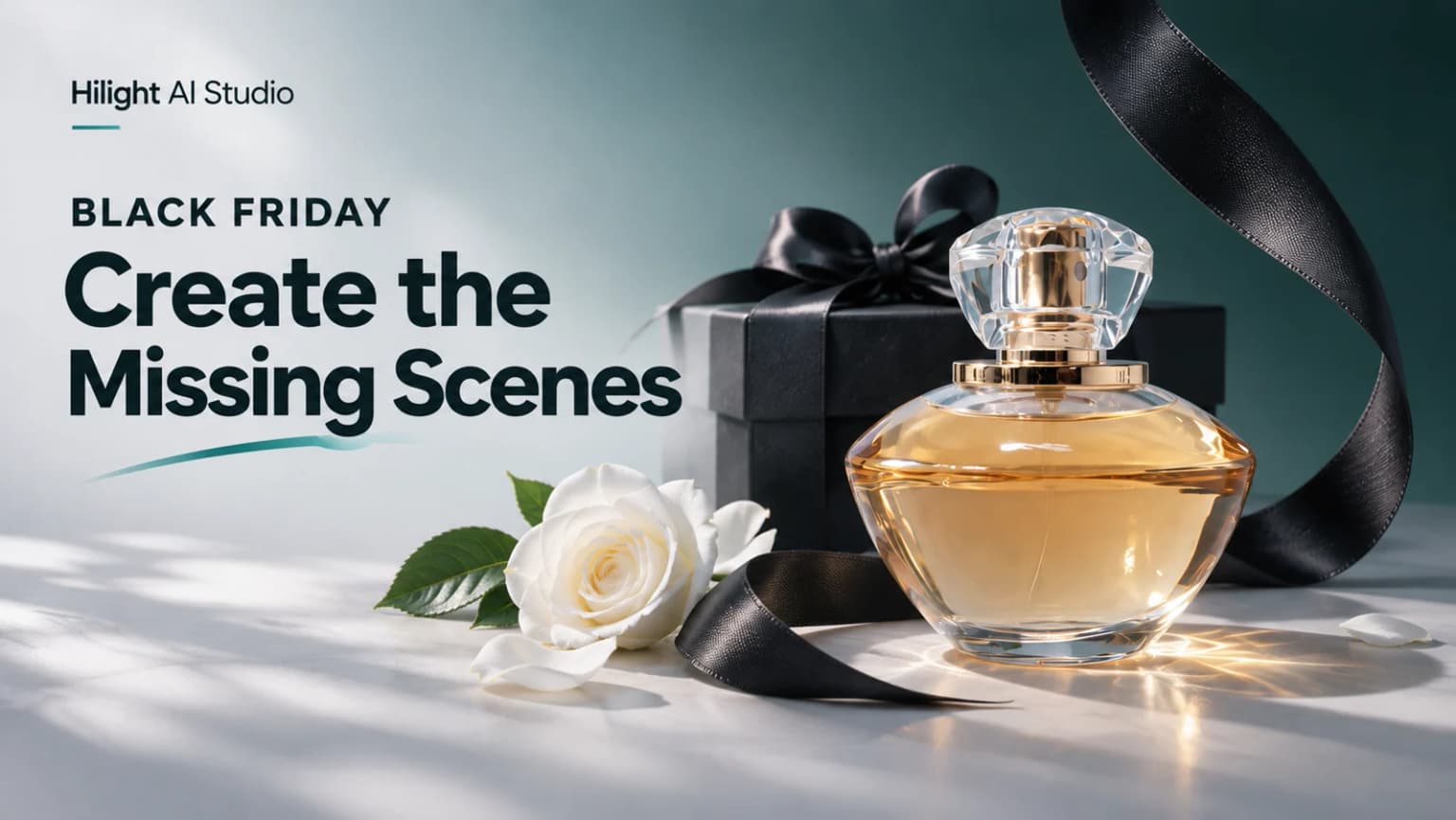
In Adobe’s holiday marketing research published on October 28, video ads under 30 seconds ranked as the format respondents were most likely to engage with during the holidays. The study surveyed 1,003 US consumers, and the article also discusses using generative AI to adapt campaign assets for different audiences and channels.
When preparing Black Friday content, you may already have clear product footage but still need a gifting scene or seasonal setting. Use existing product photos or frames from that footage as references in Hilight AI Studio to create a campaign image or a short AI commercial, adding the seasonal assets you are missing.
Keep the Product Footage. Generate the Missing Scenes.
Start with what your existing footage already communicates. A clear packaging close-up or a genuine demonstration can still earn its place in the ad. Use AI to add the environment, atmosphere, or supporting shot you do not have.
The reference for this example comes from a real perfume shoot on a pale tabletop. The bottle, white rose, and glass vase establish a clear visual style. A frame from that footage provides the starting point for a new seasonal scene with a black box and ribbon.
Prepare a clear product photo or choose a sharp frame from an existing product video. The reference should show the product’s shape, color, and packaging details. Include the surrounding set if you want the new scene to retain its style.
If a detail shot is missing, you can also create product close-ups from photos. Generated shots can expand the visual material. A genuine demonstration should still show how the product actually works.
Give AI Scenes the Same Visual Language as Your Footage
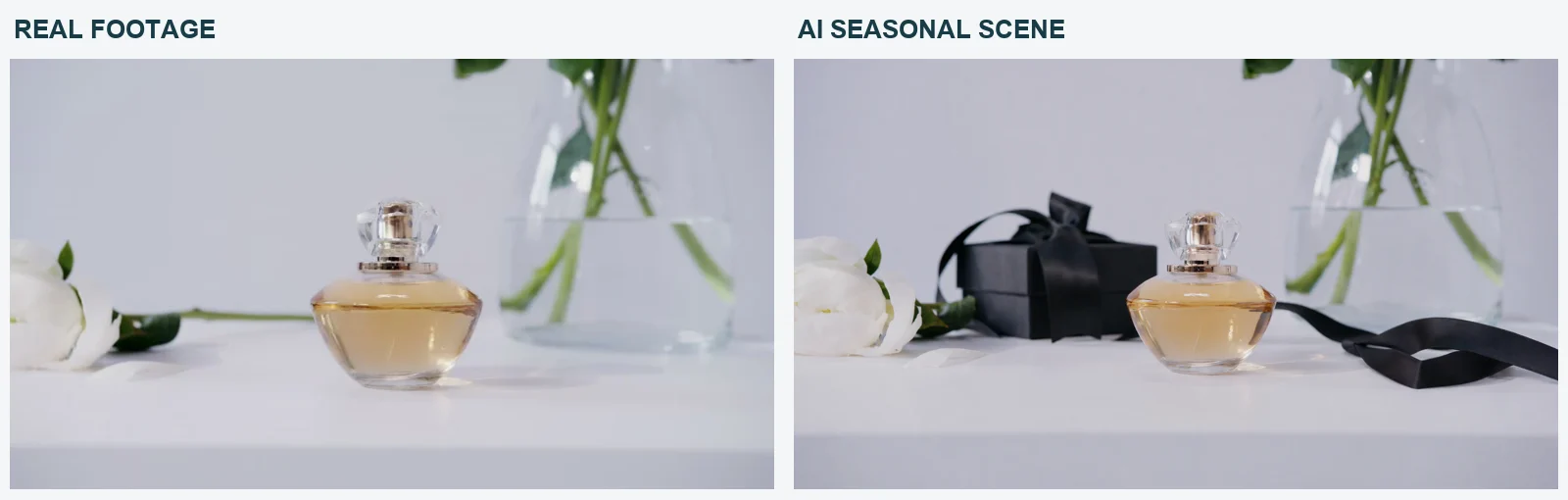
Keep the soft daylight of the original shoot and add a few dark packaging details around the product. This brings a seasonal gifting cue into an otherwise bright setting.
Choose a clear frame from the original video as the visual reference. It communicates more than a broad request for a “premium Black Friday ad.” In this example, three features carry across: the pale tabletop and cool daylight, the central product placement, and the rose and vase around it. The gift box sits behind the bottle. The ribbon runs across the table, leaving the product visible.
The generated scene keeps that light palette while placing the dark props around the product. It adds a gifting cue and leaves room for a camera move toward the bottle.
When choosing a generated result, look at the bottle outline, cap, and packaging text before judging the background. The product should be recognizable, with important details visible around the gift box and ribbon. Once the product looks right, choose the composition and atmosphere that suit the campaign.
Create Black Friday Scenes with Hilight
Hilight’s AI Studio offers image and video generation for campaign stills and short videos. A product reference gives you a starting point for the new seasonal scenes.
A useful AI commercial production brief starts with the footage you already have. Here, the product image from the perfume shoot was the reference for Black Friday gifting scenes, retaining the pale tabletop and soft daylight and adding restrained black packaging. It also excluded prices, discounts, and product-performance claims.
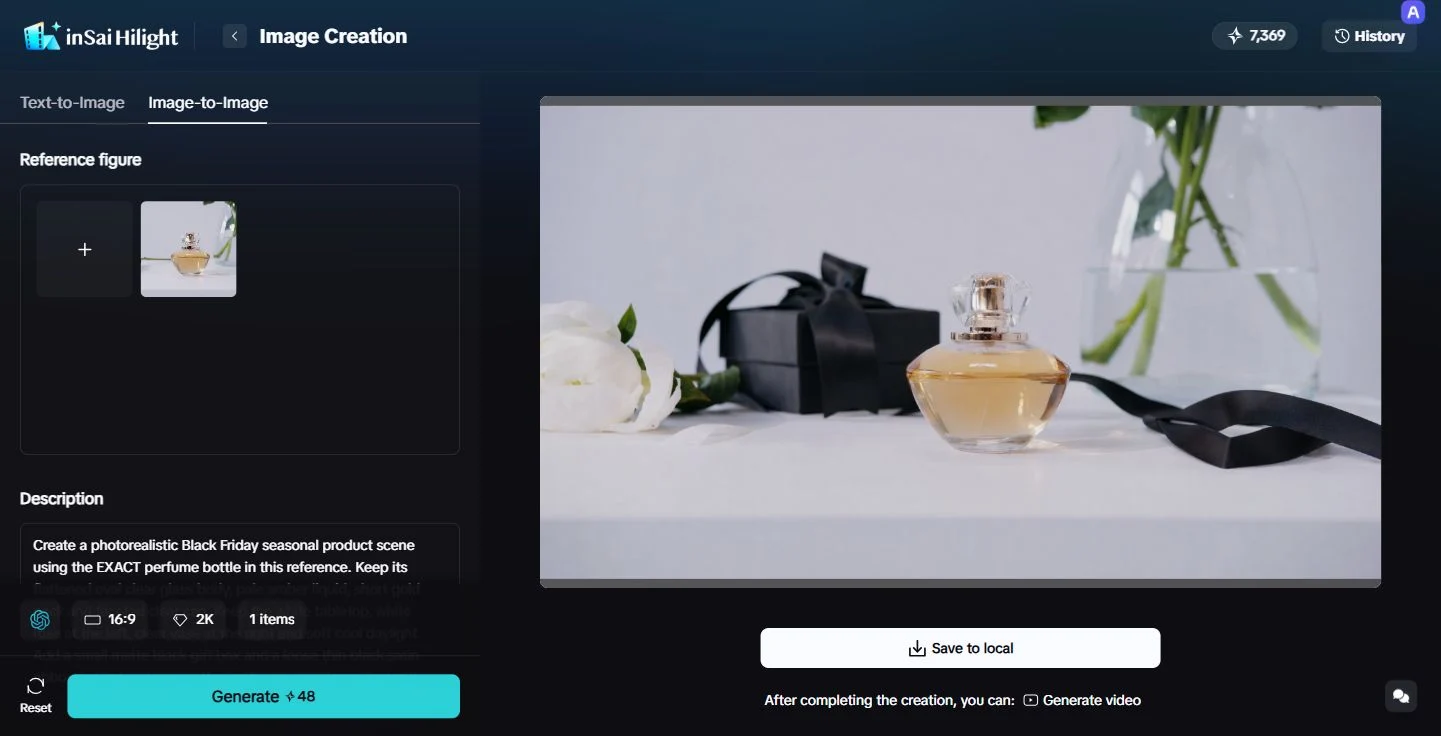
Open AI Studio and use the selected reference frame to create a seasonal image with a gift box. Once you have a composition you like, turn that image into a five-second clip. The camera slowly moves toward the bottle while the box and ribbon stay in place.
Reviewing the still image first makes it easier to catch a box that blocks the product or a crowded composition before generating motion. For more control over how a reference image moves, see the image-to-video guide.
Turn the Seasonal Image into Video
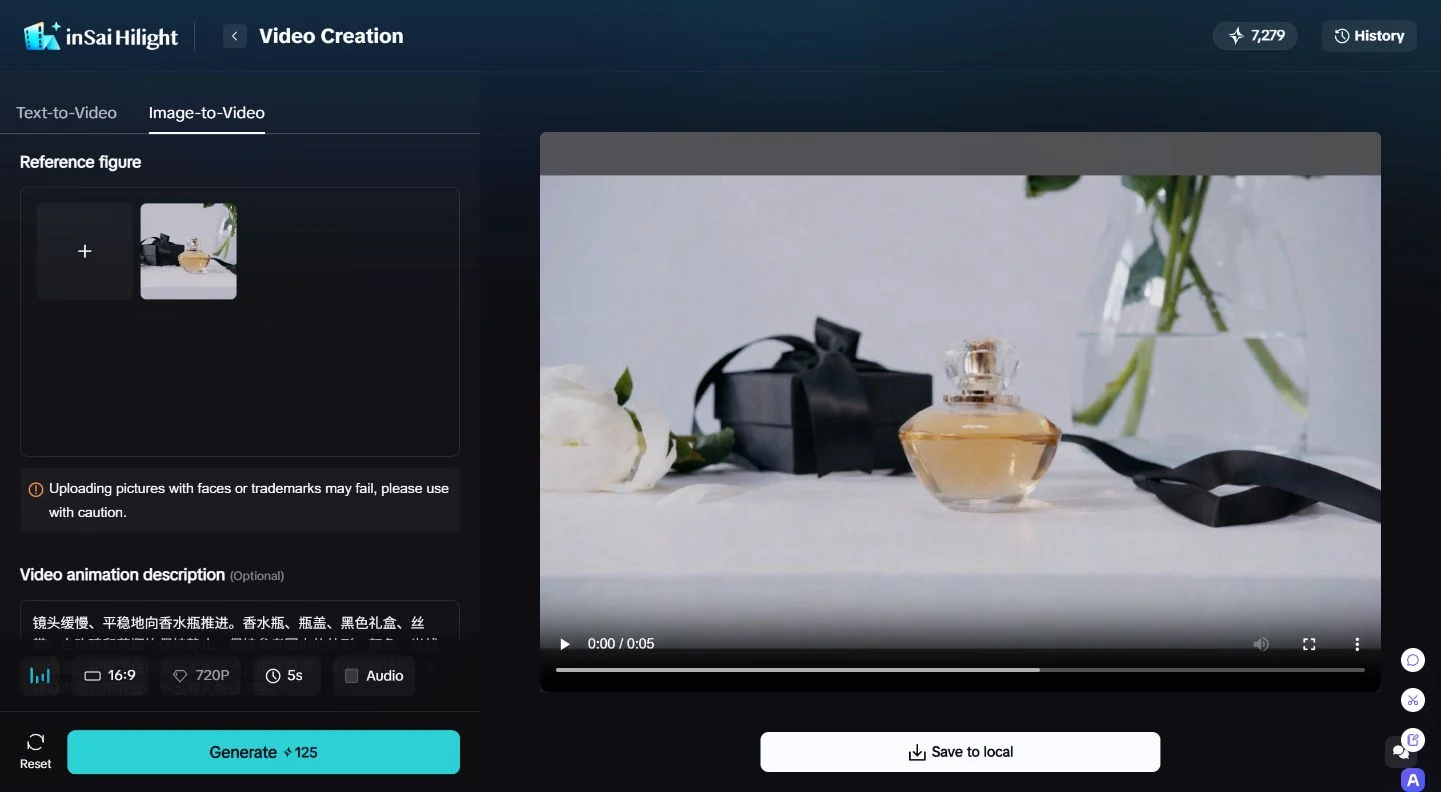
For merchants with existing product footage, Hilight can use those product references to develop new visuals for campaign images and short videos. The real footage can continue serving product presentations, while the new gifting scenes provide additional assets for Black Friday teasers and social posts.
Frequently Asked Questions About Hilight
Choose the main product for this ad and identify the image that shows its actual appearance. Explain the role of any other packaging, props, or scene references separately. This can reduce the chance of features from different products being mixed together.

