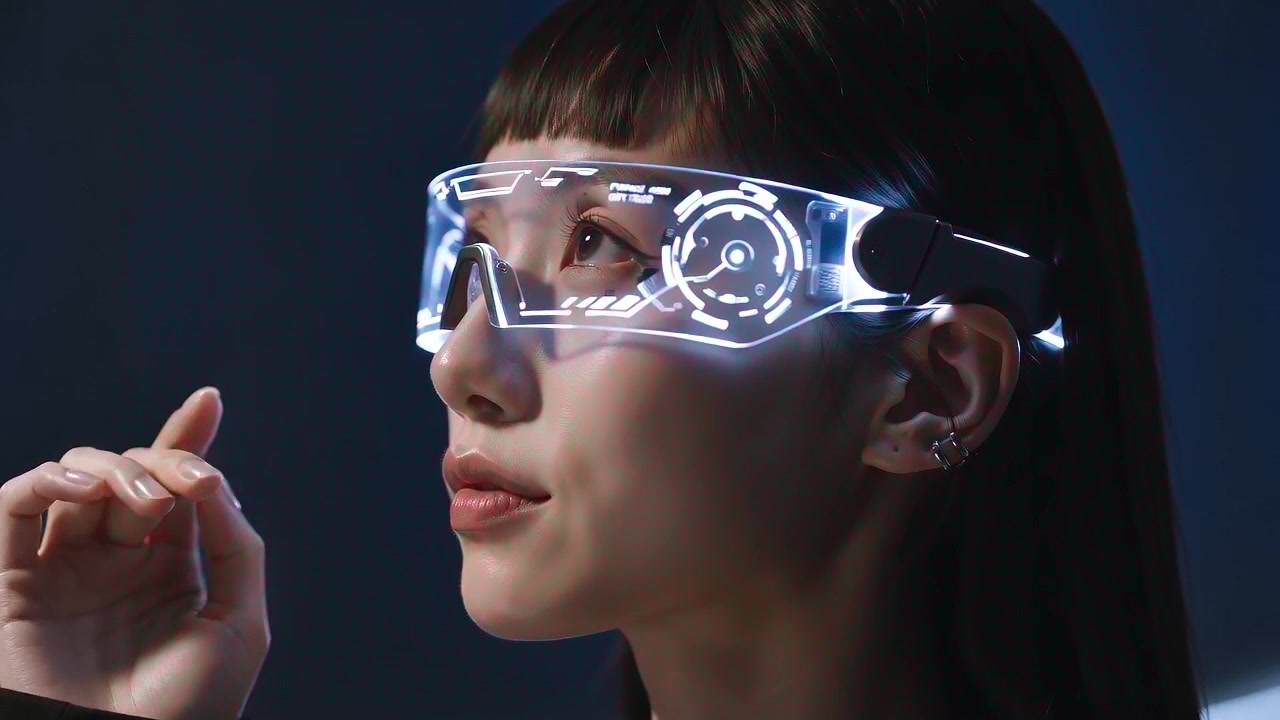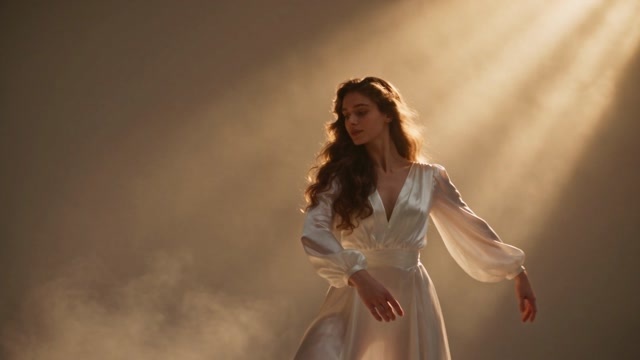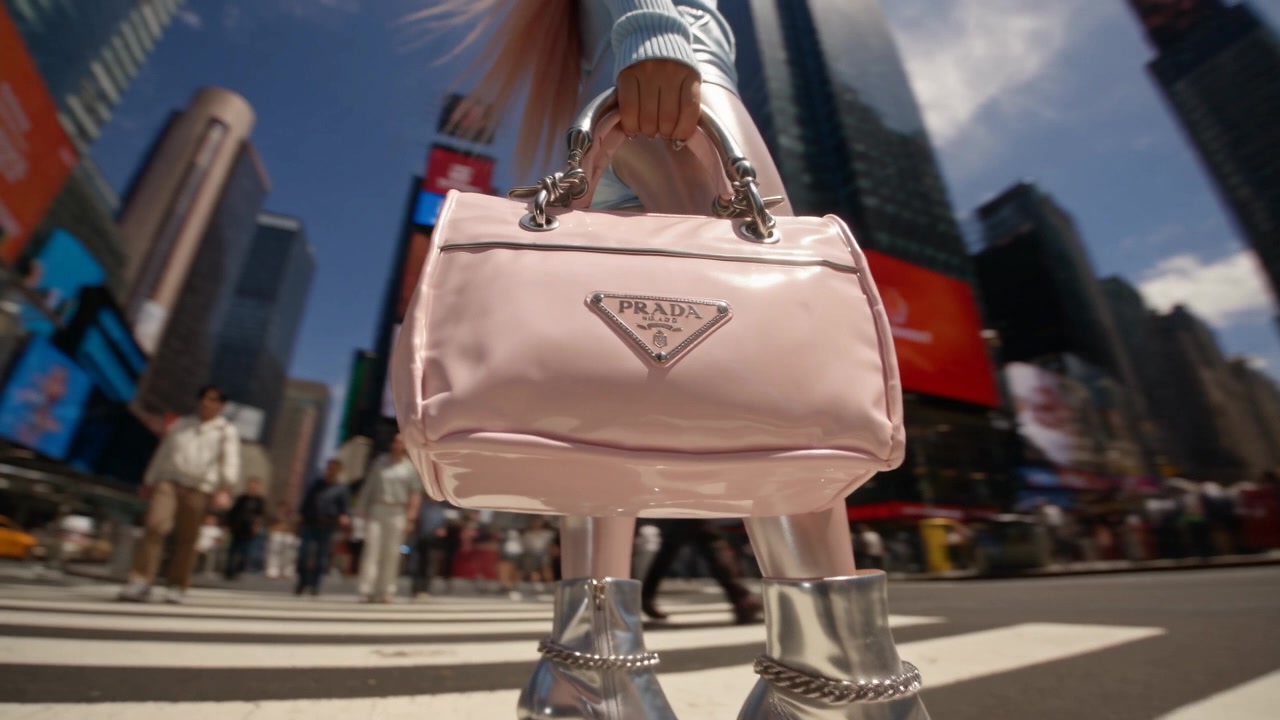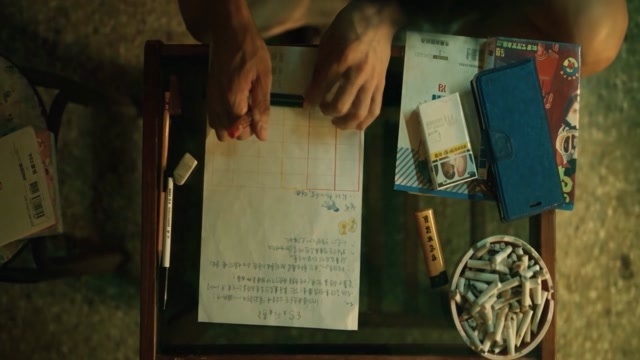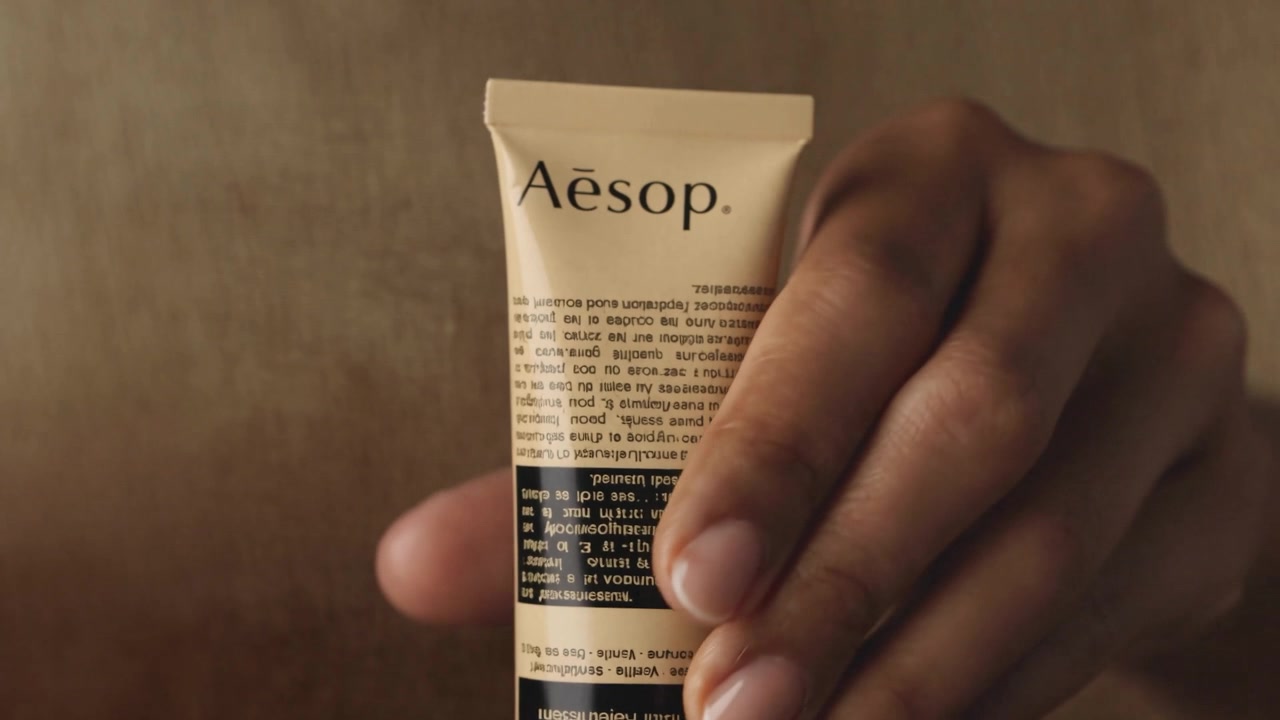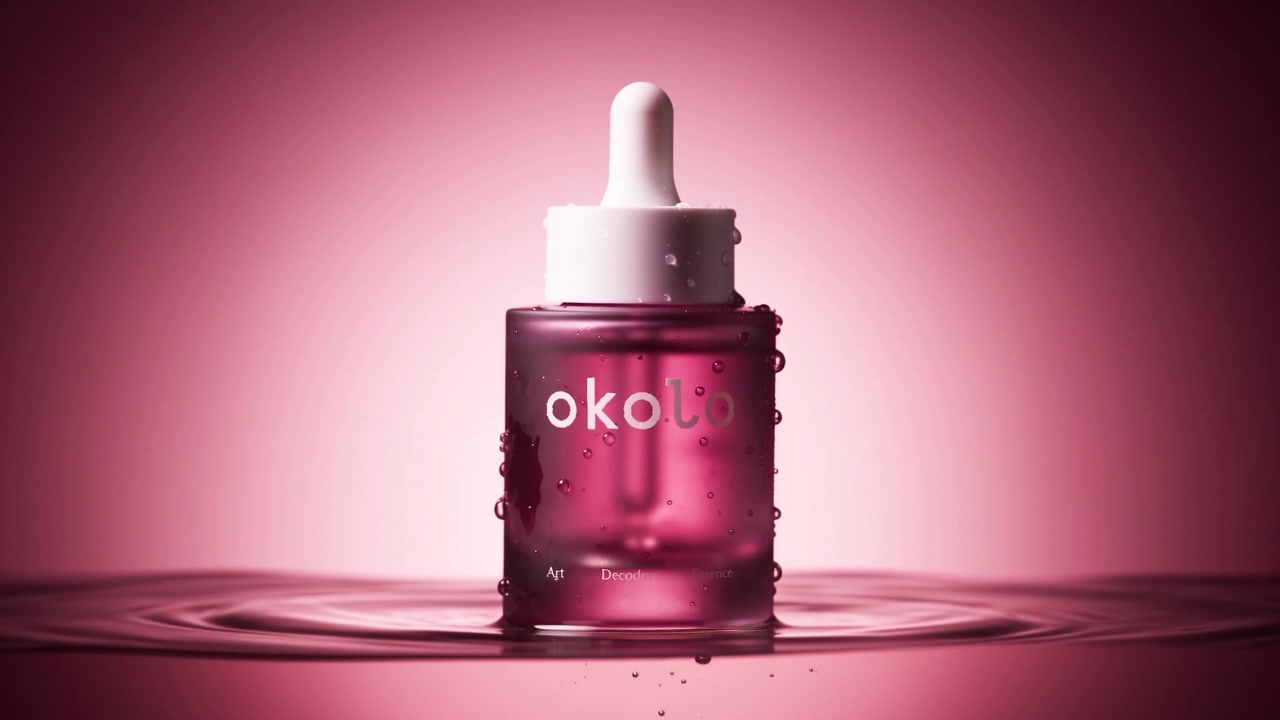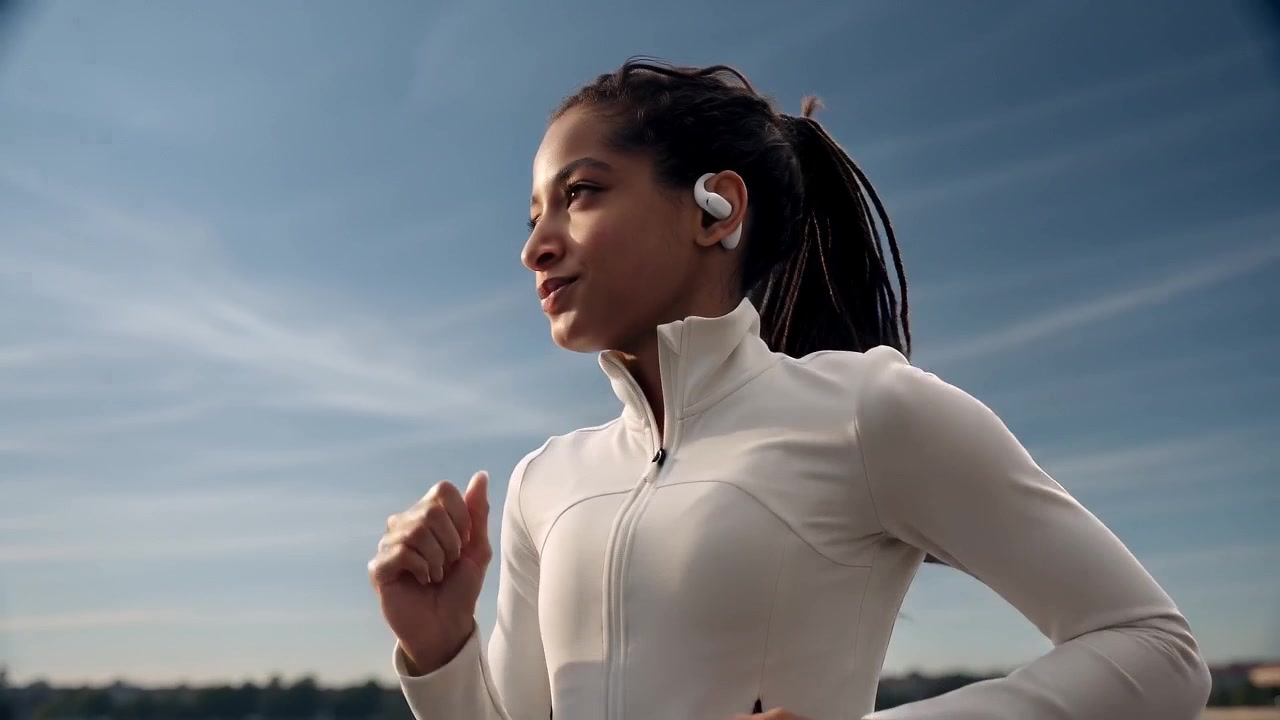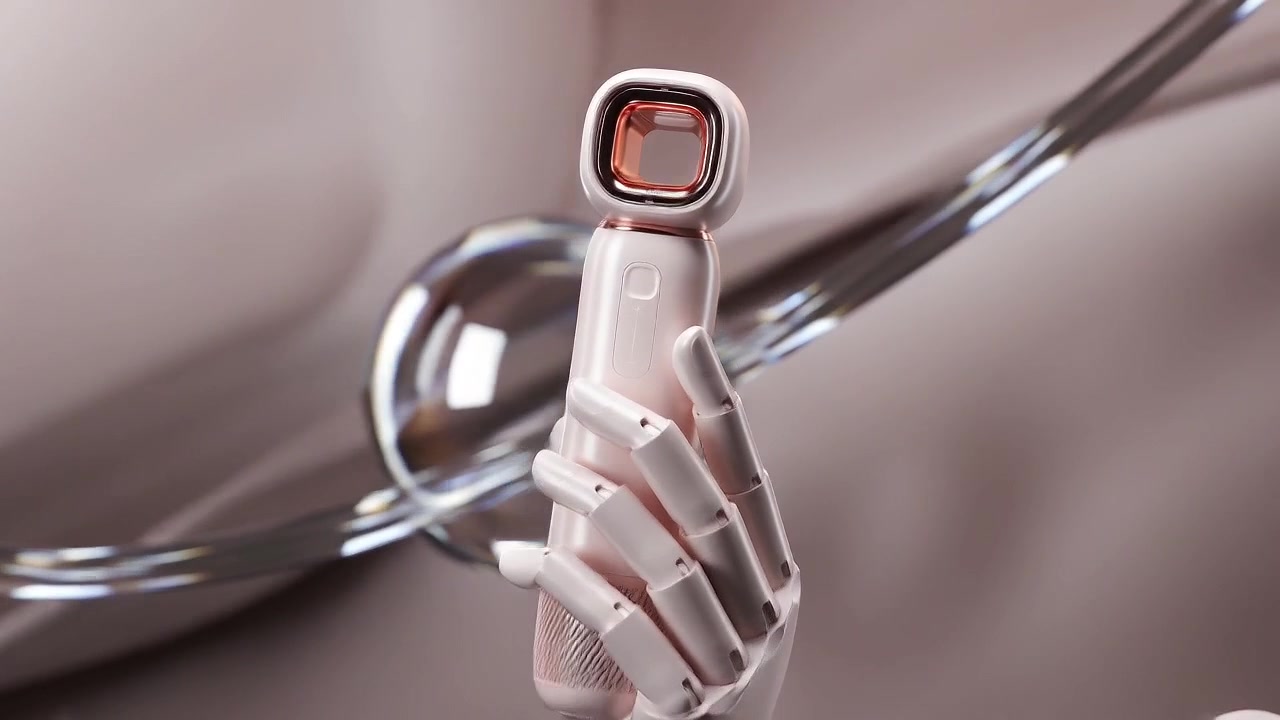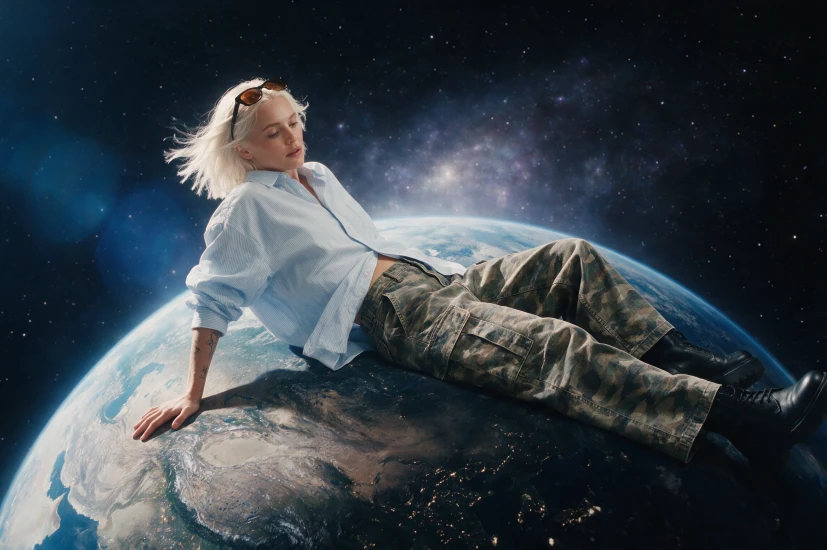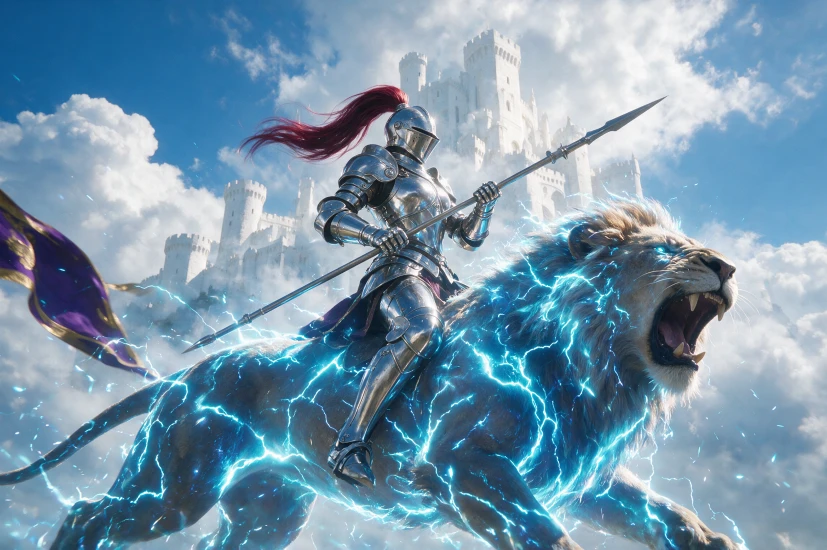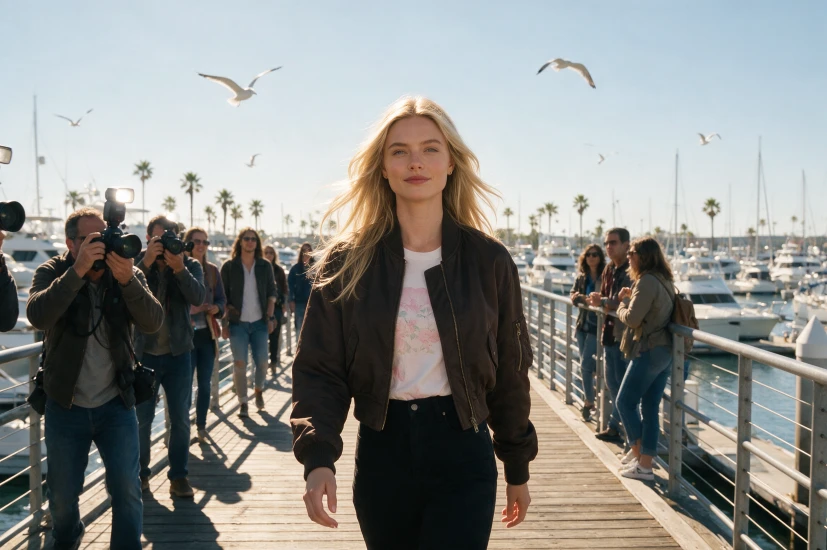

01 · Multimodal understanding
Understand text, image, video, and audio together
Build a coherent audiovisual result from the product, scene, action, and creative context.
TextImageAudio
Try it in HilightMiniMax H3 · Now in Hilight
Create 4–15 second, 2K marketing videos in Hilight with unified text, image, video, and audio understanding, native stereo sound, strong instruction following, and clearer brand detail.
H3 combines multimodal understanding, 2K audiovisual generation, instruction following, brand detail, and frame-guided control in one model.
01 · Multimodal understanding
Build a coherent audiovisual result from the product, scene, action, and creative context.
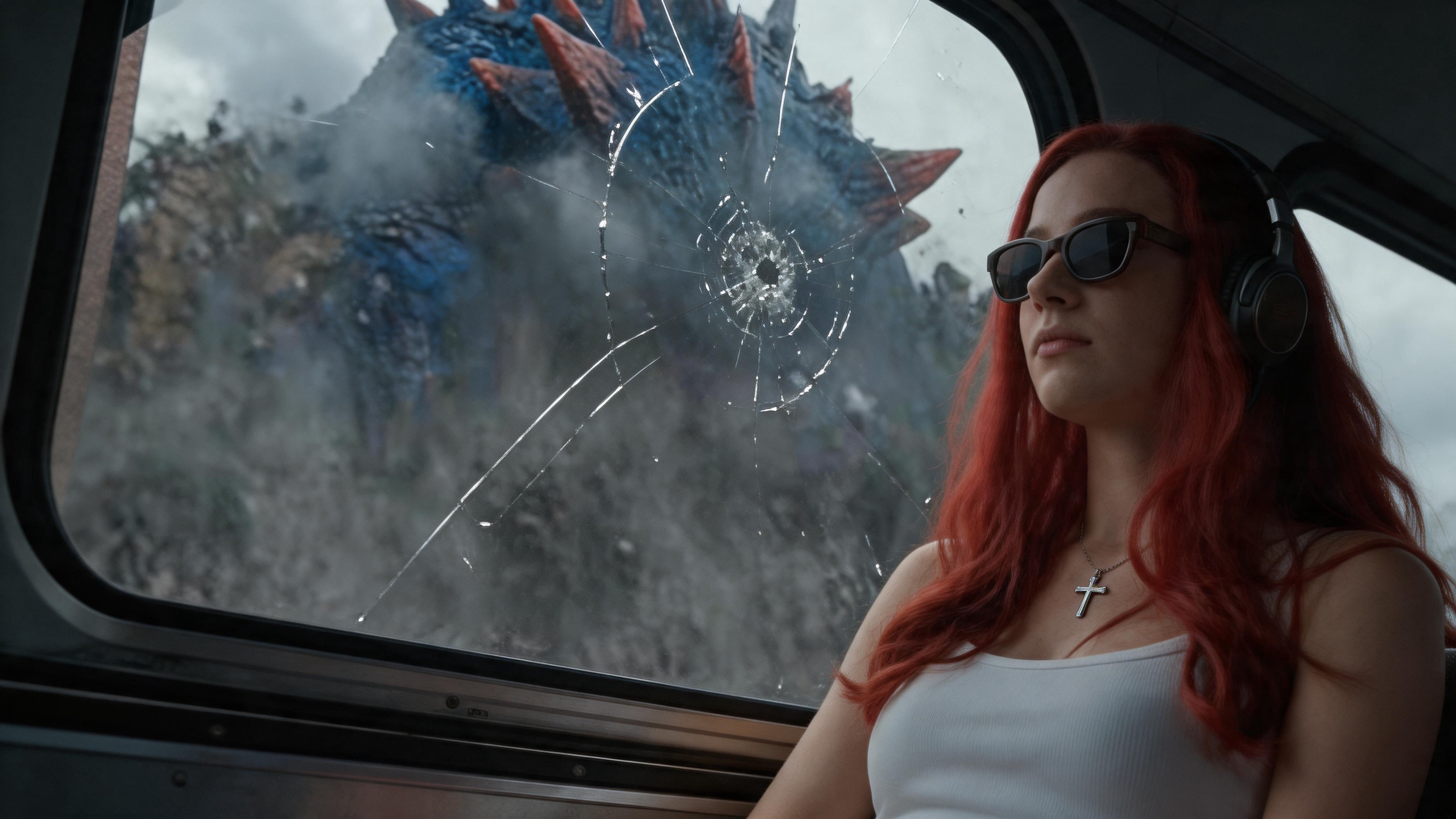
02 · Native stereo audio
Create action sounds, ambience, dialogue, and visuals as one audiovisual result.
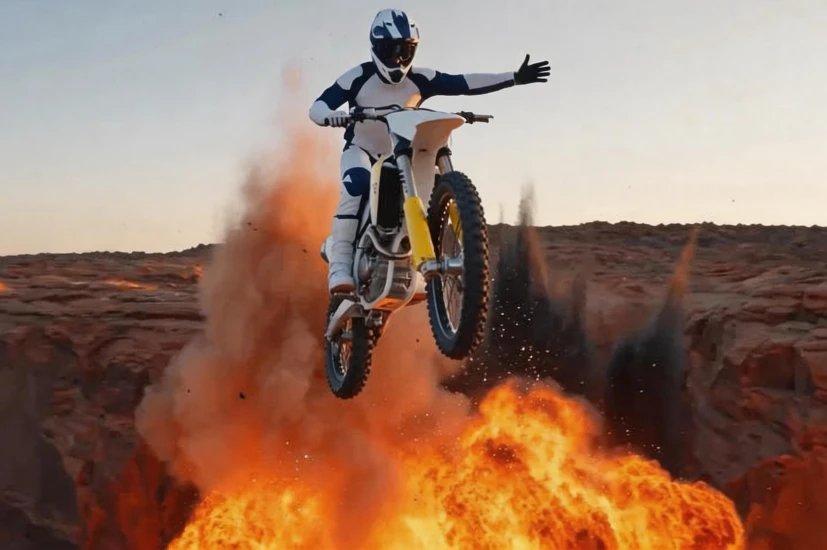
03 · Precise instructions
Direct the subject, action order, camera, sound, and visual changes with clear prompts.
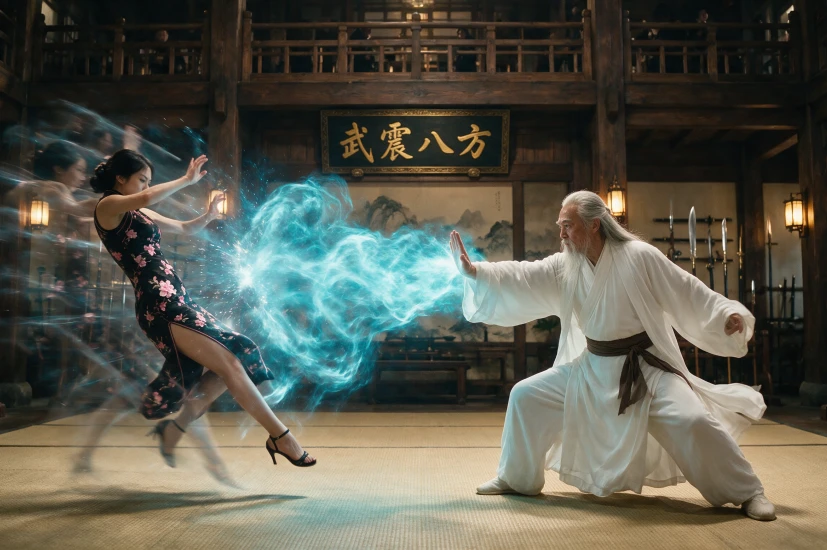
04 · Brand detail
Bring packaging, labels, logos, product names, and interface elements into commercial shots.
05 · Frame-guided control
Use a first frame, last frame, or both to guide the shot in Hilight.
Use MiniMax H3 as an AI product video generator inside Hilight workflows for product ads, social content, virtual try-on clips, B-roll, and product close-ups.
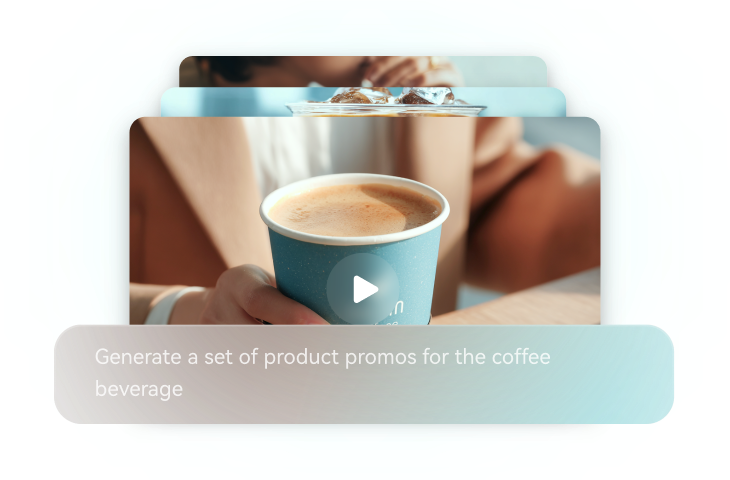
Write the scene, product angle, camera motion, and emotional hook, then generate a marketing clip from the prompt.
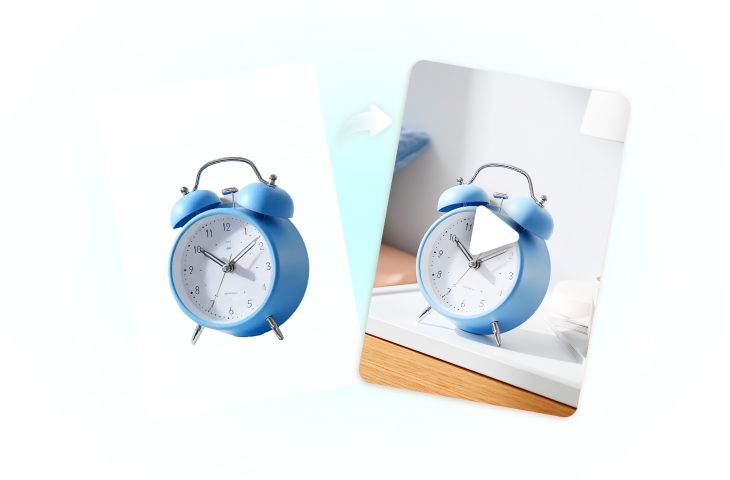
Animate product photos, lifestyle images, and campaign visuals into short videos for ads and social posts.
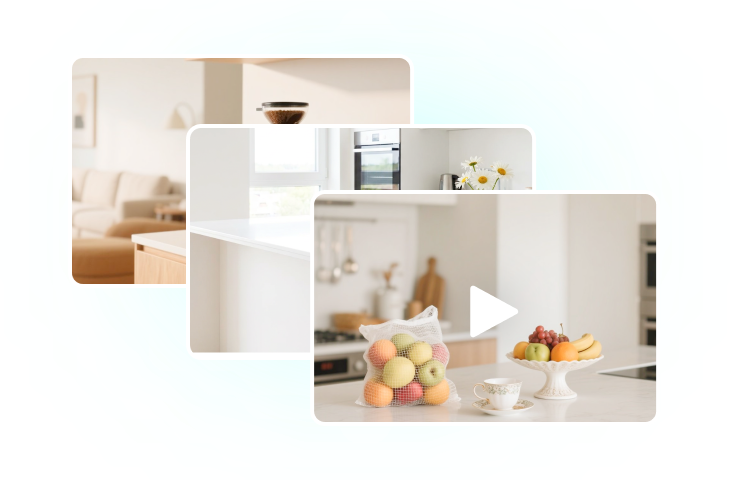
Generate supporting shots for product demos, landing pages, social edits, and creator-style ads.
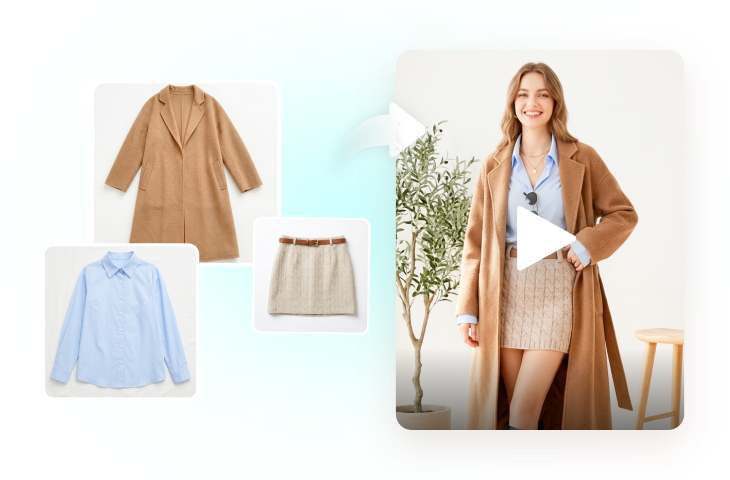
Create try-on style scenes that show apparel, accessories, and lifestyle products in motion.
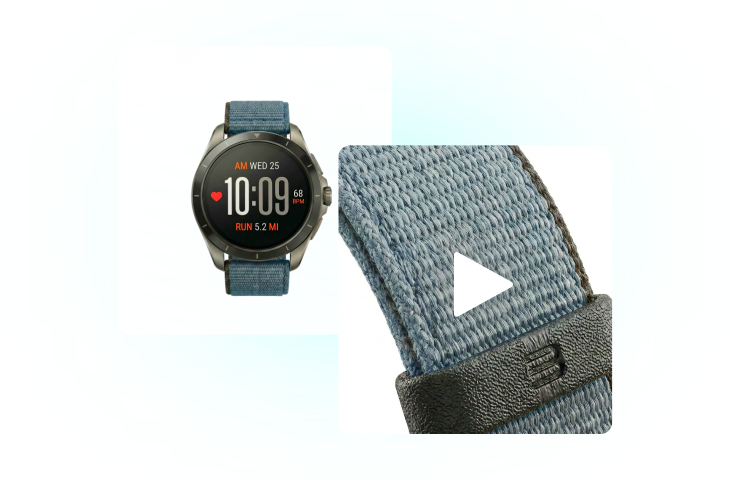
Show texture, material, details, and usage moments with controlled camera movement.
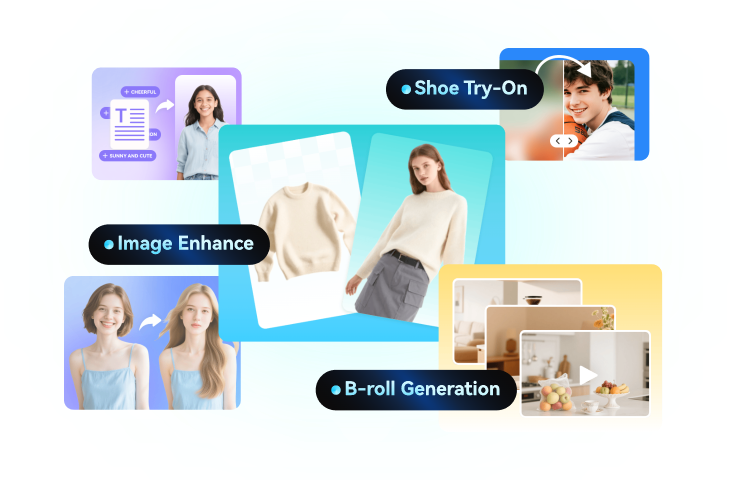
Combine Seedance 2.5 with Hilight workflows for product ads, AI avatars, and ecommerce video production.
Turn product ideas into demonstrations, ads, and social videos with clearer brand detail, native sound, and more controlled shots.
01 · Product demonstration
Show how a product is used, worn, opened, poured, applied, or operated through clear, continuous action.
02 · Brand communication
Bring packaging, labels, product names, and key selling points into the visual story.
03 · Audiovisual clips
Generate product movement together with action sounds, ambience, and dialogue.
04 · Controlled marketing
Use detailed instructions and first-and-last-frame control to direct product display and shot rhythm.
Choose one of the supported Hilight workflows, describe the product and shot, then generate, review, and export.
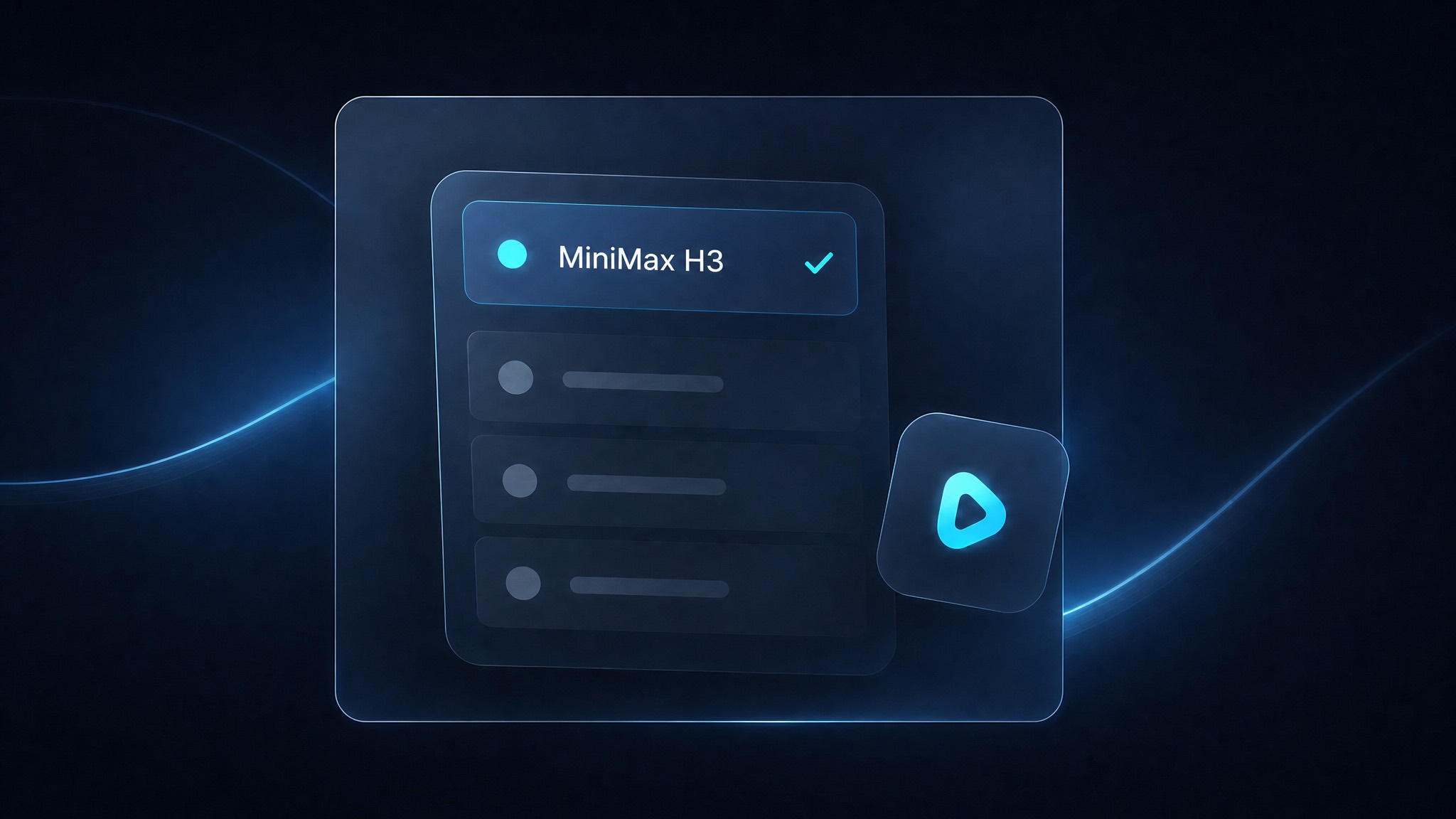
Choose Text to Video, Image to Video, B-roll, Virtual Try-On, or Product Close-Ups, then select MiniMax H3.
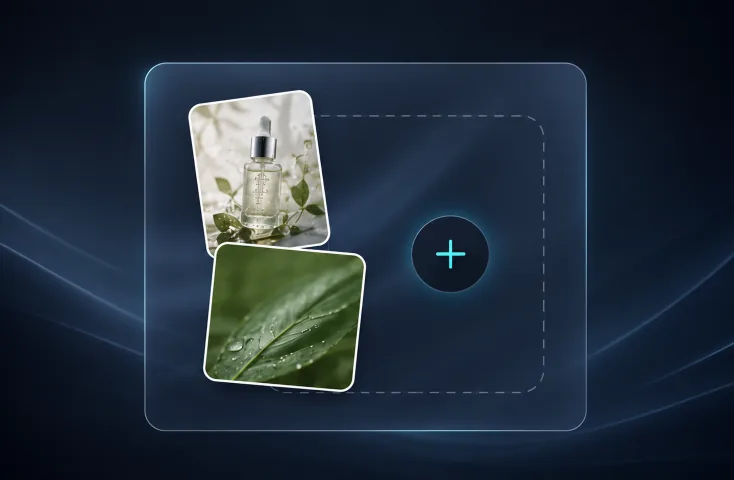
Describe the subject, scene, action, camera, sound, and visual change. Upload product or people images when needed.
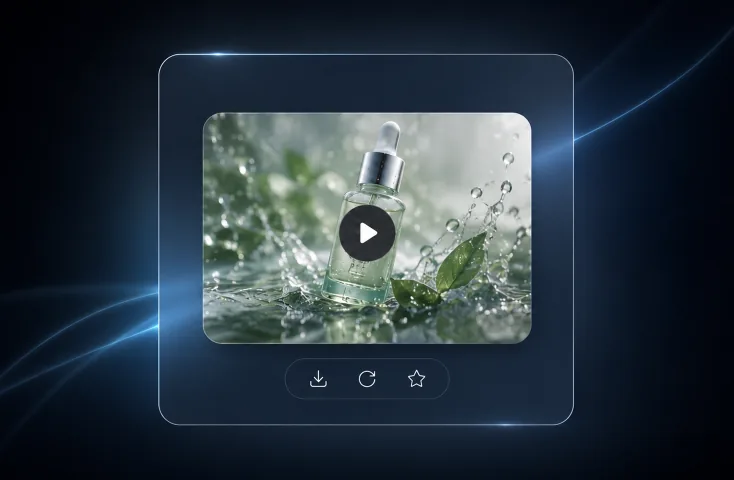
Set a 4–15 second duration and the available framing, then review the picture, product detail, and sound before export.
Compare how Seedance 2.0 and MiniMax H3 approach motion, sound, product detail, and marketing use cases.
| Capability | Seedance 2.0 | MiniMax H3 |
|---|---|---|
| Core strength | Cinematic motion, camera language, and multi-shot visual storytelling. | Unified text, image, video, and audio understanding for audiovisual generation. |
| Audio generation | Best suited to visually led motion and scene development. | Generates native stereo audio together with movement, ambience, dialogue, and visuals. |
| Direction control | Interprets action, camera movement, scene progression, and visual direction. | Follows detailed direction across the subject, action order, camera, sound, and multimodal inputs. |
| Product and brand detail | Places products within broader cinematic or narrative scenes. | Emphasizes packaging text, labels, logos, product names, and other commercial information. |
| Best for | Brand films, cinematic social content, action-led concepts, and multi-scene exploration. | Product ads, product demonstrations, branded audiovisual clips, product pages, and ecommerce content at scale. |
Answers about availability, supported Hilight workflows, video settings, input boundaries, native audio, and model selection.
Compare more model options for product ads, social videos, and creative exploration.
Fast AI video generation for lightweight product and creative tests.
A powerful model for longer, more controlled ecommerce and marketing video creation
A flexible model option for cinematic motion and visual exploration.
A creative option for social-first clips and experimental outputs.
A model choice for stylized video generation and visual ideation.
A quality-oriented option for polished AI video scenes.
Start with a product image, campaign brief, or prompt and turn it into a 2K marketing video in Hilight.