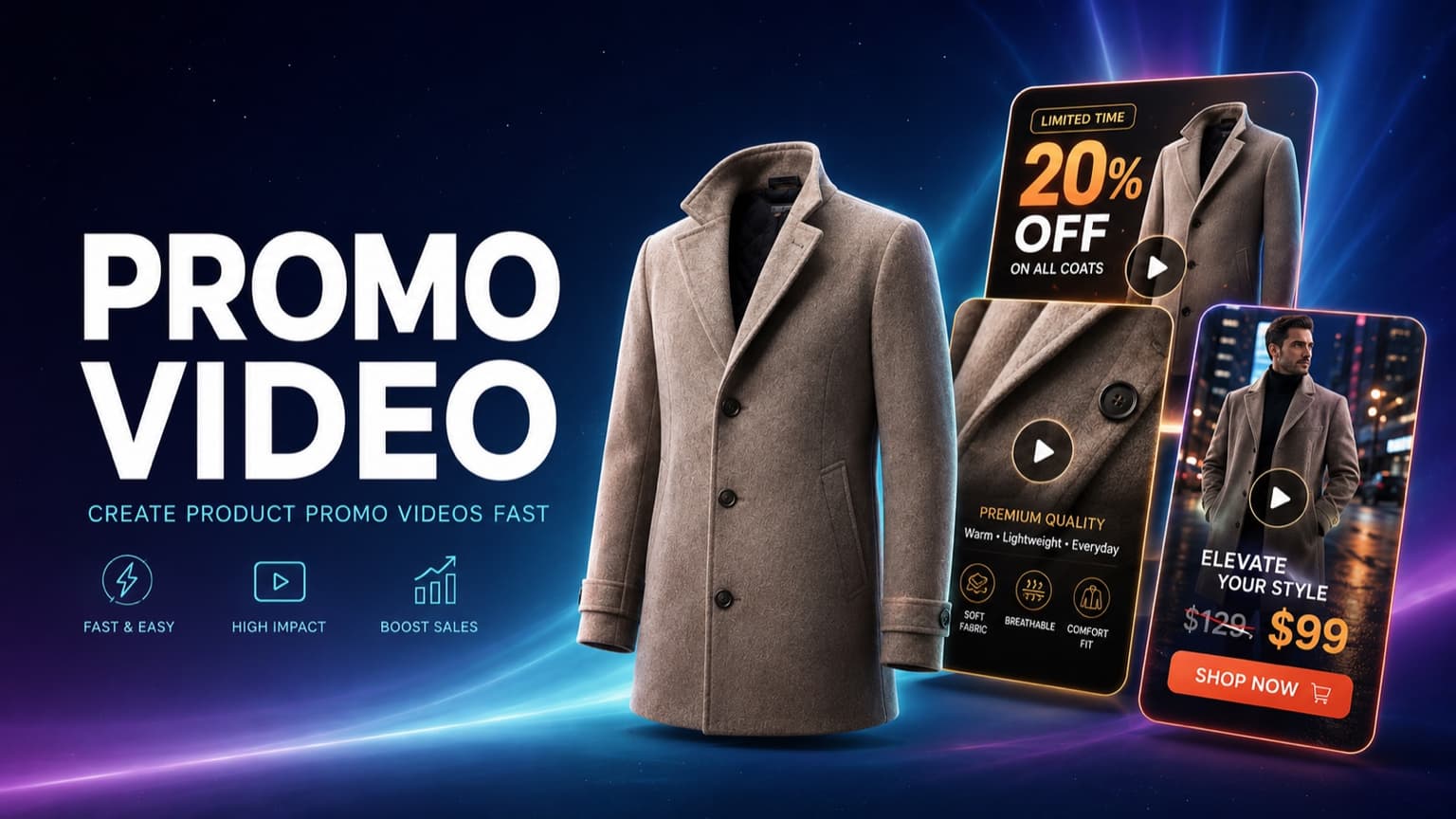
Quick Answer
A promotion moves quickly. The offer may change this week, the product team may update a selling point tomorrow, and each channel may need a different format. Producing every version through separate rounds of scripting, shooting, voiceover, and editing makes it difficult to keep up.
Hilight brings that work into one Smart Video project. Give it a product link, product information, or a campaign brief, and it can develop the video idea, script, storyboard, visuals, voiceover, captions, music, and final edit. Instead of using a promo video maker for a single clip, you get a complete product-promotion workflow.
What Is a Promotional Video Ad?
A promotional video ad is a short-form marketing video built around a specific campaign, such as a product launch, limited-time discount, clearance sale, seasonal promotion, or holiday campaign. Unlike a standard product showcase that mainly focuses on features or appearance, a promotional video needs to answer a more immediate question: why should someone buy this product now?
That means the video has to communicate both the product and the offer clearly. For example, when promoting a jacket, the video may highlight its design, material, and styling while also showing the original price, promotional price, discount, or limited-time offer. A clear CTA can then guide viewers toward the next action, such as checking the product or taking advantage of the promotion.
The main challenge is not simply adding a discount label to a video. Product selling points, promotional information, and usage scenarios still need to be organized into a clear flow: capture attention at the beginning, explain the product and offer in the middle, and finish with a clear next step. For ecommerce teams that regularly create videos for new launches, seasonal campaigns, or different promotional offers, this content planning can take a significant amount of time.
What Can Hilight’s Smart Video Creation Do?
Hilight Smart Video helps turn product information and campaign requirements into a complete promotional video. You can start with a product link, product information, an existing script, or a brief, then add details such as the promotional price, discount, campaign period, target audience, and CTA. You can also specify the target platform, aspect ratio, video length, and language so the video is created around the same marketing goal from the start.
Based on these inputs, Hilight can organize the product selling points and promotional information, then generate the script and storyboard for the video. Depending on the content, it can create product shots, lifestyle scenes, digital human presentations, or product-focused visuals without a presenter. Voiceover, subtitles, background music, and shot sequencing can also be brought together within the same workflow, resulting in a complete video draft that is ready to preview.
This means you do not have to start from a blank script or manually create and assemble every shot. Smart Video Creation can cover the workflow from product and campaign information → ad content → storyboard and visuals → voiceover and subtitles → complete video draft, reducing the amount of repetitive planning and manual editing involved in promotional video production.
Because promotional videos often include time-sensitive information such as prices, discounts, and campaign dates, the final video should still be reviewed before publishing. Check the product appearance, logo, packaging text, promotional price, subtitles, and CTA to make sure they match the actual campaign.
The example below follows one coat from the original product to the finished video: product → input → creative request → script and storyboard → final video.
What you need: one product, accurate promotion details, clear product images, and a focused campaign request.
How to Create Promotional Video Ads with Hilight
Step 1: Open Smart Video
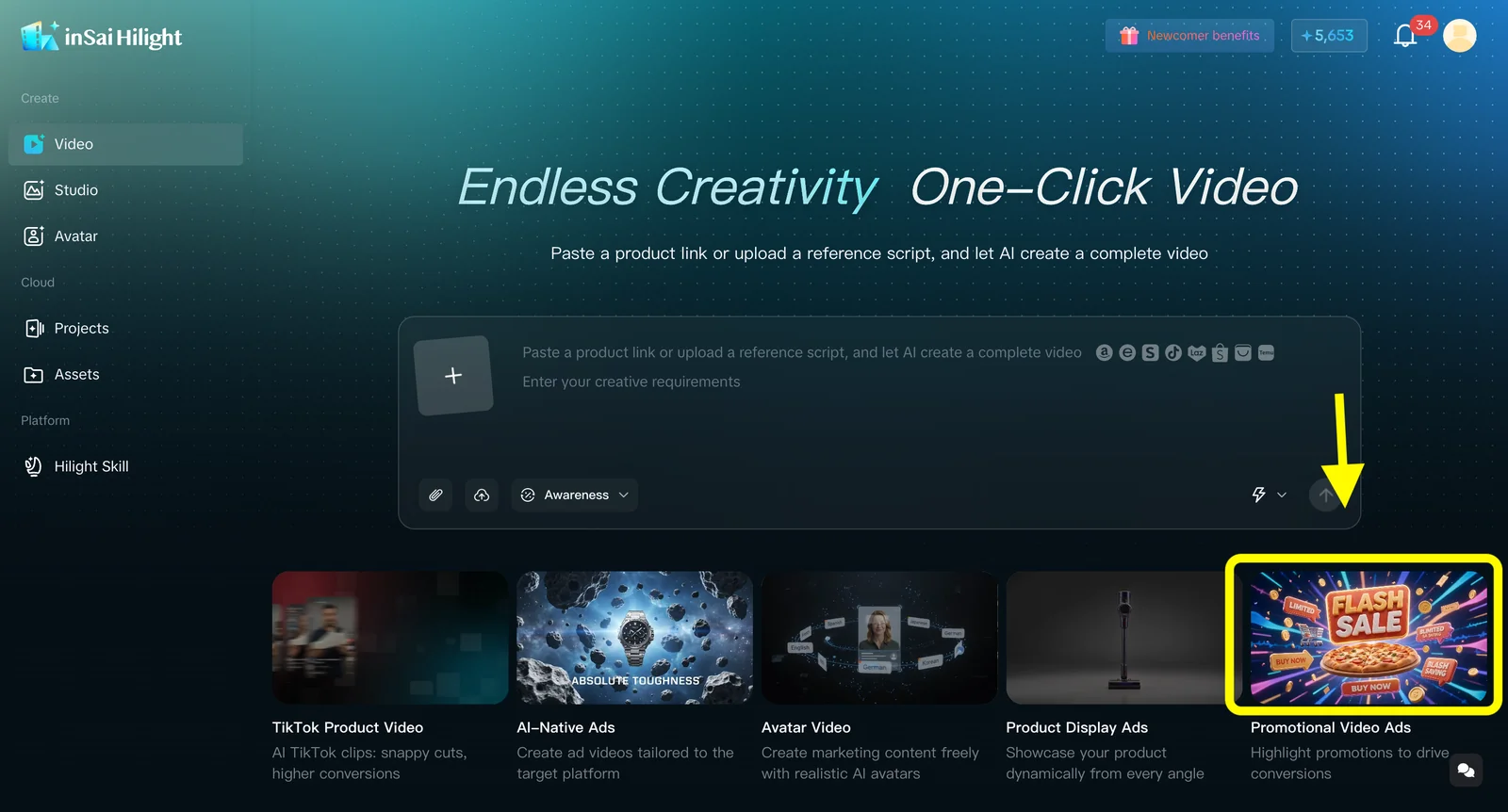
Open Hilight Smart Video and select Fast Creation. This is the most direct route when you already have a product and want a complete marketing video without building the script, shots, audio, and edit in separate tools.
Step 2: Add the product
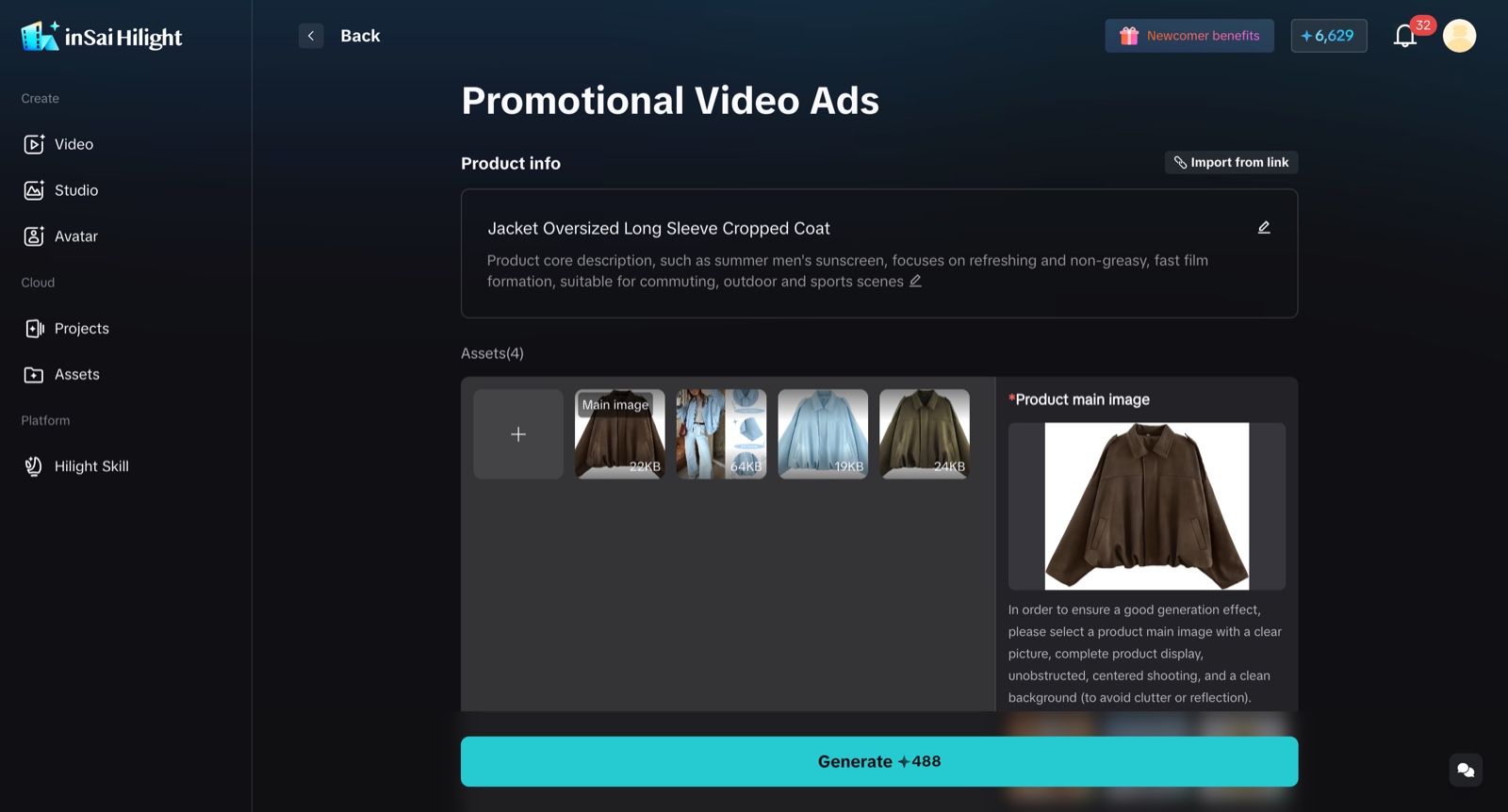
Paste a supported product-detail URL, or enter the product name and description manually. Add clear product images when you want the video to show a specific color, shape, material, or detail.
For clothing, use unobstructed images of the same item. A full-product shot establishes the silhouette, while close-ups provide better references for fabric, seams, buttons, zippers, pockets, and other features.
Step 3: Describe the promotion
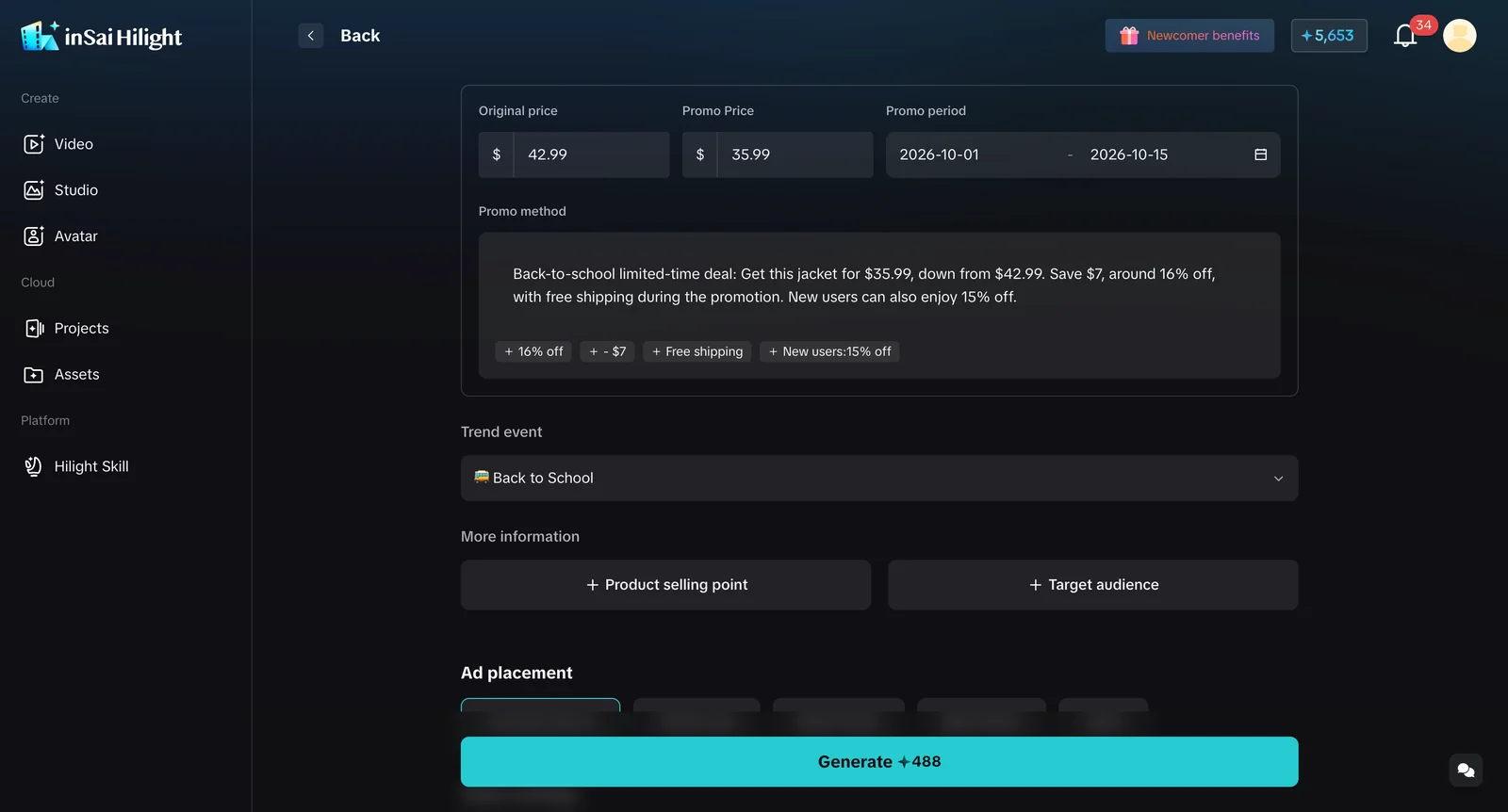
Write the campaign request in plain language. Include:
- Goal: what the promotion should achieve.
- Audience: who should care about the product.
- Message: the offer and the product benefits to emphasize.
- Format: channel, aspect ratio, duration, and language.
- CTA: the action that should close the video.
Clear priorities produce a stronger first version. If everything is treated as equally important, the hook, product story, and CTA will compete for attention.For help choosing the audience, selling point, and channel, look the guide of Creating product ads fast with Hilight
Step 4: Generate the video
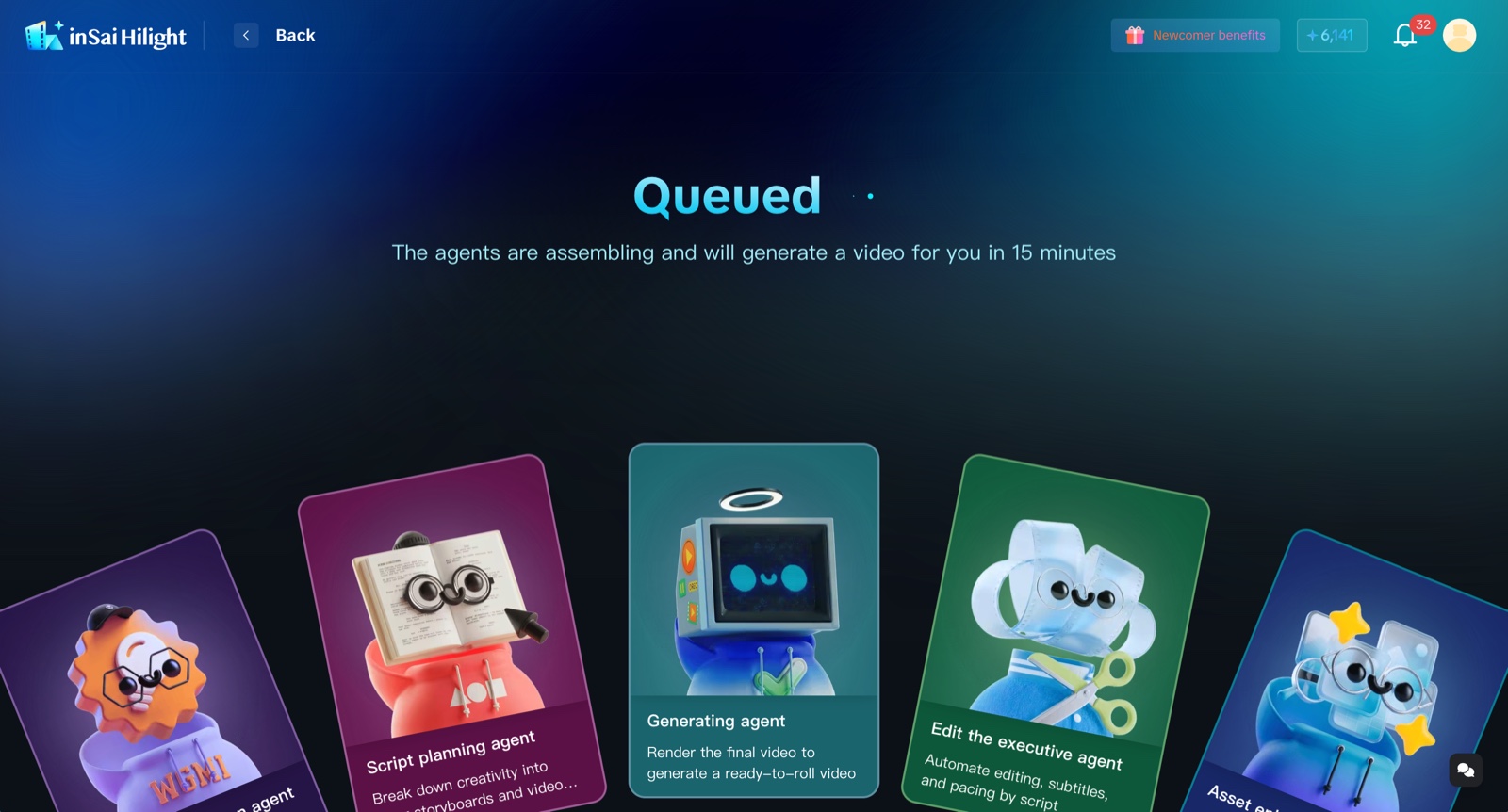
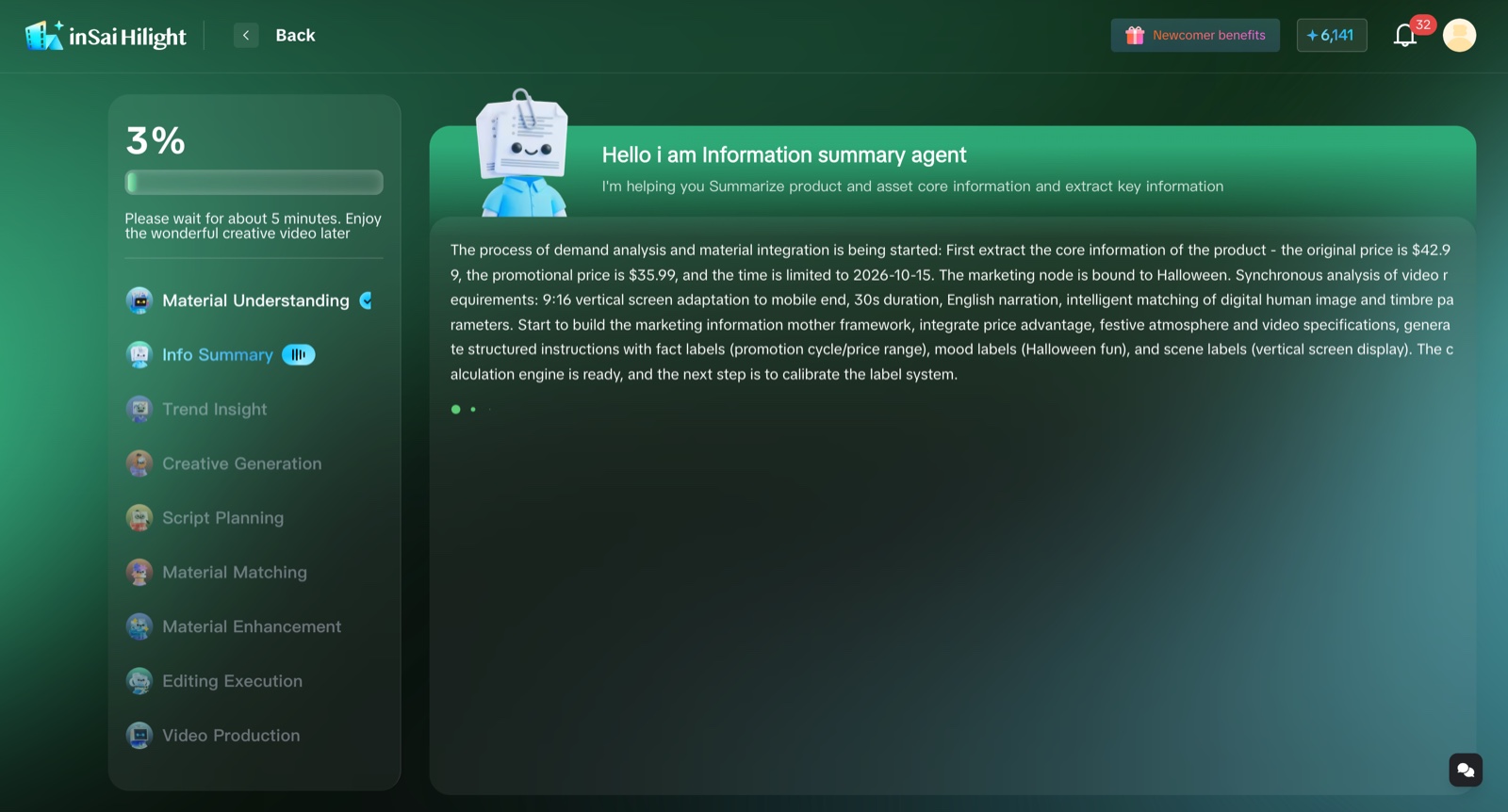
Start generation after checking the product and promotion details. Hilight organizes the product information, develops the creative direction, writes the script, builds the storyboard, produces the required visual and audio elements, and completes the edit.
You can follow the task status while it runs. If you leave the page, open the creative project later to view the result.
Step 5: Preview and download
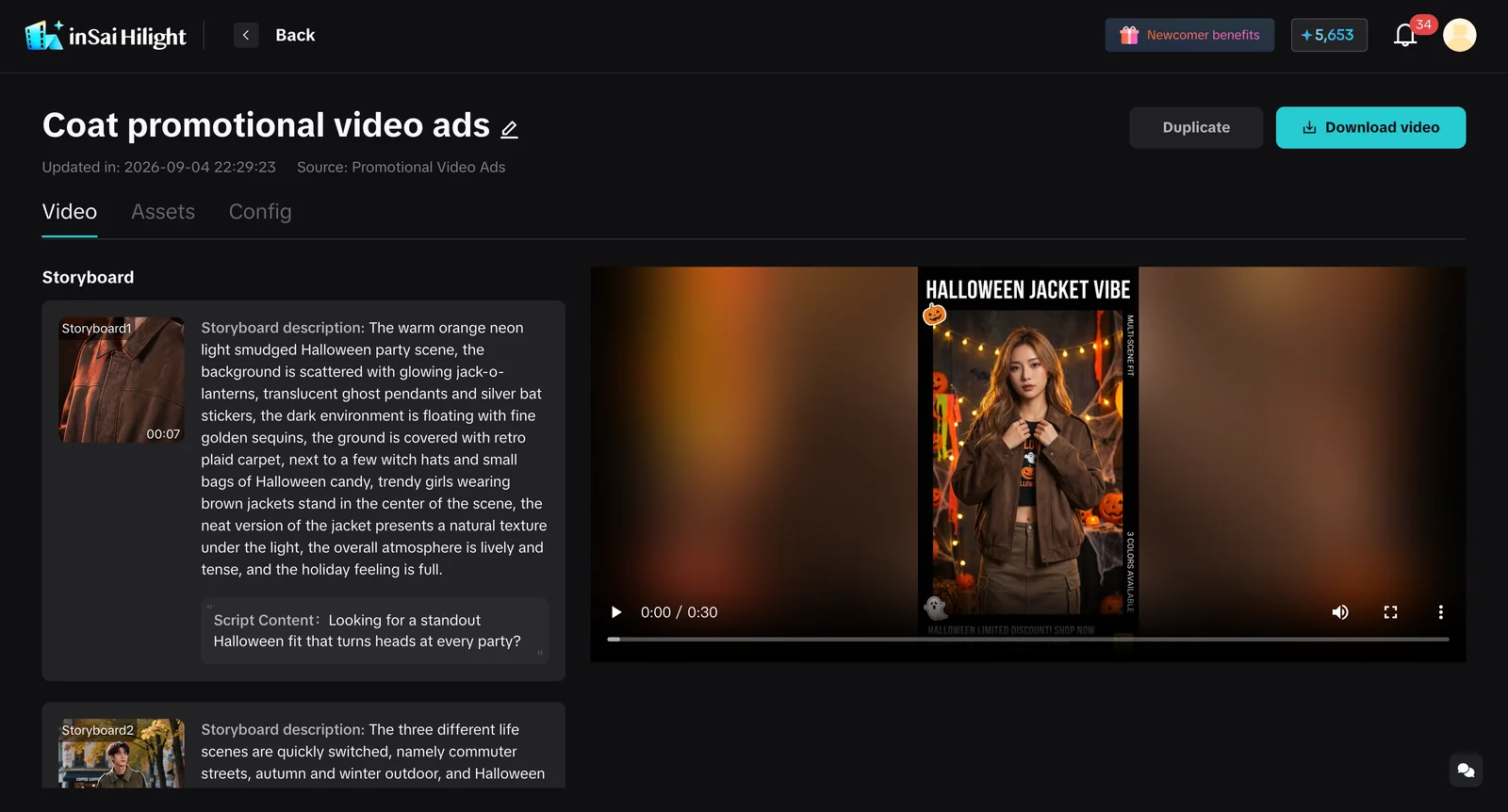
Play the video from beginning to end. Check the product appearance first, then the offer, captions, audio, pacing, and format. Pay special attention to numbers: prices, discounts, dates, quantities, and other campaign terms should match the information you entered.
If something is wrong, correct the product information or campaign request before generating another version. When the video matches the product and promotion, download it from the project and prepare it for the intended channel.
FAQ
Can I make a promotional video from a product link?
Yes. Hilight can begin with a supported product-detail link and organize the product name, description, and available images. Add any promotion details or product facts that are missing from the page before generating the video.
Can I use product images instead of a URL?
Yes. Enter the product information manually and upload clear images of the same item. For a coat, a full-product image plus matching detail shots gives the video stronger references than a single cropped photo.
What should I write in the creative request?
State the audience, offer, one to three selling points, channel, duration, tone, and CTA. Include any product fact or campaign term that must appear exactly as written.
Is an AI promo video generator the same as a promo video creator?
The terms often describe similar tools, but the scope can differ. Some tools generate one clip or apply a template. Hilight works as a marketing video maker across the whole process, connecting product information, creative direction, script, storyboard, visuals, audio, captions, editing, and project delivery.
Can the final video be published immediately?
Review the product appearance, claims, price, promotion dates, captions, audio, format, brand requirements, and asset rights first. After those checks, use the video according to your publishing or advertising process.

