Quick Answer
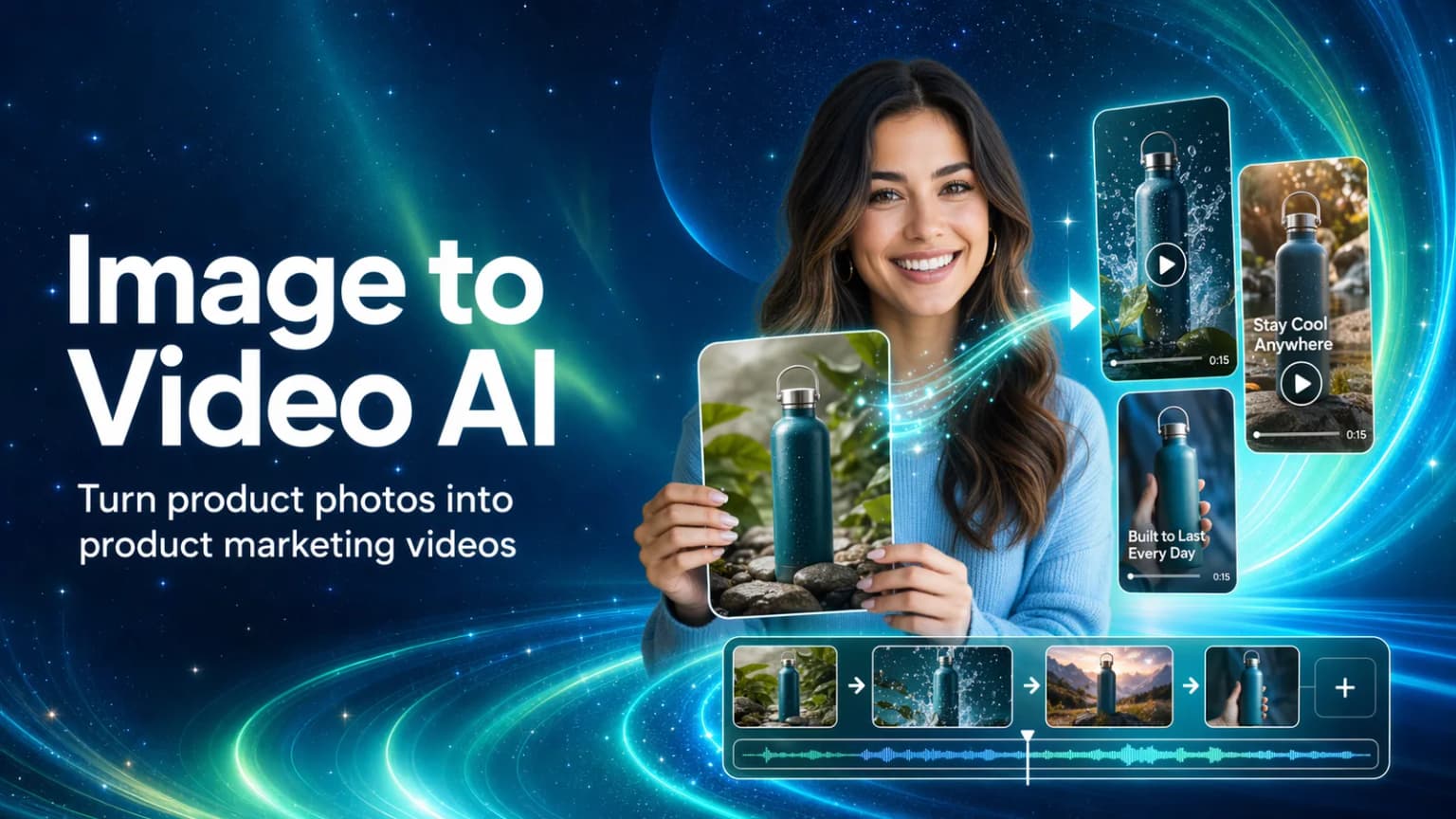
Image to video AI turns static images into short video clips or motion assets. For ecommerce teams, the strongest use case is not generating a complete ad in one step. It is making product video asset production lighter, so every showcase shot, try-on clip, presenter segment, or usage scene does not have to start with a new studio shoot.
With Hilight AI Studio, teams can start from product photos, model images, presenter photos, or scene visuals and generate reusable ecommerce video assets: product motion clips, close-ups, virtual try-on videos, avatar product videos, Talking Photo clips, B-roll, and product demo materials.
Most ecommerce teams already have product photos. The expensive part starts when those photos need to become try-on clips, close-ups, presenter segments, usage demos, or short social assets.
Instead of booking another studio shoot for every angle, teams can use image to video AI to create a reusable asset layer first, then decide which product stories deserve deeper production.
Key Takeaways
- Image to video AI is most valuable for ecommerce when it lowers the cost and effort of producing product video assets.
- It helps teams create showcase clips, try-on assets, presenter segments, usage scenes, and social testing materials without starting every asset from a new shoot.
- Hilight AI Studio is a better fit for asset creation than for forcing one image into a complete video.
- One product image can become several asset types: motion showcase, close-up, try-on clip, avatar product clip, talking-photo segment, B-roll, or product demo.
- The strongest workflow is to turn different visuals into a reusable asset library for product pages, social posts, and ad testing.
Why Ecommerce Video Assets Are Expensive to Shoot
A new product is ready to launch.
The listing images are done. The product page is almost ready. The team wants a few video assets for TikTok, Instagram, Reels, Shorts, or a product detail page: one clip to show texture, one clip to explain the benefit, one usage scene, and maybe one opening shot for an ad test.
Then production gets heavy.
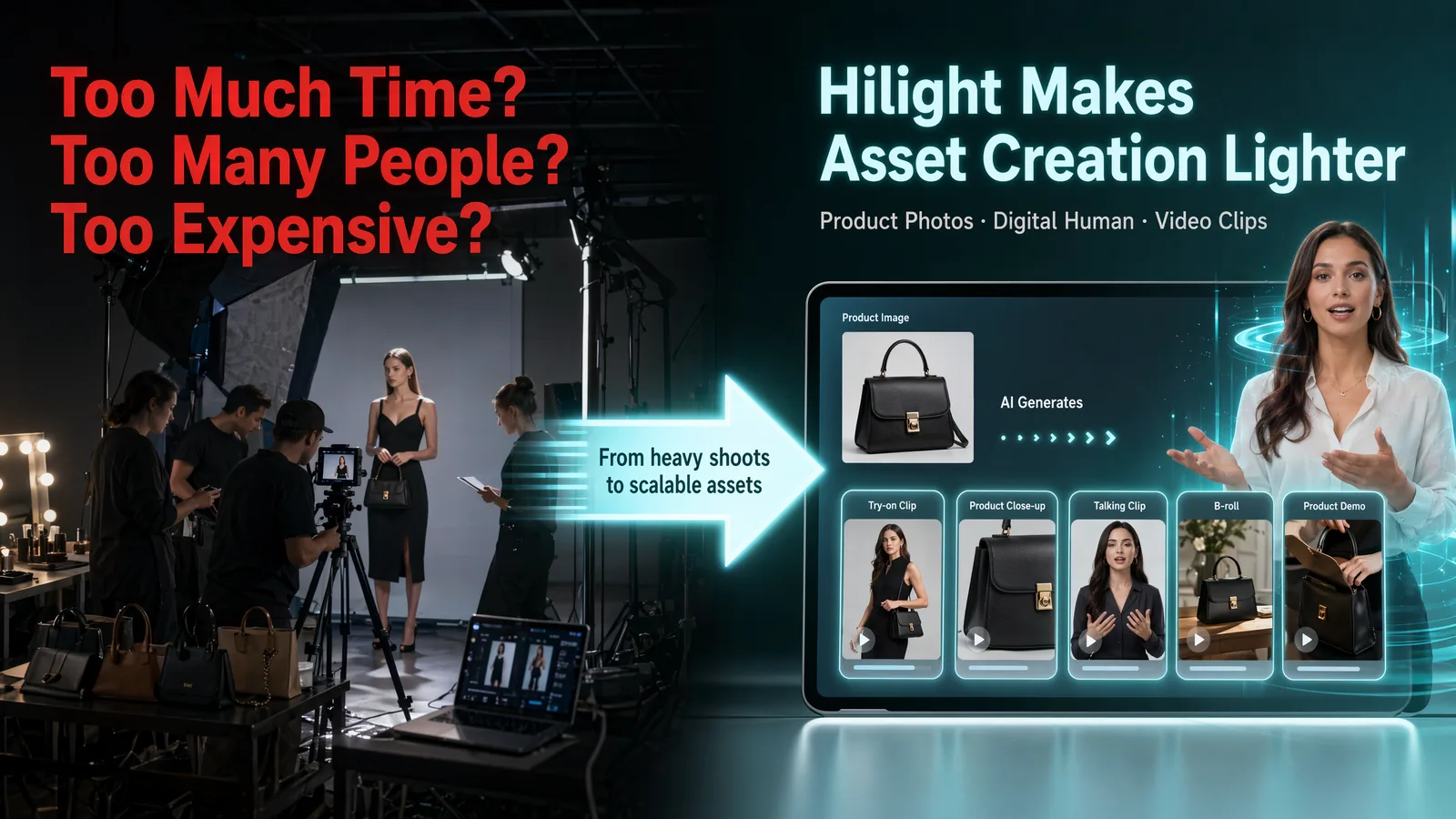
You need a location. You need lighting. You need a model or presenter. You need close-up shots. You need a script. You need editing. If the product will be tested in multiple markets, you may also need different languages, people, pacing, and formats.
Many teams end up using static product images for too long, or cutting the same video into too many versions. Not because they do not want better assets, but because traditional asset production is slow, expensive, and coordination-heavy.
Image to video AI fits into that gap. It helps teams turn existing visuals into product video assets first: showcases, close-ups, try-on clips, talking clips, usage scenes, and B-roll. The team can test more directions before deciding what deserves deeper production.
If the goal is not just individual motion assets but a complete campaign video, see how to start ecommerce video marketing without filming to connect a product link, images, and marketing intent to a finished video.
Which Product Video Assets Should You Create First?
Ecommerce teams do not just need more clips. They need assets that solve specific content problems.
A useful product video asset should help shoppers understand the product faster, show texture or detail, explain how the product is used, show fit or real-world context, let a presenter communicate the main selling point, or give the team another angle for a product page, social post, or ad test.
Before using image to video AI, ask one practical question: which asset type is the most expensive, slow, or hard to shoot for this product?
This keeps image to video AI focused on asset production, not random motion.
If the product needs fit, start with try-on. If the product needs explanation, start with avatar product clips or talking content. If the product looks too plain, start with scene assets. If the value is in material or build quality, start with close-ups.
What Ecommerce Video Assets Can Hilight AI Studio Generate?
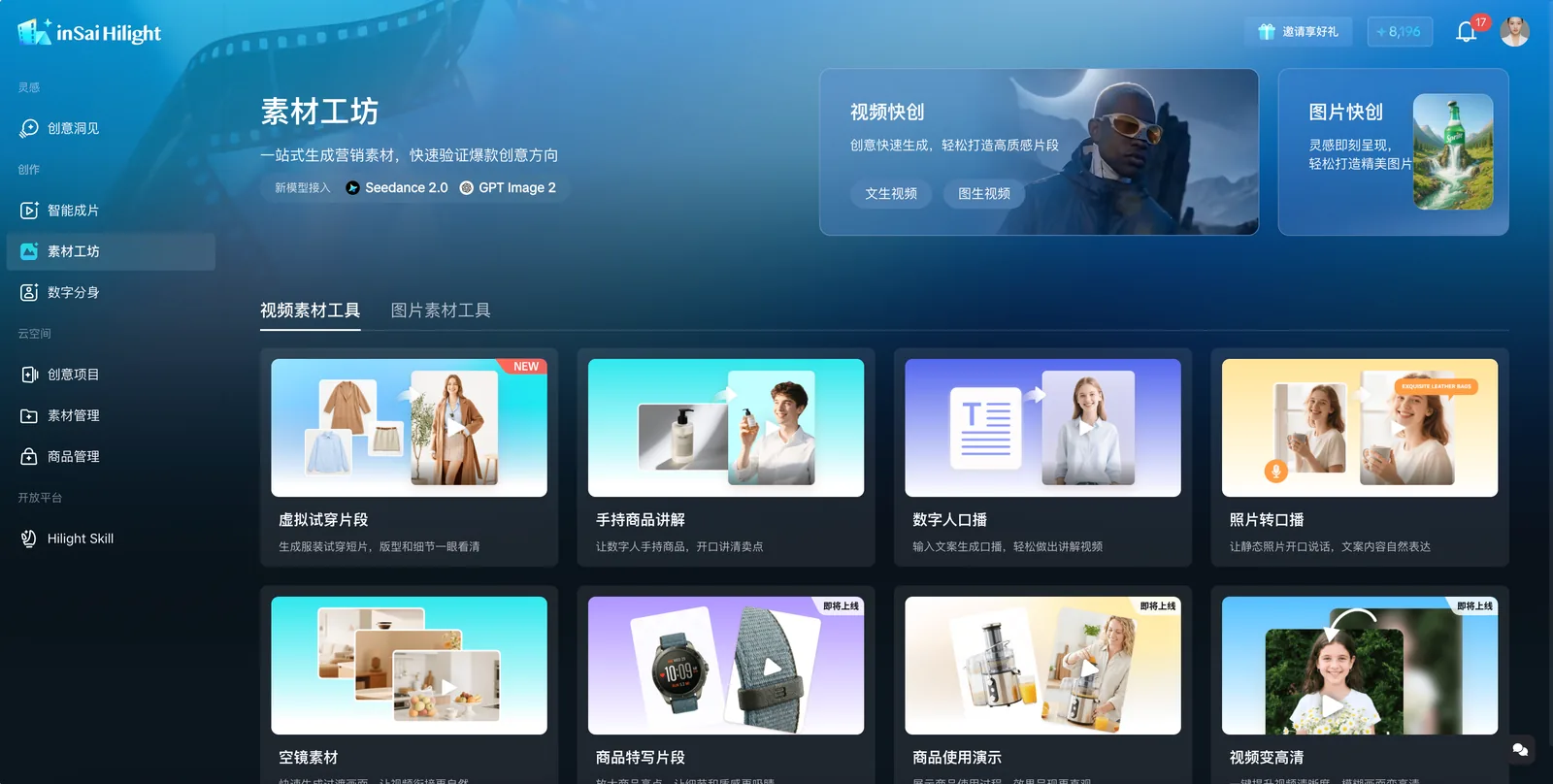
Hilight AI Studio works like a preparation table for ecommerce video assets. It does not force you to start with a complete video. Instead, it helps you pull out the asset tasks that are expensive, slow, or hard to coordinate.
Product showcase and close-up assets
Start by turning static product photos into product motion clips, detail shots, packaging close-ups, and short transition assets.
For headphones, perfume, coffee machines, handbags, accessories, and home products, these assets make the product feel more active and easier to notice on product pages, social posts, campaign pages, and ad tests.
Try-on and product demo assets
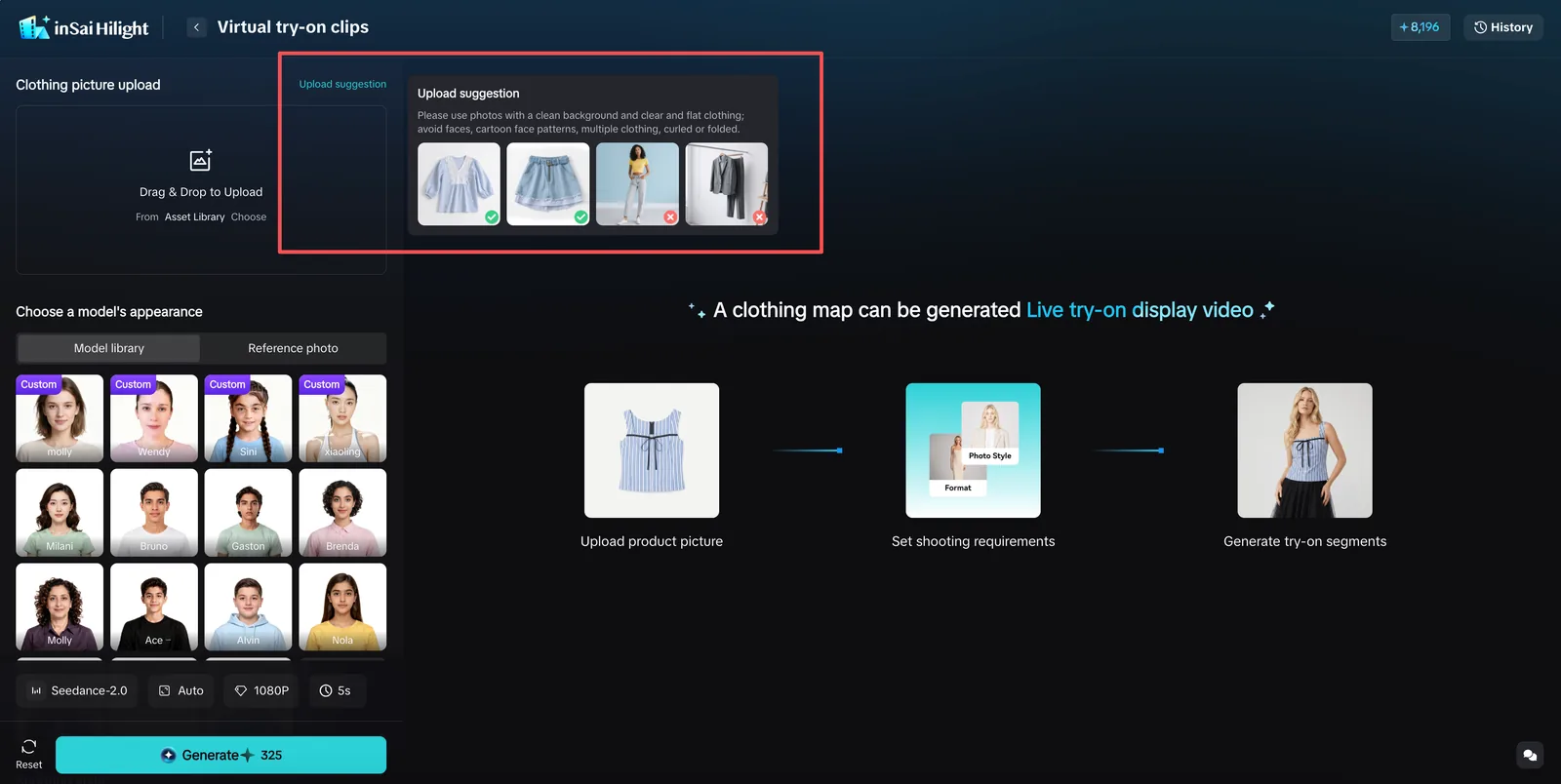
Apparel, shoes, and accessories often need try-on context. Small appliances, kitchen products, pet products, and outdoor gear often need usage scenes.
Hilight can extend product images into try-on clips, on-model views, usage scenes, and product demo assets, so shoppers can understand fit, movement, scale, and practical use faster.
Presenter and talking assets
When a product needs someone to explain who it is for, how it works, or why it matters, avatar product clips and Talking Photo segments can add a presenter layer.
Beauty, personal care, electronic accessories, kitchen products, and home goods often benefit from this kind of explanation. Hilight can connect product visuals, presenter images, and digital human assets into short talking clips that support the product story.
B-roll and scene assets
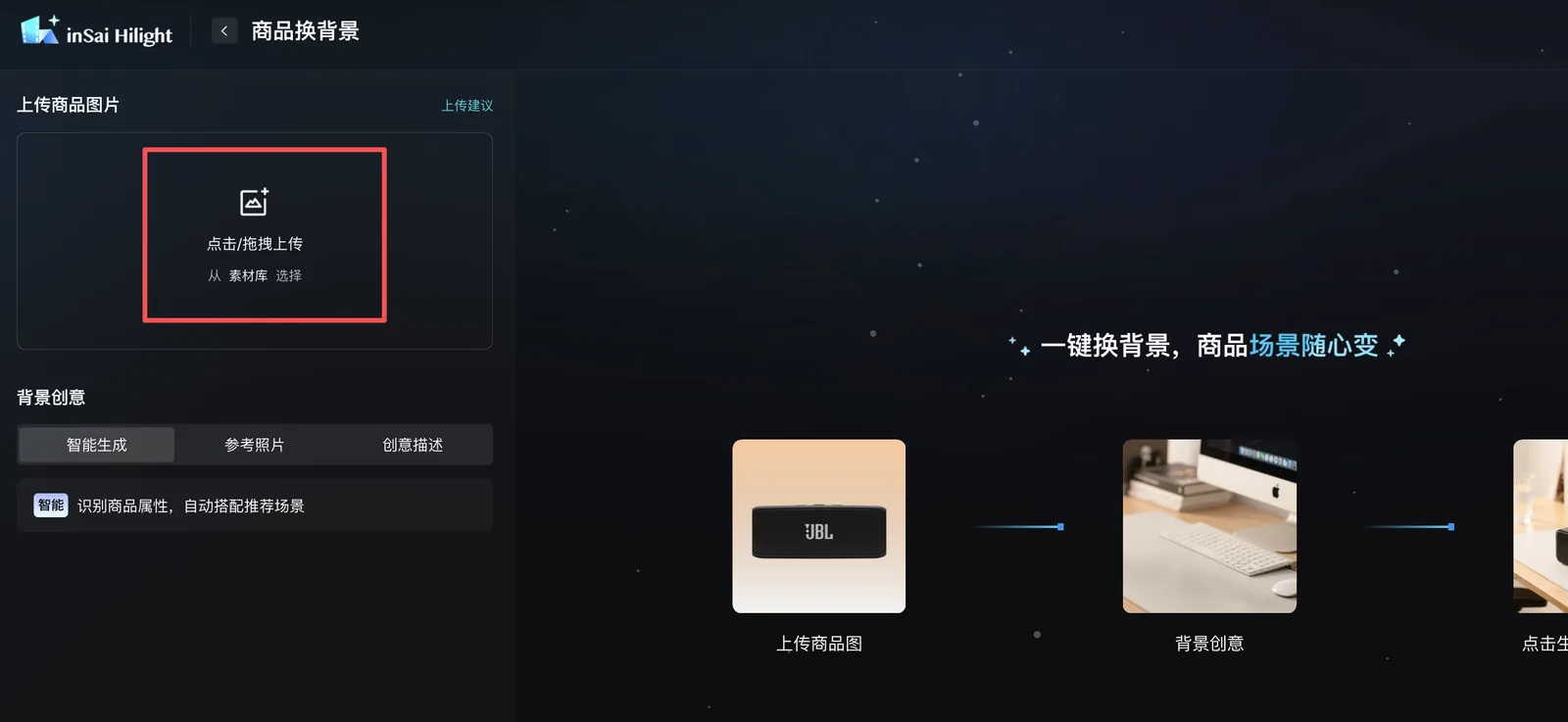
A perfume may need a vanity, bathroom, or gift scene. A coffee machine may need a kitchen, desk, or breakfast setting. A camping light may need an outdoor night scene. Scene assets help ecommerce content feel closer to real social video instead of an isolated product shot.
AI Studio is valuable because it turns asset tasks that used to require production coordination into lighter AI generation tasks.
When Image to Video AI Helps Ecommerce Teams Most
When a product first launches, the team may not have a full library of video assets yet. Product photos can become showcase clips, detail shots, try-on clips, or scene assets for the first round of content.
A product page with only static images may not explain material, scale, usage, or context clearly. Short video assets can add angles, close-ups, usage process, and scene atmosphere.
Social channels need frequent updates, but teams cannot reshoot every product every time. Image-to-video assets help create product showcase clips, scene-based content, presenter clips, try-on clips, and detail-focused materials faster.
Ad testing does not always need a complete video first. Teams can start by creating close-ups, presenter clips, demos, lifestyle scenes, and try-on assets from product images, then see which direction deserves more investment.
Cross-border ecommerce teams often need different languages, presenter styles, and market-specific messages. Talking Photo, AI Avatar clips, and avatar product videos help existing images become localized content assets.
FAQ
Is image to video AI useful for ecommerce?
Yes. It is especially useful when teams want to reduce filming cost and test product video asset directions faster. Product photos, presenter images, model images, and scene visuals can become showcases, try-on clips, close-ups, talking clips, B-roll, and demos.
What can a product image become?
A product image can become a motion showcase, product close-up, product demo, virtual try-on clip, avatar product clip, Talking Photo segment, or scene-based asset.
What is the difference between photo to video AI and product image to video?
Photo to video AI is broader and can include portraits, lifestyle images, scene images, or product images. Product image to video is more ecommerce-specific: the goal is to create assets that show, explain, demonstrate, or contextualize a product.
Is Hilight AI Studio for complete video creation?
AI Studio is mainly for creating and processing assets such as product images, short clips, try-on videos, presenter clips, close-ups, and B-roll. If you are comparing an image to video AI generator or an image to video generator for ecommerce, the best image to video AI workflow is not just about motion quality. It should help you create usable product assets for product pages, social content, and ad testing.
Can I start without a studio shoot?
Yes. If you have clear product photos, model images, presenter images, or basic product materials, you can start by generating video assets for product pages, social content, ad testing, or later editing.
Final Thoughts
For ecommerce teams, image to video AI is most useful when it makes product video asset production lighter.
If you do not want every product showcase, try-on clip, presenter segment, or usage scene to become a new shoot, image to video AI can help turn existing visuals into practical video assets first.
For Hilight, this article is mainly about AI Studio: using product photos, model images, presenter photos, and scene visuals to reduce the production cost of product showcases, try-on content, talking clips, close-ups, B-roll, and product demos.
When those assets need to become a complete listing video, the Amazon product video guide shows how product images, listing information, and a short brief can continue into creative development and final video production.

