Quick Answer
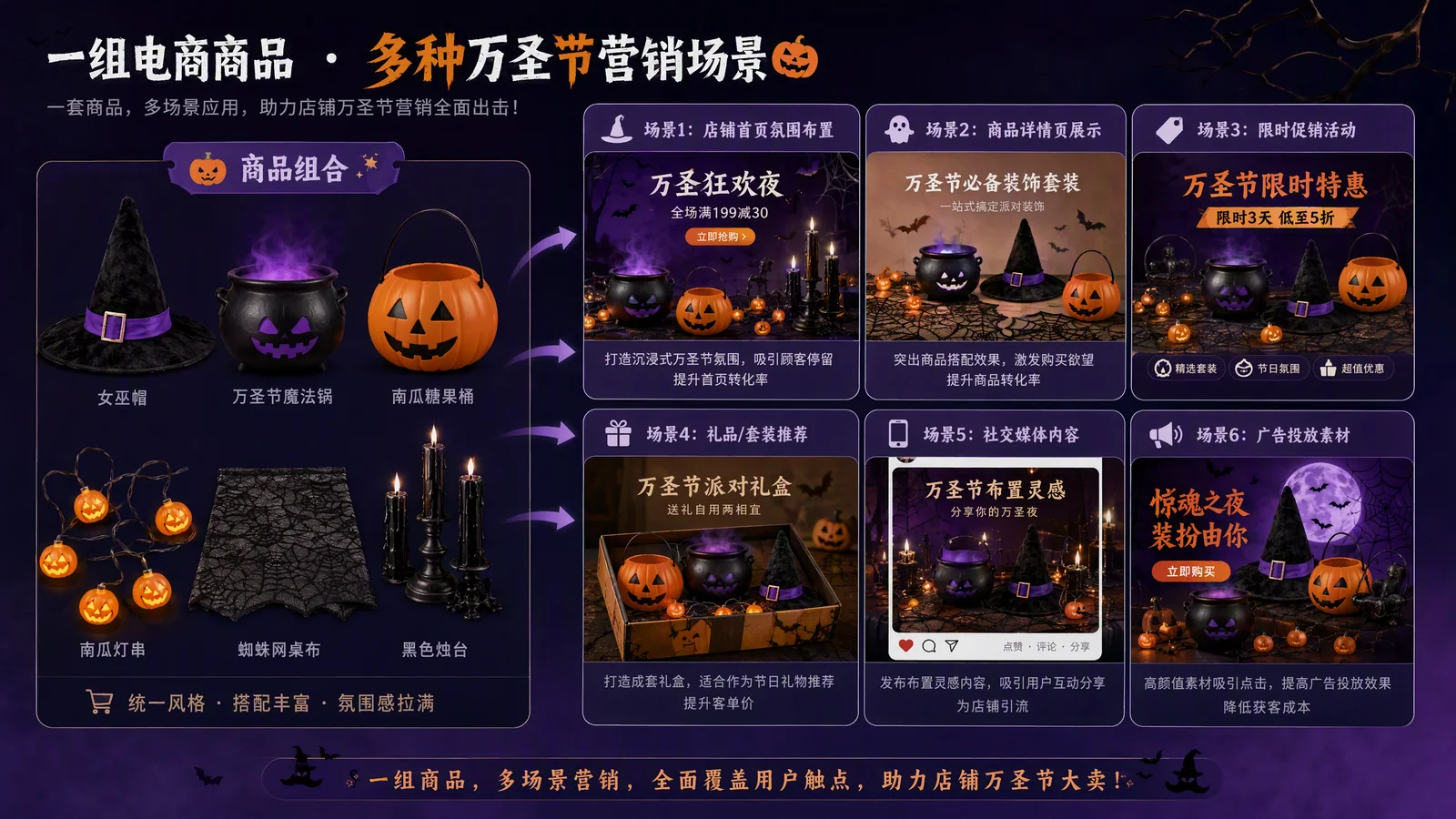
Strong Halloween marketing ideas do more than place a pumpkin, a bat, and orange lettering beside a product. The seasonal setting should help shoppers understand how the product fits into a Halloween moment, why it is worth buying now, and when they need to act.
Start with the job the creative needs to do, then choose the format. Packaging reveals, bundles, and shipping reminders usually work well as static images. Transformations, decorating sequences, and multi-benefit stories are easier to understand in video. For a small team, a practical approach is to approve one strong product visual first, then extend the same direction into additional images and short videos.
Plan each asset around the shopper's next decision: discover the launch, understand the product, evaluate the offer, or order before the deadline.
Start with the Job Your Creative Must Do at Each Campaign Stage
The same Halloween theme needs to work differently as the campaign progresses. Early creative should earn attention. Mid-campaign creative should make the product and offer easy to understand. Last-minute creative should remove hesitation and make the next action obvious.
| Campaign stage | Job to be done | Formats to consider first | CTA examples |
|---|---|---|---|
| Teaser stage | Build curiosity and introduce a limited release | Mystery image, packaging reveal, countdown video | Get a first look, Set a reminder, Coming soon |
| Conversion stage | Explain use cases, benefits, bundles, and offers | Lifestyle product image, before-and-after, benefit-led video | Explore the bundle, Shop now, Claim the offer |
| Final push | Answer whether the product can still arrive in time | Shipping-cutoff graphic, checklist carousel, short promotional video | Order today, Last chance, Check delivery |
If the direction still feels unclear, answer two questions: What does the shopper most need to know right now? What should they do after seeing the creative? Those answers matter more than the number of seasonal decorations in the frame.
Turn Existing Product Assets into a Halloween Ad
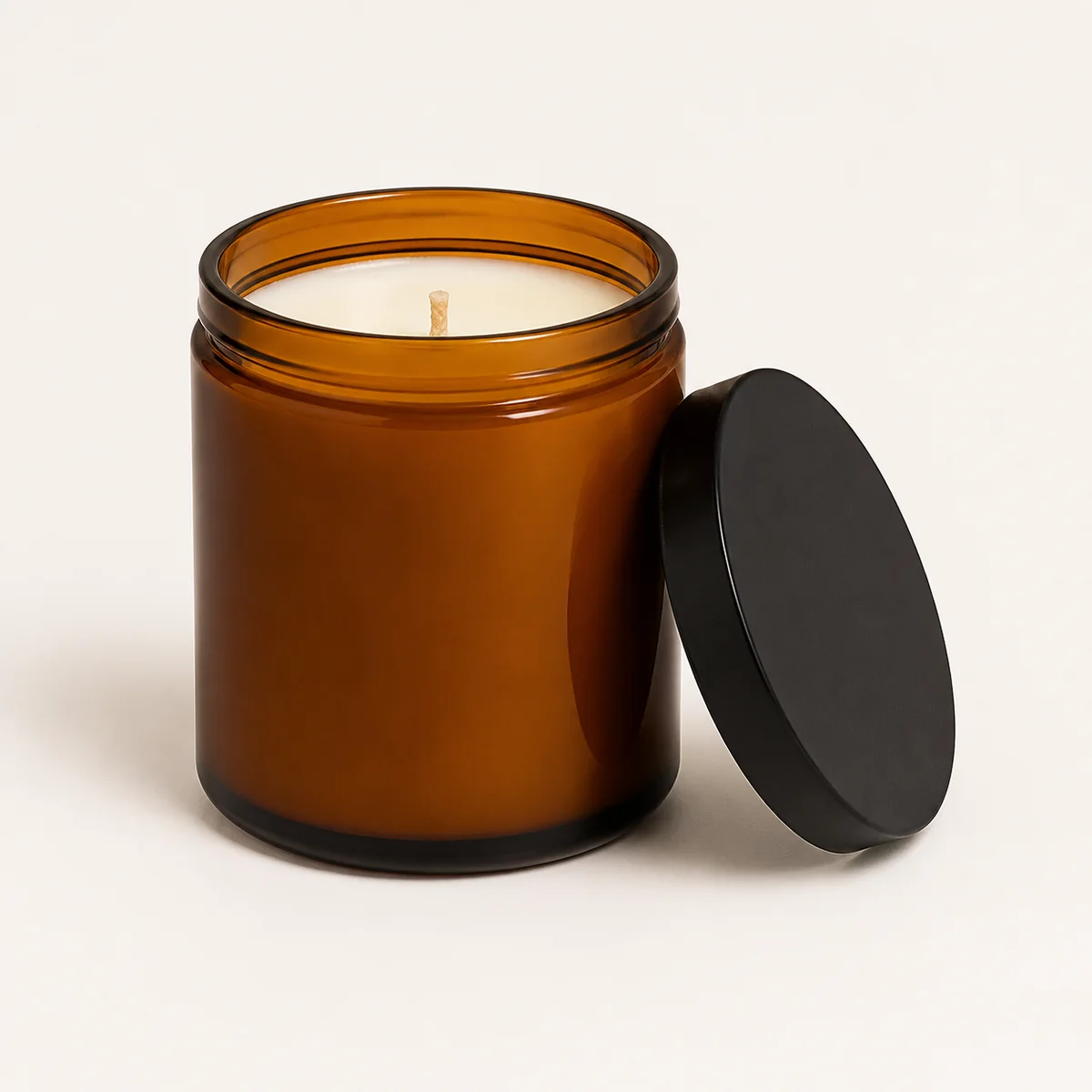
You do not need to wait for a complete seasonal photo shoot. If you already have a clean product image, product link, selling points, or existing clips, you can establish one simple Halloween direction and build the image and video assets from there.
Step 1: Keep the Product and Create a Seasonal Setting
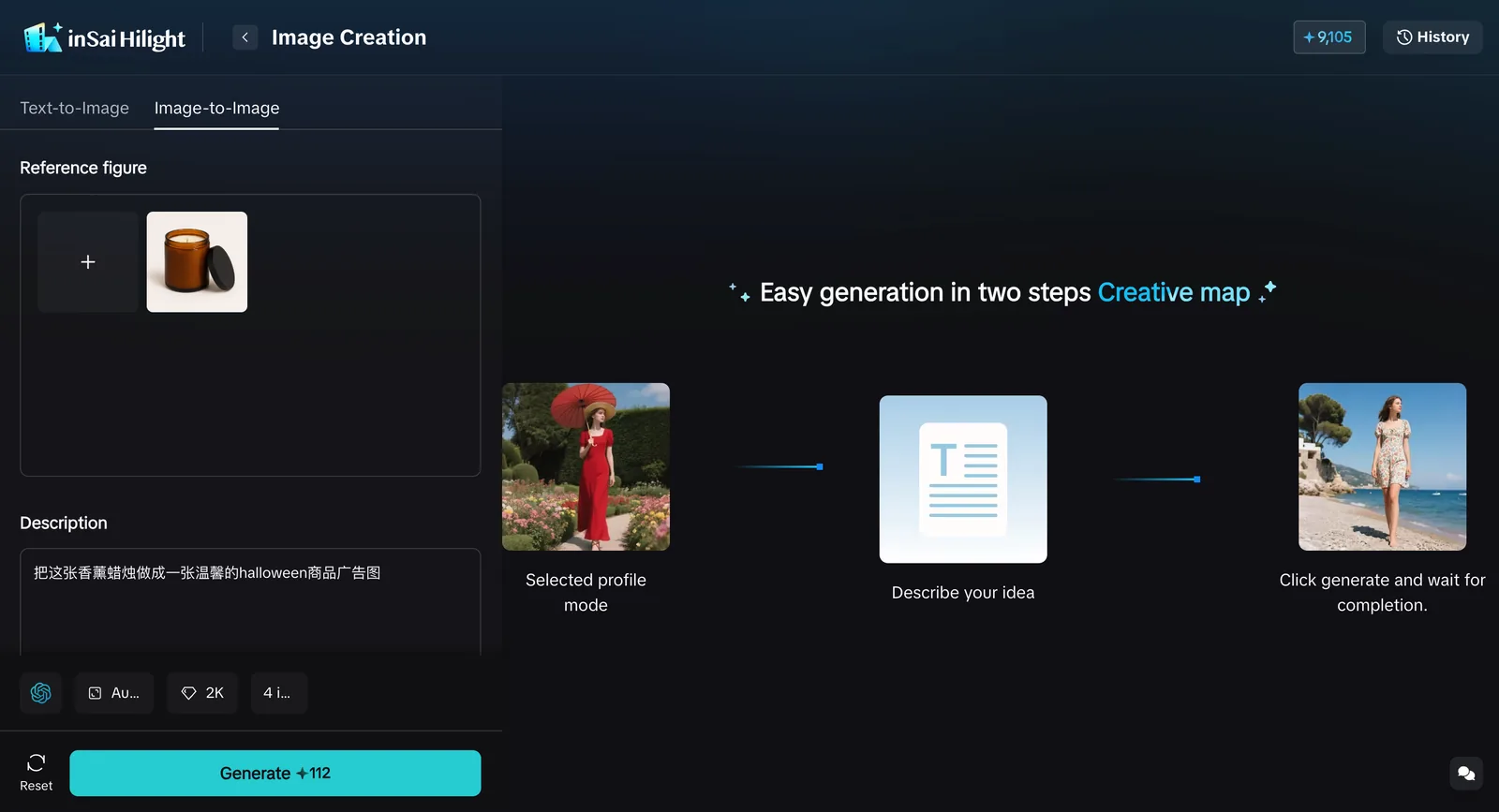
Upload a clean product image to Hilight Image Creation. You can use smart generation, a reference image, or a short description to create the setting. The first instruction does not need to be a detailed storyboard. State the product, theme, and desired mood.

Step 2: Extend the Approved Product Visual into a Short Video
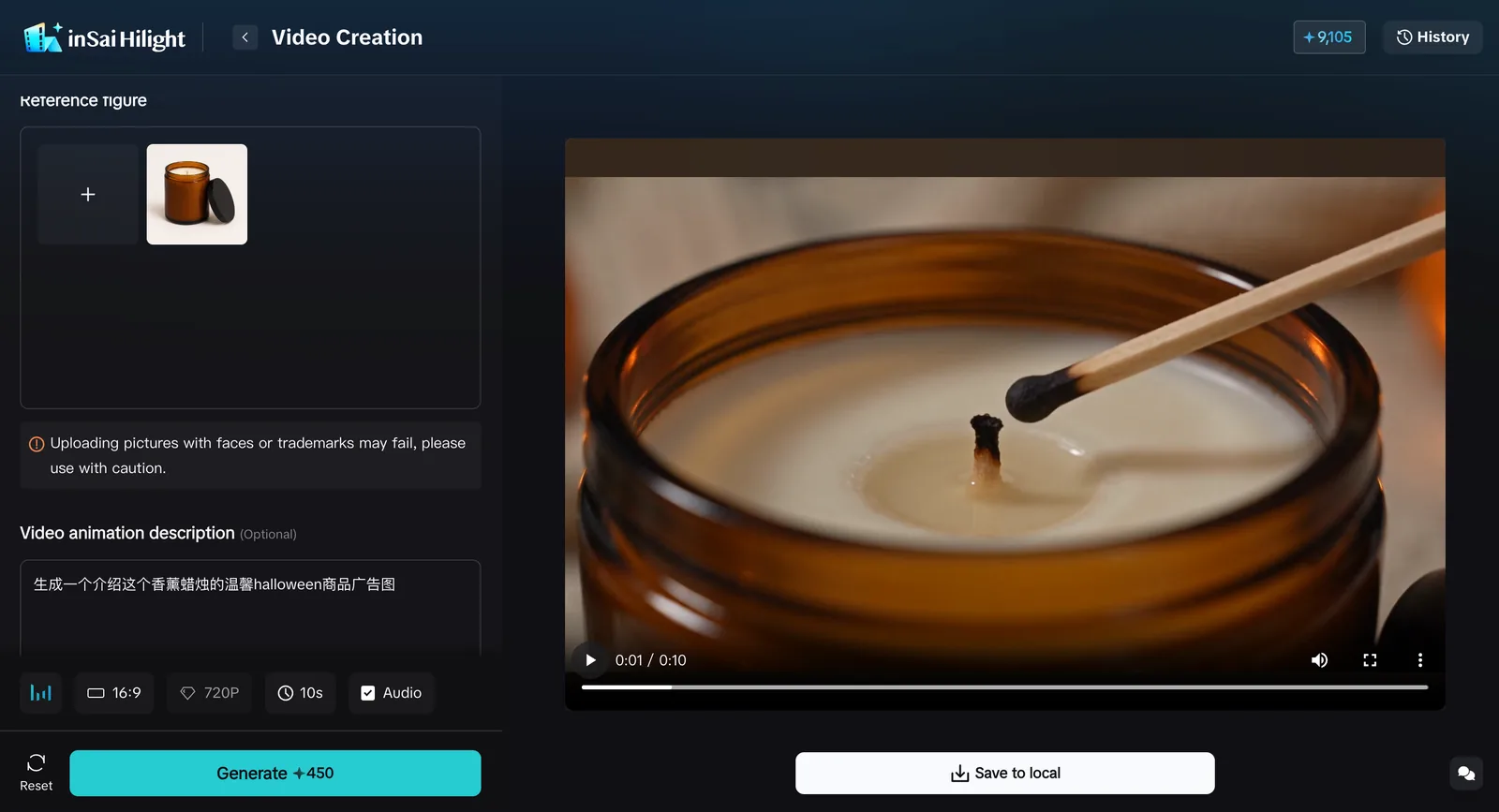
Once the static direction is approved, continue from the image or start in Hilight Smart Video. Smart Video can begin with a product link, reference script, product images, existing video clips, or a creative brief. When the placement is known, add the target platform, aspect ratio, language and market, duration, key selling point, audience, and visual style.
Choose the Best Match from This 12 Halloween Ad Creative Ideas
These creative halloween marketing ideas for business are not limited to one channel. Adapt the same concept for a paid ad, product-page banner, carousel, email, or short video according to the product and placement.
Build Early Interest with Mystery and Limited-Edition Appeal
Limited-edition packaging reveal
This idea suits beauty, food, fragrance, gift boxes, and collectibles. Make the package and the front of the product the hero; use seasonal props to support the atmosphere rather than cover the product. Start with a static product image or a short unboxing reveal.
Product silhouette or detail teaser
If the product has not launched, reveal only its outline, material, color, or a packaging detail. This works well for fashion, accessories, toys, and limited collaborations. A still image preserves mystery, while a video can reveal details gradually through lighting, foreground objects, or quick cuts.
Halloween countdown series
A countdown does not require a completely new design every day. Keep the product angle, color palette, and typography consistent, then change the number, daily benefit, or reminder. Use it for preorders, launches, and time-limited offers.
Show How the Product Fits into a Halloween Moment
Halloween transformation before and after
This is a natural fit for clothing, makeup, wigs, accessories, and contact lenses. Open with the everyday look, reveal the finished Halloween look, and end on a clear product shot. Because the transformation is part of the value, video is usually more useful than one still image.
Home or storefront decorating before and after
Use this for home decor, string lights, table linens, wall decals, window displays, and party props. Begin with an ordinary space and show how it changes once the products are added. Two images may be enough when the result is the main point; use video when setup, placement, or combination needs to be demonstrated.
Party-prep, gifting, or evening-atmosphere scene
This direction works for food, tableware, fragrance, drinks, gifts, and tabletop decor. The scene does not have to be frightening. A warm autumn evening or a small gathering can be a better match for a lifestyle product. The goal is to help shoppers picture the moment in which they would use it.
Make the Offer, Bundle, and Reason to Buy Clear
Halloween bundle or gift-set image
Group products that solve one seasonal need, such as a party-table set, Halloween look bundle, or autumn-night gift box. Keep the quantity, variants, and included items consistent with the real product listing.
Limited-time offer creative
When the offer is the message, do not let a complicated scene compete with the price, discount, or deadline. Use one product image, one primary offer, and one CTA. This format works well in static ads, email banners, and promotional areas on a product page.
Three-benefit social creative
Choose three facts that matter in the current buying situation, such as the use case, a key product feature, and the intended recipient. Present them as a three-slide carousel or three quick scenes in a short video. Every benefit should be supported by the real product information.
Answer the Last-Minute Question: Can It Still Arrive in Time?
Shipping-cutoff reminder
Use a prominent date, a short delivery note, and a clear product image. If timing varies by location, direct shoppers to check their delivery estimate instead of making one universal promise in the artwork.
Last-minute party checklist
A checklist can place several products inside one urgent but easy-to-follow shopping situation: lighting, table decorations, snacks, makeup, and outfit accessories. Use a carousel to reveal items one at a time or a short video with a fast “before you leave” rhythm.
Post-Halloween use case or autumn transition creative
Fragrance, home, food, apparel, and outdoor products may remain relevant after October 31. Shift the visual language from jack-o'-lanterns toward warm autumn interiors, family gatherings, or everyday seasonal use. This gives the core product visual a longer working life.
Frequently Asked Questions
How early should I prepare Halloween marketing creative?
Work backward from three dates: when teaser content should begin, when the main offer launches, and the last day a shopper can reasonably order. Then leave time to generate, verify, resize, and schedule the assets. A brand with a preorder, a new collection, or several platform versions will need a longer runway than a store preparing one promotional image.
Should a small ecommerce brand create images or videos first?
If you have only one clean product photo, approve the core seasonal product image first. Add video when the product value depends on a transformation, setup process, use sequence, or several benefits. You can build both formats around the same setting rather than creating two unrelated visual systems.
Can one Halloween creative set work across ads, product pages, and social media?
The core visual can be reused, but the same file should not be posted everywhere unchanged. Product pages need clearer product information, social content can carry more mood and pacing, and ads need sufficient space for the CTA. Adapt the aspect ratio, copy length, and information density to each placement.

