Quick Answer
GPT Image 2 is now available in Hilight for ecommerce image creation and AI model workflows. It is useful when a team needs product images that feel more natural, follow a detailed creative brief, preserve reference-image details, and fit the layout needs of ads, social posts, product pages, and later video production.
The upgrade is not just another model option. GPT Image 2 is strongest when image generation needs to behave more like commercial visual production: product realism, clean composition, short readable text, multilingual visual design, reference-aware editing, and flexible output sizes all matter at the same time.
Ecommerce image work is getting more demanding. A useful asset has to look believable, protect the product details buyers recognize, and fit the format where the team will actually publish it.
That is why GPT Image 2 matters inside Hilight. It is not just a prettier image model; it is better suited to briefs that combine product realism, layout, references, short text, and channel-ready sizing.
What changed in Hilight?
GPT Image 2 has been added to Hilight's image creation and AI model workflows. In practice, that gives ecommerce teams a higher-quality option when they want to create a natural product scene, test an ad layout, build a lifestyle visual, or generate an AI model image from a clearer creative direction.
OpenAI positions GPT Image 2 as a state-of-the-art image generation model for fast, high-quality image generation and editing. The official materials emphasize stronger precision and control, improved text rendering, multilingual visual capability, more realistic and stylistically mature images, flexible aspect ratios, and high-fidelity image inputs.
For Hilight users, the important question is simple: when should this model be selected instead of treating image generation as a quick decorative step? The answer is when the image needs to carry product detail, commercial composition, and channel fit together.
GPT Image 2 at a glance
- Fast, high-quality image generation and editing
- More natural product and lifestyle image realism
- Stronger prompt following for composition, style, and layout
- Better short text and multilingual visual rendering
- High-fidelity image input for reference-based work
- Flexible image sizes for square, vertical, horizontal, and banner assets
- Available in Hilight Image Creation and AI Model workflows
What is GPT Image 2?
GPT Image 2 is OpenAI's image generation and editing model released with ChatGPT Images 2.0 on April 21, 2026. It accepts text and image inputs and produces images for generation or editing tasks.
The practical shift is that the model is better suited to composed visuals, not only standalone pictures. It can follow a brief that combines product appearance, lighting, scene, typography, aspect ratio, reference-image constraints, and visual style.
That matters because ecommerce images are rarely just "a nice image." A product hero image may need blank space for a headline. A launch banner may need readable short text. A lifestyle visual may need a model, believable hands, and accurate product placement. A product edit may need to change the background without losing the shape, material, or label cues that buyers recognize.
GPT Image 2 capabilities available in Hilight
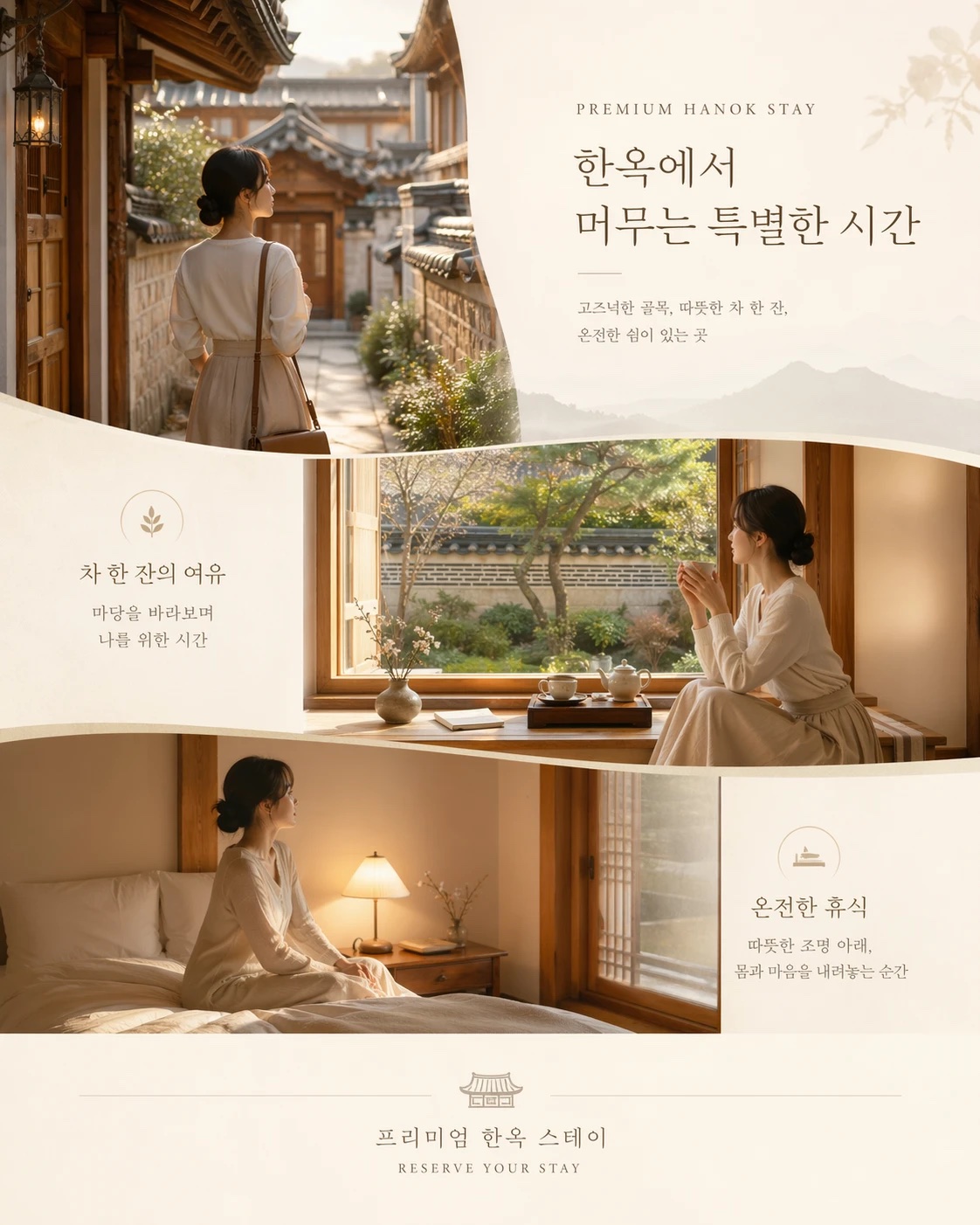
These are still model capabilities, not publishing guarantees. Product shape, labels, claims, prices, hands, faces, and final text should always be reviewed before campaign use.
How GPT Image 2 compares with older image workflows
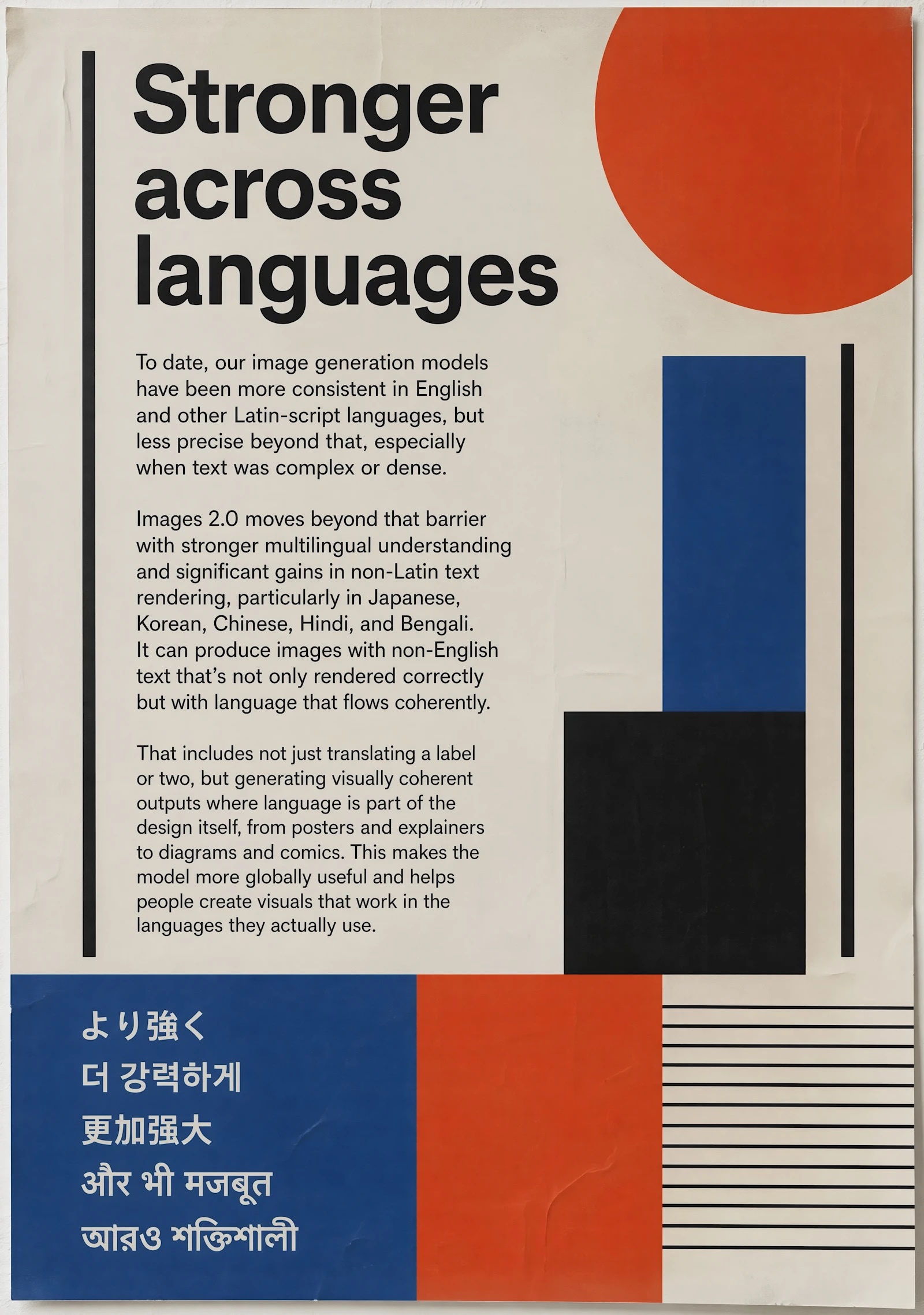
Older image generation often worked best when the request was simple: one product, one background, one mood. The moment a brief asked for product accuracy, realistic material, readable short text, a clear ad layout, and a specific channel ratio, teams often had to regenerate several times or move into manual design cleanup.
GPT Image 2 is more useful when the image has to carry several constraints at once. It can help keep the subject recognizable while exploring scene, lighting, layout, and format. That makes it better for the first usable creative direction, even if the final asset still needs brand and product review.
For ecommerce teams, the comparison is less "old model versus new model" and more "generic image output versus production-aware source asset." The model is helpful when the team already knows what must not change: product form, material, label position, logo placement, claim boundaries, or the amount of clean space needed for design.
Where GPT Image 2 fits into an ecommerce workflow
The same model can support different tasks depending on whether the team is exploring an image direction, preparing a product asset, or creating a model-led visual.
1. Test natural product scenes in Image Creation
- Start from a product photo or a clear product description.
- Describe the scene, lighting, surface, camera angle, and channel ratio.
- State which product details must stay stable, such as shape, material, packaging, label position, or color.
A skincare bottle on a bathroom stone shelf, a coffee tumbler on a commuter desk, or a home device in a real living room can all become stronger source visuals when the image looks less like a generic stock background and more like an intentional product scene.
2. Build campaign layouts before design cleanup
- Use a specific format such as 16:9, 4:5, or 1:1 from the start.
- Ask for clean negative space where the headline or product message will sit.
- Keep on-image text short, then verify or replace final copy in the design workflow.
This is useful for launch banners, seasonal campaign concepts, social covers, product announcement images, and early ad testing. GPT Image 2 can help the team find a usable composition before committing design time.
3. Create AI model and lifestyle images with product context
- Use model-led visuals when the product benefits from scale, wearing context, or human interaction.
- Make the product placement explicit: where it sits, how it is held, what must remain visible.
- Review hands, faces, body proportions, clothing structure, and whether the image still represents the product honestly.
Fashion, beauty, accessories, home, and consumer goods can all benefit from lifestyle images, but this is also where review matters most. The model can create a convincing scene; the team still decides whether it is accurate enough for the brand.
Start with one clear image job
Open Image Creation or the relevant AI Model workflow in Hilight, choose GPT Image 2 where available, and test one specific output before expanding the creative set. One product scene, one banner, or one model-led visual is easier to judge than a prompt asking for a full campaign in a single generation.
Choosing the right ratio, reference and quality
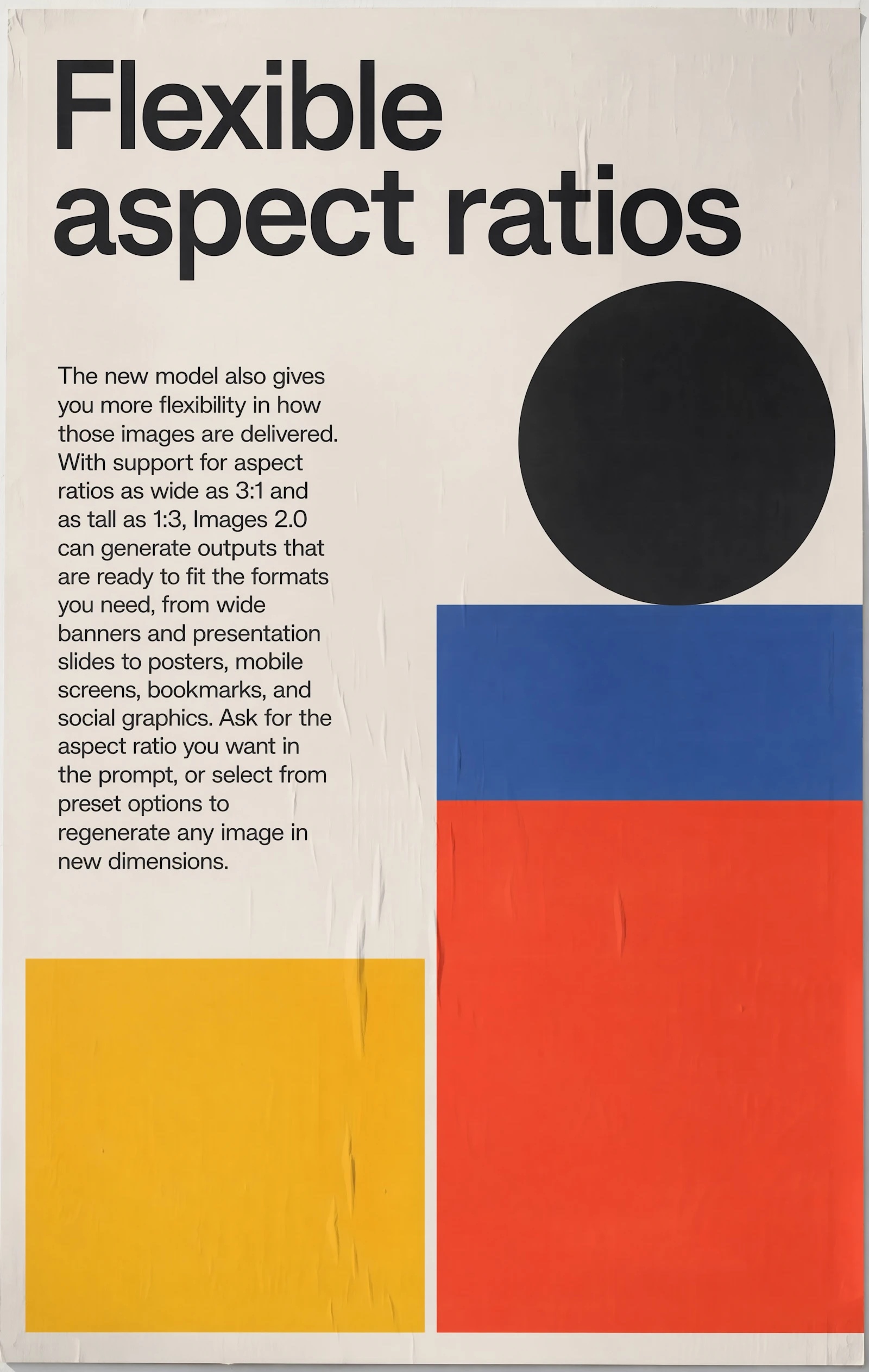
Choose the image ratio according to the first channel that will actually use the asset. Use 1:1 for square placements, 4:5 for social commerce and marketplace-style feeds, 9:16 for vertical mobile assets, and 16:9 for banners, websites, and video source material.
Use reference images when product identity matters. A reference can guide bottle shape, shoe sole structure, bag stitching, clothing silhouette, packaging layout, material texture, or a model pose. The prompt should explain what the reference controls instead of simply attaching an image and hoping the model infers everything.
Higher quality is useful for polished source assets, but it does not replace a clear brief. If the prompt asks for too many products, too much text, several locations, and a complex model pose in one image, the result can still become hard to review. Keep the first generation focused.
A practical prompt structure for ecommerce images
A useful structure is: product facts + reference constraints + scene + composition + channel + text rules + review boundaries.
Product scene example:
> Create a natural editorial ecommerce image for a refillable glass skincare serum bottle on a bathroom stone shelf in soft morning light. Keep the bottle shape, transparent glass, white pump, label position, and pale amber liquid consistent with the reference image. The scene should feel realistic and premium, not over-glossy. Use a 4:5 composition for social commerce, with clean negative space on the upper left for a short headline. Do not invent extra packaging, prices, certification marks, or medical claims.
Campaign layout example:
> Create a polished product launch visual for lightweight running shoes. Show one shoe in a realistic studio motion scene with subtle dust, cool side lighting, and a clean graphic background. Keep the sole shape, color blocking, logo placement, and material texture consistent with the reference image. Use a 16:9 banner composition with room for a headline on the right. Add only short readable placeholder text: NEW DROP. Do not distort the logo or add extra product features.
The constraint part is not a defensive note. It is what makes the output useful for ecommerce: the model can explore a better scene while protecting the product details that cannot drift.
Using generated images in later video production
A GPT Image 2 output does not have to be the final deliverable. It can become source material for a product video, a fashion ad, a social commerce cut, or a Smart Video project after the image has been reviewed.
This is where Hilight is different from using a standalone image generator in isolation. The team can create or edit the image, keep the strongest version, and then move that image into the next content workflow instead of starting again from a blank brief. If the next step is motion, the Image to Video AI guide explains how product images can become ecommerce video assets. If the team wants Hilight to organize product information and video direction first, the Product Link to Video guide is the more relevant next read.
For best results, treat the image as a production asset: name the product, preserve the reference details, choose the target ratio, review the image, and only then use it as a video or campaign source.
Review before publishing
- Product shape, color, material, logo, label position, and packaging text
- Generated headlines, prices, discounts, ingredients, certifications, and performance claims
- Hands, faces, body proportions, clothing structure, and product placement
- Crop, safe area, and whether the asset fits the intended channel
- Whether the image looks natural for the brand or still feels like a generic AI render
- Whether the image should be used as a static asset or moved into a Hilight video workflow
Related reading
- Seedance 2.5 AI Video Generator Is Coming Soon to Hilight
- Image to Video AI for Ecommerce
- Product Link to Video: Turn Product Pages into Marketing Ideas with Hilight
Official sources
- OpenAI: Introducing ChatGPT Images 2.0
- OpenAI API: GPT Image 2 model page
- OpenAI API: Image generation guide
FAQ
Is GPT Image 2 available in Hilight now?
Yes. In the current Hilight setup, GPT Image 2 is available in Image Creation and AI Model workflows.
When should I choose GPT Image 2 instead of another image model?
Choose it when the image needs stronger realism, reference-image handling, composition control, short text, multilingual visual structure, or a specific channel ratio. Simpler exploratory images may not always need the highest-quality model.
Can GPT Image 2 create ad images with text?
It is better suited to short readable text and poster-like visual structure than many older workflows, but final campaign copy, pricing, discounts, and claims should still be checked or added in the design and publishing workflow.
Can I start from a product photo?
Yes. A product or reference image is useful when shape, material, label placement, model pose, or visual style needs to stay consistent. The prompt should say exactly what the reference should control.
Can generated images be used in Smart Video?
Yes. Once reviewed, a generated or edited image can become source material for later Hilight video and ad workflows.
Conclusion
GPT Image 2 gives Hilight users a stronger image model for ecommerce visuals that need to look natural, preserve product details, follow a more specific brief, and fit real channel formats.
The best way to use it is to start small: one product, one scene, one layout, one reviewable output. Once that image direction is right, it can support ads, social visuals, product pages, AI model images, or later video production inside the broader Hilight workflow.

