GPT-Image 2 in HiLight: A New Way to Create Ecommerce Visuals
GPT-Image 2 is now available in HiLight, giving ecommerce teams a flexible way to create product scenes, ad images, and AI model assets before moving into video production.
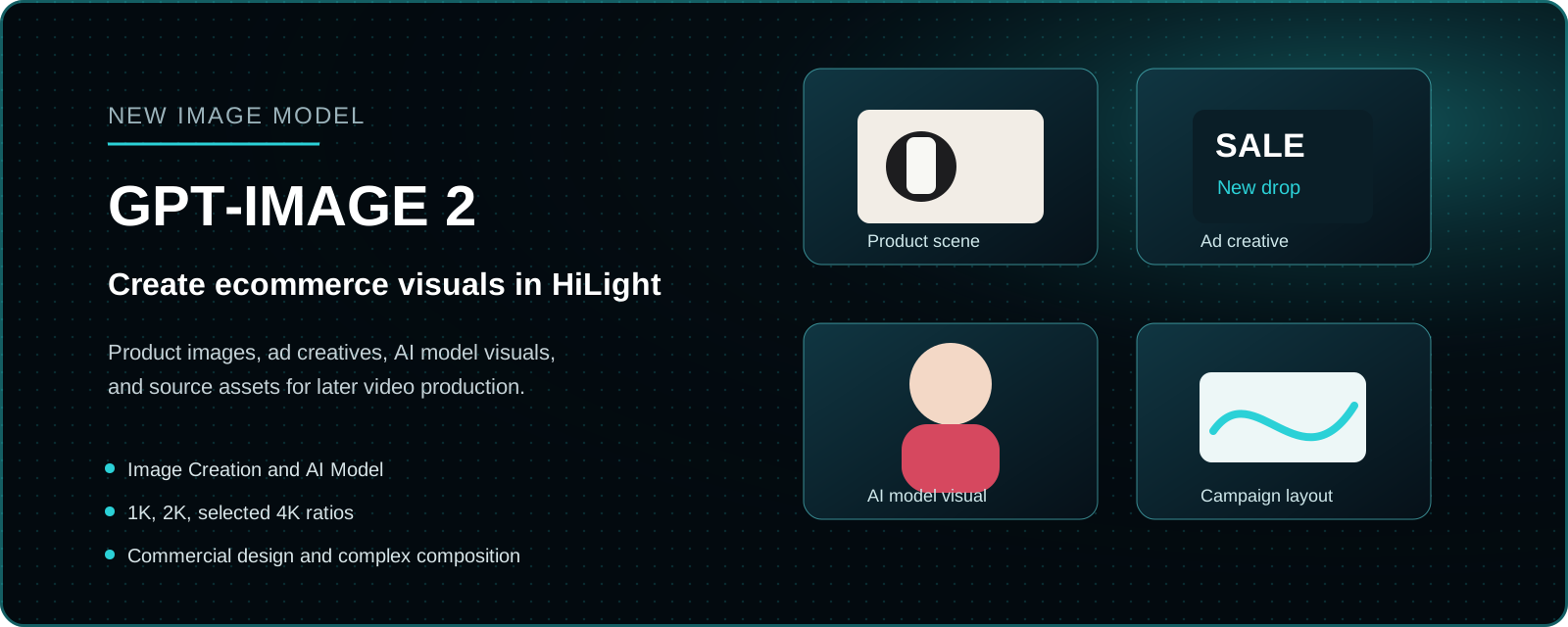
GPT-Image 2 joins HiLight AI Studio as a new image model for product visuals, ad creatives, and AI model assets.
A product rarely needs just one image. The same SKU may appear on a marketplace listing, a Shopify homepage, a TikTok cover, a Meta ad, and a seasonal campaign, each with a different format and visual purpose.
GPT-Image 2 gives HiLight users another way to create those assets without leaving the broader ecommerce content workflow. Teams can explore a product scene, build an ad-style composition, or prepare a model-based visual, then carry the approved image into later video production.
That workflow is the important part of this update. GPT-Image 2 is not presented as an isolated image generator. It extends what teams can prepare inside HiLight before creating Smart Videos, avatar product videos, and ad creatives.
In this article
- Where GPT-Image 2 fits in HiLight
- Which ecommerce image tasks it is suited to
- How to choose between Image Creation, specific tools, and other models
- How generated images support later video production
Create the Missing Asset Before Building the Full Video
When product information and source materials are already complete, Smart Video can organize selling points, scripts, visuals, voiceover, and structure into a video draft. But when the product image is too plain, the model visual is missing, or the campaign needs a new scene, it makes more sense to prepare that asset first.
This is the role of HiLight AI Studio. Image Creation supports open-ended exploration, while specific tools handle clearer tasks such as product background replacement, clothing on-body visuals, model outfit changes, and image enhancement.
GPT-Image 2 joins this asset stage. Its value is not only the image it generates, but what the team can do with that image next.
Where GPT-Image 2 Fits in Ecommerce Work
For product scenes, it can help turn a plain source image into a visual that gives the product context. The goal is not decoration for its own sake, but a scene that makes the product easier to understand and fits the intended placement.
For ads and campaign images, GPT-Image 2 is useful when the layout needs a clear focal point, space for a headline, or several visual elements arranged in one composition. Generated prices, claims, packaging text, and discount information should still be reviewed manually.
For apparel, footwear, accessories, beauty, and lifestyle products, AI Model workflows can help prepare people-based visuals before a new photoshoot or video is available. Teams should check product placement, clothing structure, hands, faces, and body proportions before using the result.
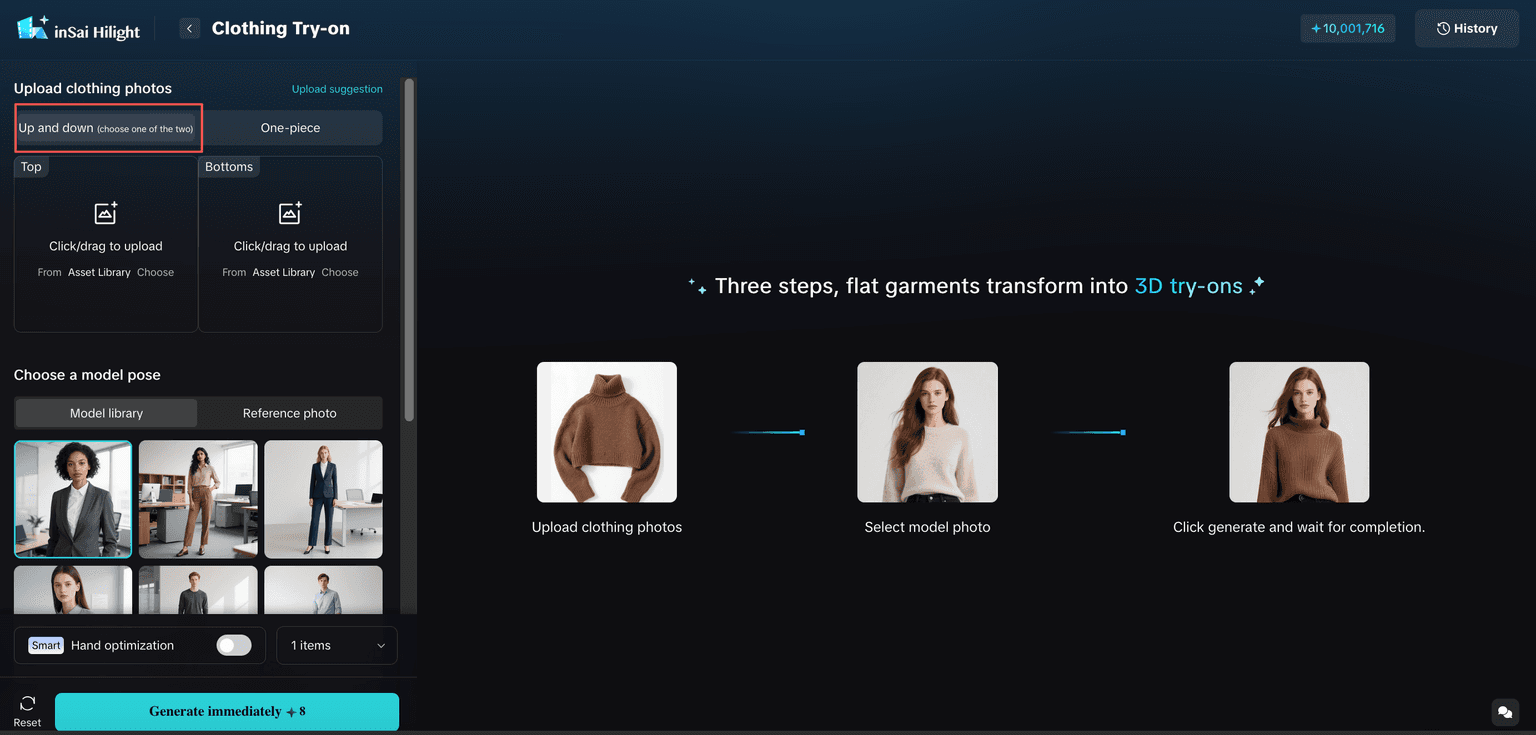
Choose the Entry Point by the Task
Use Image Creation when the visual direction is still open: for example, when testing product scenes, social covers, ad concepts, or several styles. Use a specific image tool when the task is already clear, such as replacing a background or creating an on-body visual.
| What you need | Best starting point |
|---|---|
| Explore a product scene or ad direction | Image Creation |
| Replace a product background | Product Background Replacement |
| Create clothing or footwear try-on visuals | The matching on-body tool |
| Prepare model-based product images | AI Model |
| Turn approved assets into a full video | Smart Video |
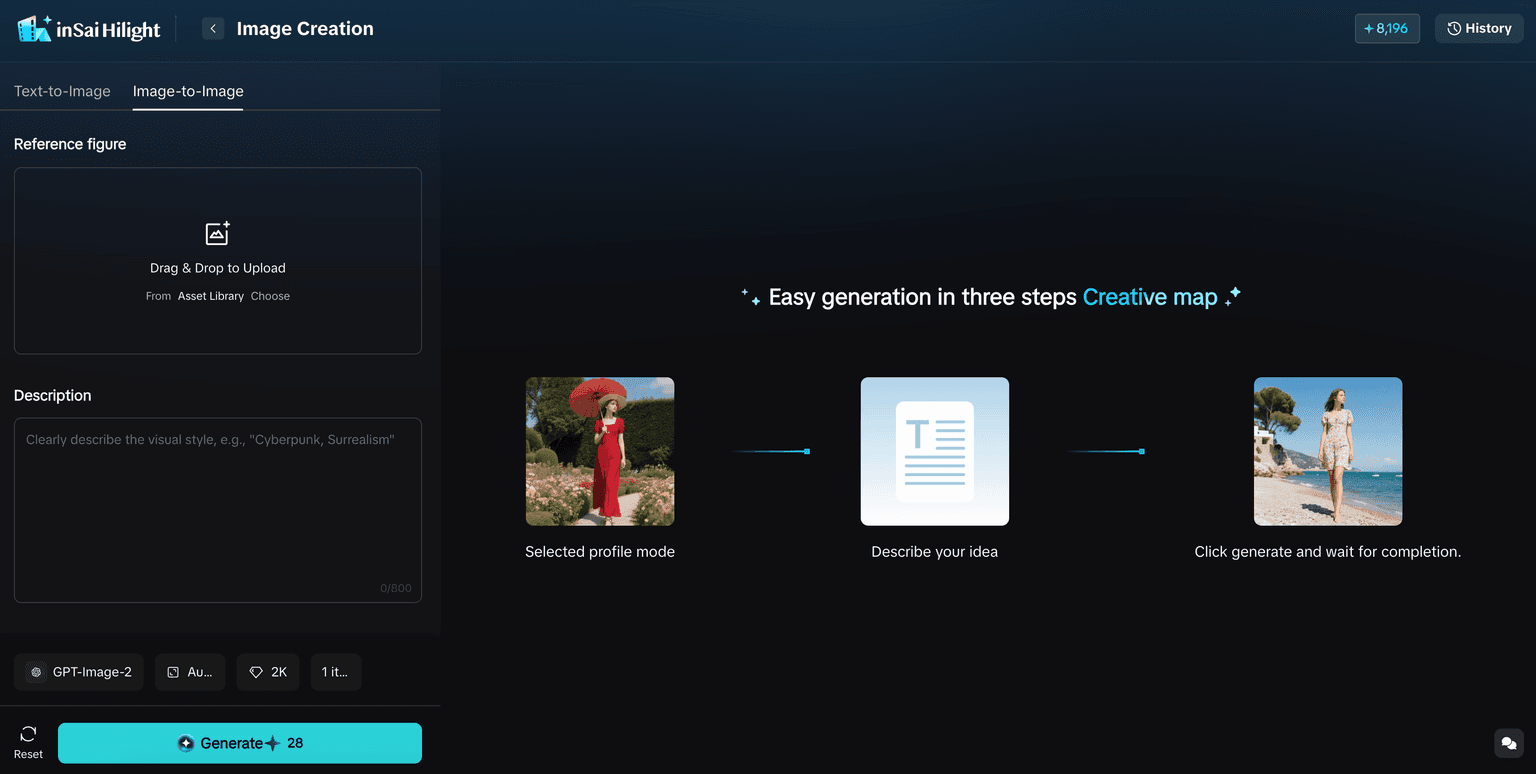
How to Choose Among HiLight Image Models
GPT-Image 2 does not need to be the default for every task. HiLight brings several models into one workspace so teams can choose according to the brief: composition quality, generation speed, Chinese-language understanding, or a specialized ecommerce workflow.
| Model | A useful choice when you need | Resolution |
|---|---|---|
| GPT-Image 2 | Commercial composition, image-and-text tasks, and ad-style visuals | 1K, 2K, selected 4K ratios |
| Seedream 5.0 | Fast, lower-cost exploration across many concepts | 2K, 3K |
| Nano Banana Pro | Detailed commercial visuals and strong prompt understanding | 1K, 2K, 4K |
| Qwen-Image 2.0 | Chinese-language ecommerce briefs and visual concepts | 1K, 2K |
| inSai FitVision | Try-on, model, product-scene, and other specialized ecommerce tasks | 1K, 2K, 4K |
This is a task guide rather than a ranking. The best choice depends on the source material, target channel, review requirements, and production volume.
From Image Asset to Video Creative
A generated image does not have to be the final deliverable. A product scene can become a source visual for Smart Video, a model image can support a fashion ad, and a background-replaced product image can be reused in a product video.
A practical workflow is simple: create the missing image in AI Studio, review product and brand details, keep the strongest version, and then use it in the appropriate video or ad workflow. This connection between asset preparation and later production is where HiLight differs from a standalone image generator.
A Few Checks Before You Use the Result
Match the aspect ratio to the placement: 1:1 for square feeds, 4:5 for many social placements, 9:16 for vertical content, and 16:9 for website banners or thumbnails. GPT-Image 2 supports 4K only in selected ratios, including 16:9, 9:16, 2:1, 1:2, 21:9, and 9:21.
Describe the product, use case, composition, lighting, text space, ratio, and details that must not change. Higher resolution cannot correct an inaccurate product shape, invented accessory, or incorrect package text.
- Check product shape, color, material, logo, labels, and packaging text.
- Review generated headlines, prices, discounts, and product claims manually.
- For people-based images, inspect hands, faces, clothing structure, and product placement.
- Confirm the crop, brand style, and platform requirements before publishing.
FAQ
It is currently available in Image Creation and AI Model workflows.
Yes, for selected ratios: 16:9, 9:16, 2:1, 1:2, 21:9, and 9:21.
Use Image Creation to explore visual directions. Use a specific tool when the task is already defined, such as background replacement or an on-body visual.
Yes. Approved images from AI Studio can be used as source assets for later video and ad production.
Conclusion
GPT-Image 2 expands the range of ecommerce images teams can create inside HiLight, especially when a brief calls for stronger composition, image-and-text understanding, or ad-style visual design.
More importantly, those images do not have to remain one-off outputs. Teams can prepare the right product, campaign, or model asset first, then continue into Smart Video and other HiLight workflows. That makes GPT-Image 2 part of a practical ecommerce content process, not simply another model in a list.

