Quick Answer
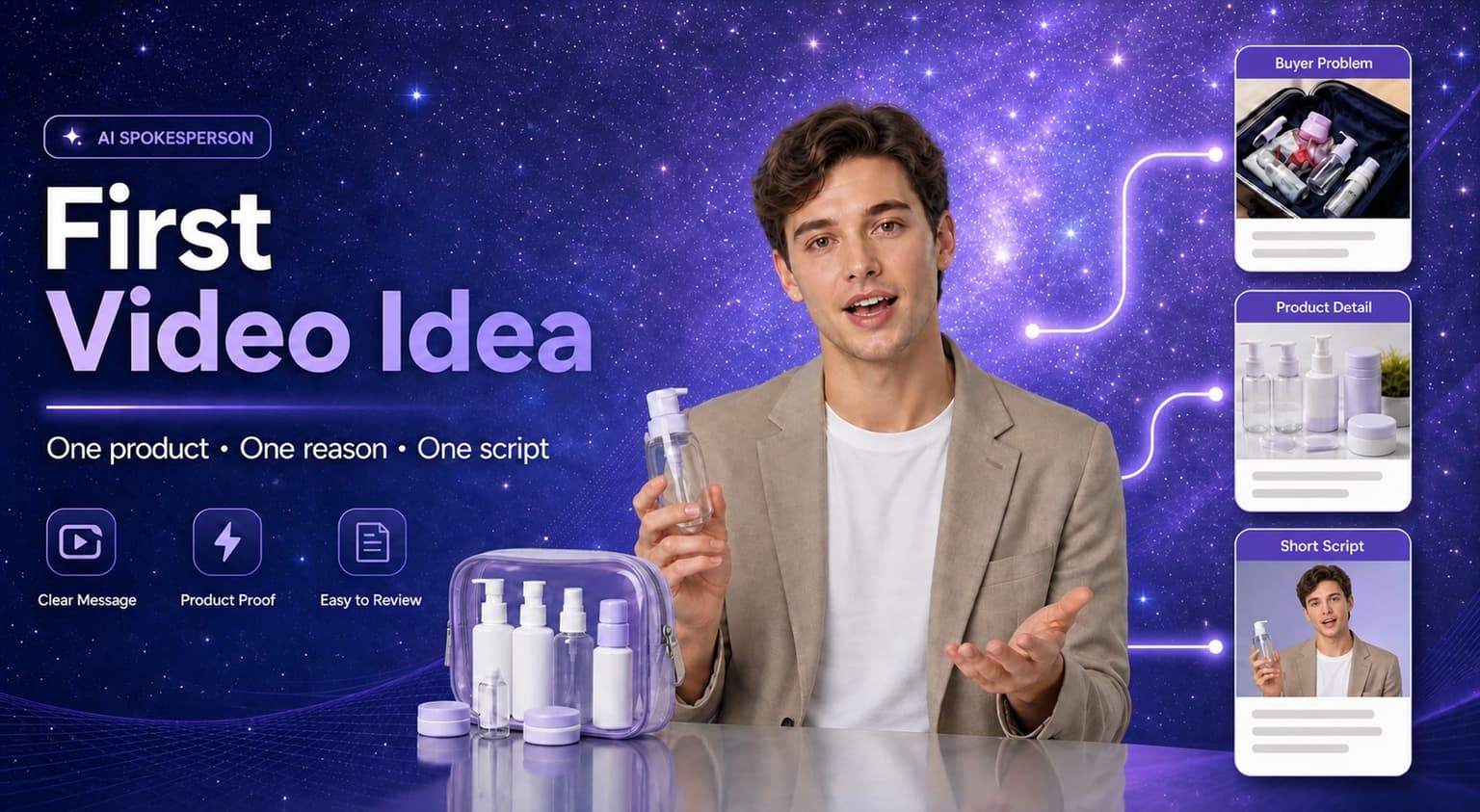
Your first AI spokesperson video should not be a brand film, a full product catalog, or a demo of how realistic an avatar can look. It should test one reason a buyer would stop: a problem they recognize, a product detail they can see, or a question they already have.
Keep the first version small: one product, one buyer question, one selling point, and one short script. In Hilight, start with Avatar Video when the presenter mainly needs to explain. Use Avatar Product Video when the product needs to appear with the presenter.
Ecommerce teams now need short product videos for product pages, social posts, marketplace listings, launches, paid tests, and language versions. AI spokesperson videos can make that production faster, but speed only helps when the first idea is clear.
The hardest part is usually not choosing the avatar. It is choosing one reason a buyer would stop watching long enough to understand the product.
Why This Question Comes Up Now
Ecommerce teams need more short videos than before: product pages, social posts, marketplace content, paid tests, seasonal refreshes, and different language versions all need slightly different explanations. A real shoot can still be valuable, but it is often too slow for every small product message or script update.
That is why AI spokesperson videos are attractive. Many AI video tools promise a faster path from script, product page, or product assets to a presenter-led video. But speed creates a new problem: if the first idea is too broad, the team can quickly generate a video that looks finished but says nothing useful.
The first video needs a smaller job. It should help the team decide whether the hook, presenter, product visuals, and ending belong together.
You can see the same shift across the AI video market. HeyGen and Synthesia present spokesperson videos as a workflow built around scripts, avatars, and repeatable presenter-led production, while tools such as Creatify connect product inputs with demo-style video creation. The point is not only that AI can put a person on screen. It is that ecommerce teams need a lighter way to turn one product message into a video version they can review, localize, and improve.
Start With a Buyer Question, Not a Product Introduction
Before choosing the avatar, voice, or scene, write down the buyer question the video should answer. A first AI spokesperson video gets awkward when it opens like a brochure. It gets useful when it sounds like it is helping with a specific decision.
Good first questions sound like this:
- "What problem does this product solve in one daily situation?"
- "Why would someone choose this version instead of a cheaper or familiar option?"
- "How should the buyer use it the first time?"
- "What is the one feature that is easiest to show, not just describe?"
This keeps the video from becoming a generic talking-head ad. The viewer should feel that the presenter is helping them make a product decision, not reciting a script that could fit any item.
Choose One of These Four First-Video Angles
For the first version, pick an angle that is easy to judge after generation. Do not start with the biggest story. Start with the cleanest test.
For example, "introduce our travel bottle set" is still too broad. A better first video is: "Show why this travel bottle set keeps a weekend toiletry bag from leaking or getting messy."
Write the First Three Seconds Before the Full Script
The first line decides whether the video feels like a useful explanation or a forgettable ad. Avoid openings that announce the product too broadly. Give the viewer a reason to stay.
After the first line, keep the script concrete. Name the product quickly, show it early, and avoid claims that are hard to verify. If the opening could work for ten different products, it is not specific enough yet.
Give the Presenter Something Real to Point To
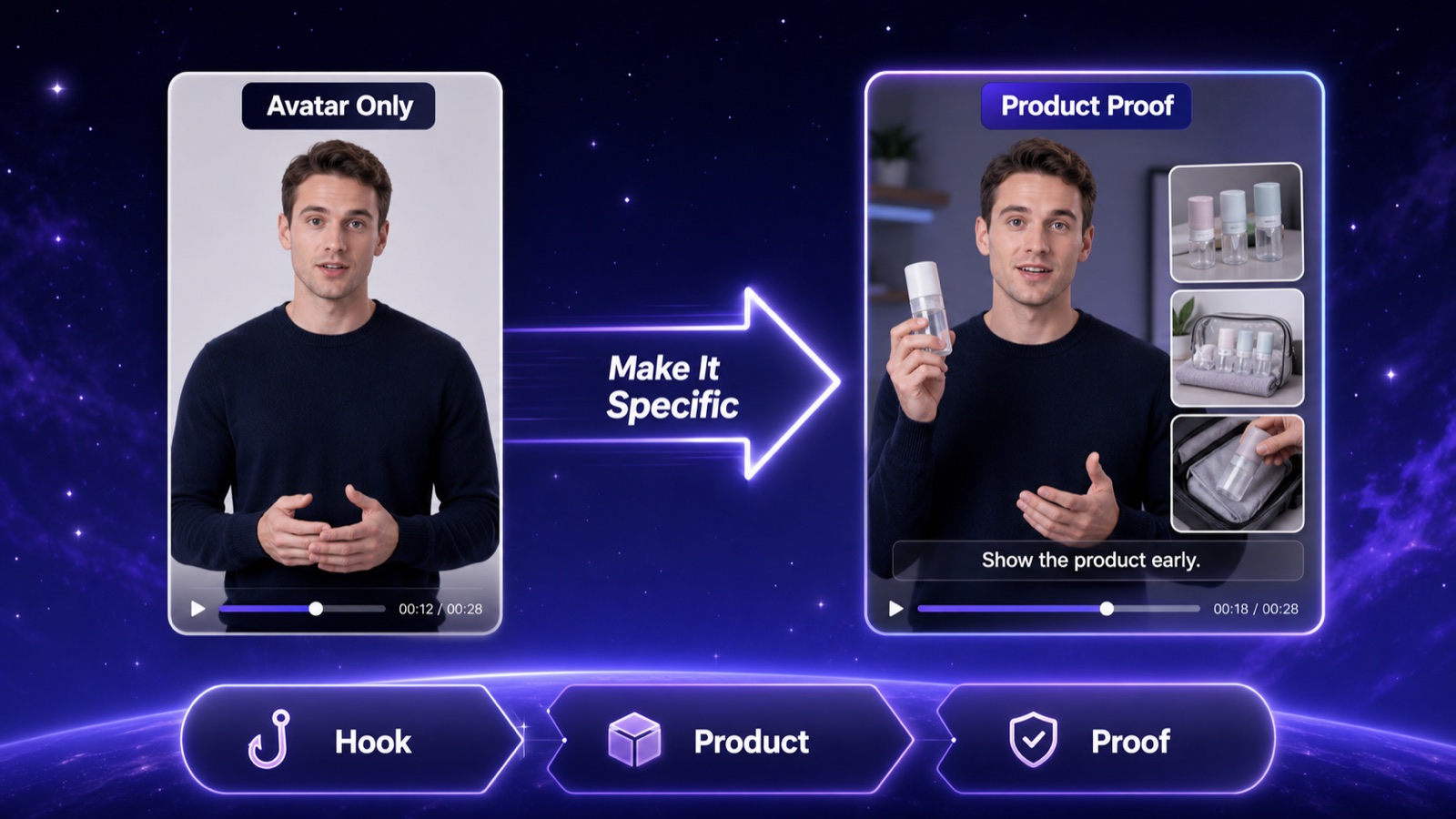
An AI spokesperson can make the message feel guided, but the product still has to do the convincing. If the whole video is only an avatar speaking in front of a clean background, it may look polished while still feeling empty.
Plan the first video with three visible layers:
- Presenter: explains the point in a calm, natural rhythm.
- Product proof: close-ups, screenshots, real product footage, texture, packaging, or before-and-after details.
- Text support: captions, short labels, numbers, material names, or usage notes that make the video understandable without sound.
This is especially important for ecommerce. The buyer is not only judging whether the presenter looks natural. They are judging whether the product feels real, specific, and worth another look.
Before generating the first version, gather at least two pieces of product proof: a close-up, a usage photo, a comparison shot, a product-page screenshot, a packaging detail, or a short real clip. The presenter should connect these materials, not replace them.
If your product proof mostly comes from still images, it may help to pair this workflow with an Image to Video AI guide so the spokesperson clip does not depend on a talking head alone.
Turn the Idea Into a Short Script
Use this simple structure for the first script:
Name the situation
Open with a buyer moment that feels specific enough to recognize.
Show or mention the product
Bring the product in early so the presenter is not speaking in the abstract.
Explain one selling point
Choose the one detail that is easiest to understand in this first video.
Show why that selling point matters
Connect the feature to a real use moment, not only to a product description.
End with a soft close
Close the thought naturally instead of pushing for too much at once.
Example:
"If your toiletry bag always gets messy on short trips, this travel bottle set fixes the part that usually leaks. Each bottle sits inside a compact case, and the labels make shampoo, lotion, and cleanser easy to find. For a cleaner weekend packing setup, start with this set."
This script is not trying to win every possible buyer. It is trying to test whether one product angle is clear enough to become a repeatable video direction. If the script still sounds like a product listing, rewrite the first sentence around a real situation.
Choose the Right Hilight Creation Path
Use the Hilight path that matches the job of the first video.
If this is your very first test, do not overbuild the system. Start with the shortest path that can test the video idea. When the product needs to be held, pointed to, or shown close to the presenter, use a product-presenter format and follow the AI product presenter video guide.
If you are comparing presenter-led clips with other ecommerce video formats, use Hilight's feature overview as a map, then return to the smallest path that can test this first message.
Review the First Video Like a Test, Not a Launch
After the first generation, do not ask only whether the video "looks good." Ask whether it answered the buyer question.
Check these six points before deciding what to make next.
Does it sound like a real reason to watch, or does it feel like a generic product announcement?
Does the product appear early enough for the viewer to understand what is being discussed?
Can the viewer understand the main point from the visuals, captions, and product proof without turning on sound?
Does the presenter voice, pace, and style feel natural for the market where this video will appear?
Are the product claims specific, visible, and easy for the team to review before publishing?
Does the ending feel clear without asking the first test to do too much?
Check Before Publishing or Testing
Before using the video publicly, do a final review:
- Use original or approved product visuals.
- Avoid copying popular scripts or repeating the same template across many videos.
- Check whether the platform or region expects AI-generated content disclosure.
- Review product claims, prices, materials, and numbers.
- Keep the first batch small enough to compare and improve.
AI spokesperson videos can speed up production, but they still need editorial judgment. The first one should help you learn, not force you to commit to a full content system.
FAQ
Should the first AI spokesperson video introduce the brand or the product?
Start with the product. A brand story can come later, but the first video should prove whether the presenter can make one product message clearer.
What if the first AI spokesperson video feels awkward?
Look at the opening first. Then check whether the product appears early enough and whether the presenter has real product visuals to support the message. Awkwardness often comes from a vague script, not only from the avatar.
Should I use real product footage with an AI spokesperson?
Yes, when you have it. Product footage, close-ups, screenshots, and captions make the video feel more concrete and help the presenter avoid becoming the only thing on screen.
How long should the first video be?
Keep it short enough to review easily. For many ecommerce tests, a focused 15- to 30-second script is a better starting point than a long introduction.
When should I create a reusable digital human presenter?
Create or manage a reusable presenter when you plan to make many videos with the same face, tone, or brand character. If you only need to test one product angle, start with the video idea first.
Final Thoughts
The first AI spokesperson video does not prove that your whole content strategy works. It tests whether one product message can be explained clearly by a presenter, supported by product visuals, and turned into better follow-up videos.

