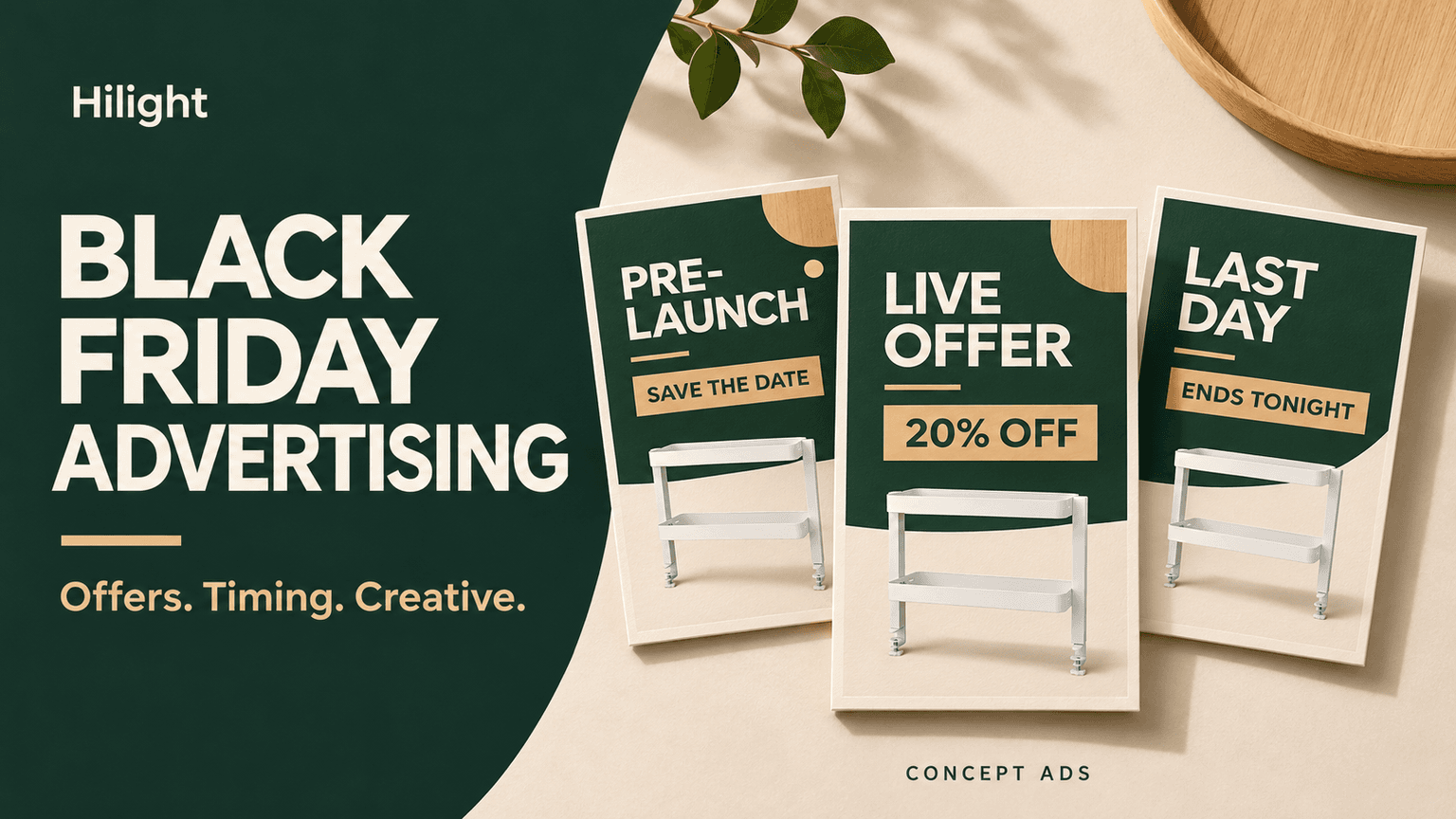
The discount is usually the most visible part of a Black Friday ad. Shoppers have other questions too: Is the product right for me? How does the offer work? Is this the right time to buy? A larger sale headline can only explain so much.
An event also needs different messages at different moments. Build interest before launch, explain the live offer, and give an accurate reminder as the deadline approaches. Video, offer images, and product pages each do part of the work, helping shoppers move from seeing the ad to making a purchase.
Choose an offer that makes sense for your customers
New customers, returning buyers, and gift shoppers may care about different things during the same sale.
Someone discovering the product is often still deciding whether it is useful. A returning customer may be comparing replenishment options. A gift buyer may be looking at the combination, packaging, and arrival date. An offer becomes more relevant when it fits those specific needs.
Before settling on the offer, subtract product, fulfillment, and promotional costs from order revenue. How much remains to support advertising? Gifts have costs, and bundles need enough stock. That calculation affects how long the event can run and which products to prioritize.
Connect the promotion to a use people can understand. For a desktop organizer, show how frequently used items can be arranged together, then introduce the bundle offer. Shoppers learn both what the purchase is for and what makes the current deal attractive. That is a useful starting point for Black Friday advertising ideas.
Plan your message from the lead-up to the final day
Before launch, shoppers need to know when to return. Once the sale opens, they need to understand the live offer. On the final day, an accurate deadline may be the most useful update.
These assets can share product visuals and a central benefit. Update what matters at that moment: the announced date, the live offer, or the approaching deadline. Each appearance then has something new to communicate.
Start with the actual opening and closing times, and schedule difficult assets early. A demonstration may need filming; an offer image needs confirmed terms. The material you have and the content still missing determine how much lead time you need.
What needs video, and what is clearer in an image?
With a limited budget, begin with the question most likely to hold up a purchase.
When a photo cannot explain how a product works, a demonstration video is worth considering. If shoppers already know the product and are comparing packs and prices, a clear offer image may be more direct. Choose the format around the information.
If you can start with only one Black Friday video, choose a use that needs explaining. For a desktop organizer, showing how everyday items can be arranged before introducing the offer is easier to follow than listing every specification.
Dates, codes, and more detailed conditions can be supported by static images and the purchase page. Give the video room to explain the product while the other content clarifies the event. For the next format decision, see product-ad formats and creation options.
What can you learn from Walmart and IKEA's Black Friday campaigns?
Walmart: Give every event a clear opening time and access conditions
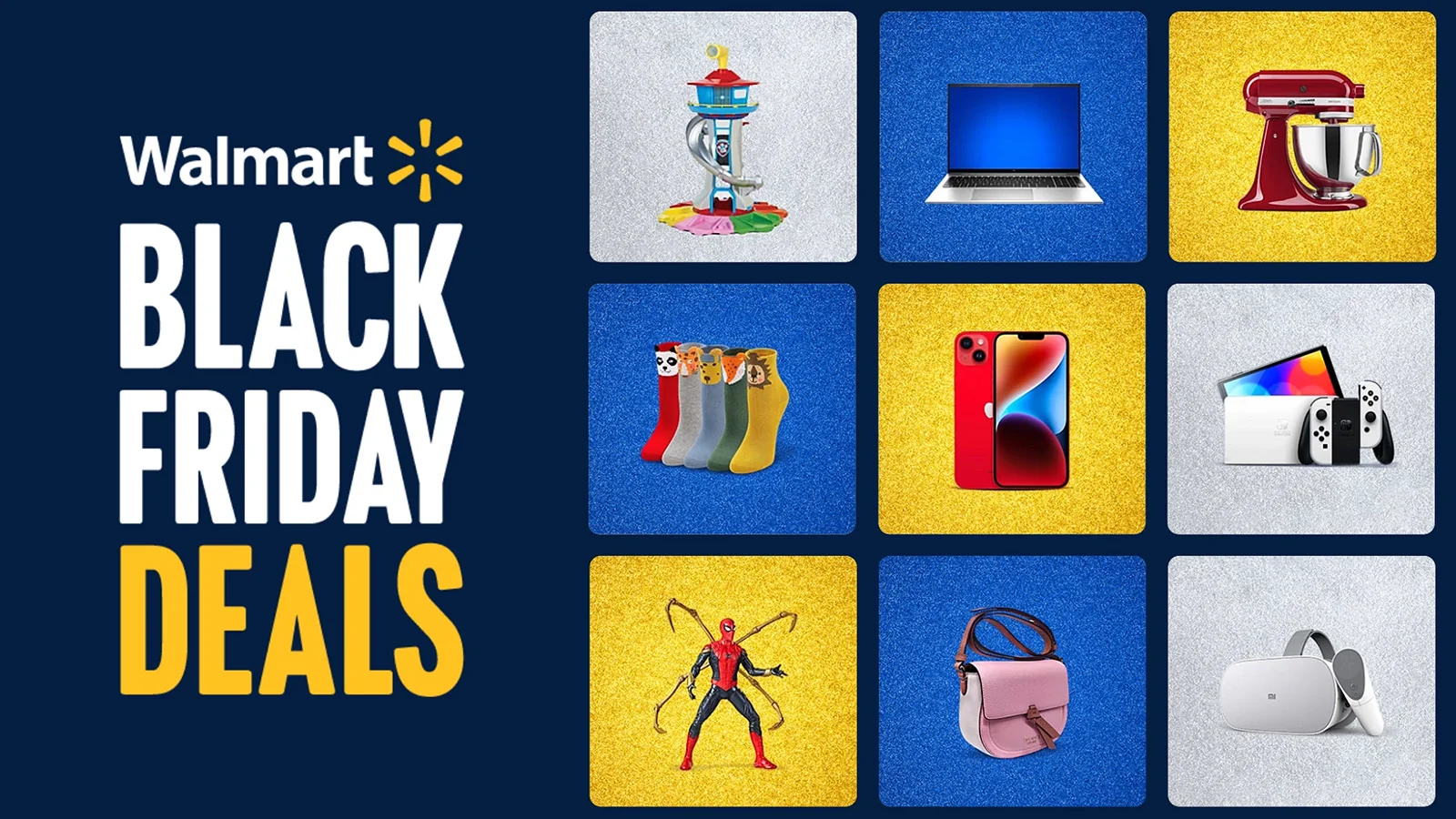
Walmart's 2023 Black Friday events included two Black Friday Deals events and three-hour early shopping access for Walmart+ members.
That gives each round of promotion specific news: the opening date, who can shop first, and when everyone else can participate. A merchant with staged releases or early access has a useful update to share with each reminder.
IKEA: Build the invitation around a real service
IKEA's 2020 BuyBackFriday campaign invited customers to sell back unwanted IKEA furniture so it could be used again. The buyback service gave the event its central message.
A merchant that already offers buyback, trade-in, or repair can build an event around that service. Explain what customers receive and how they can participate, giving the promotion a concrete reason to matter.
Walmart emphasizes purchase timing and access. IKEA emphasizes the value of a buyback service. These Black Friday ad examples lead to two useful questions for your own campaign: What does this event offer the customer? Why is the product or service worth their attention?
Those answers give the ads something specific to communicate: the terms of the event and a reason to take part.
Create lead-up, launch, and last-day ads in Hilight
Once the offer and campaign dates are settled, prepare three ads for the same product. The lead-up ad gives shoppers a date to remember. The launch ad makes the offer prominent. The last-day ad brings the deadline into focus.
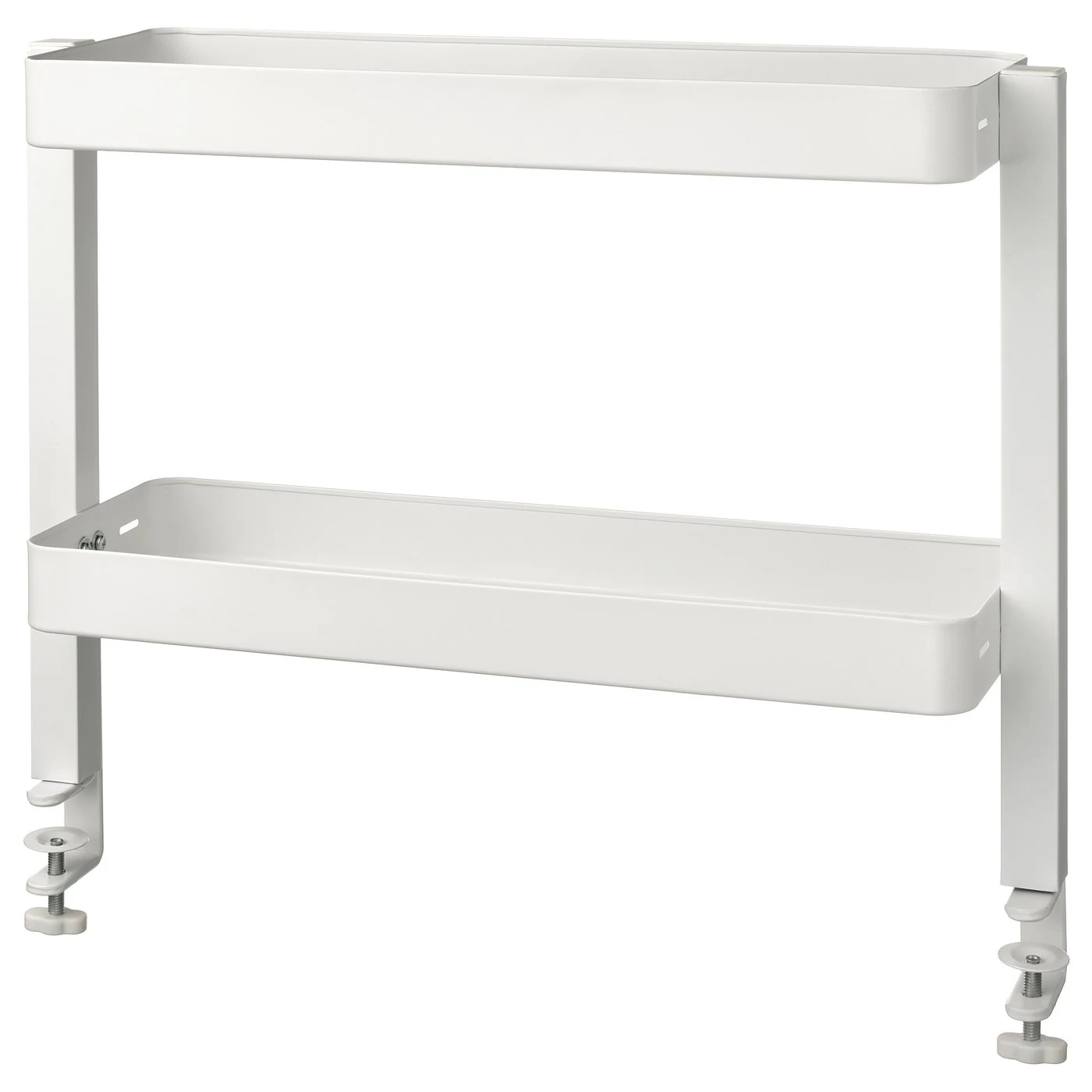
These concept ads were generated in Hilight's Image Creation using an official product photo of the white IKEA VATTENKAR desktop shelf. The illustrative offer is 20% off from November 27–30, 2026; it is not an actual IKEA promotion.
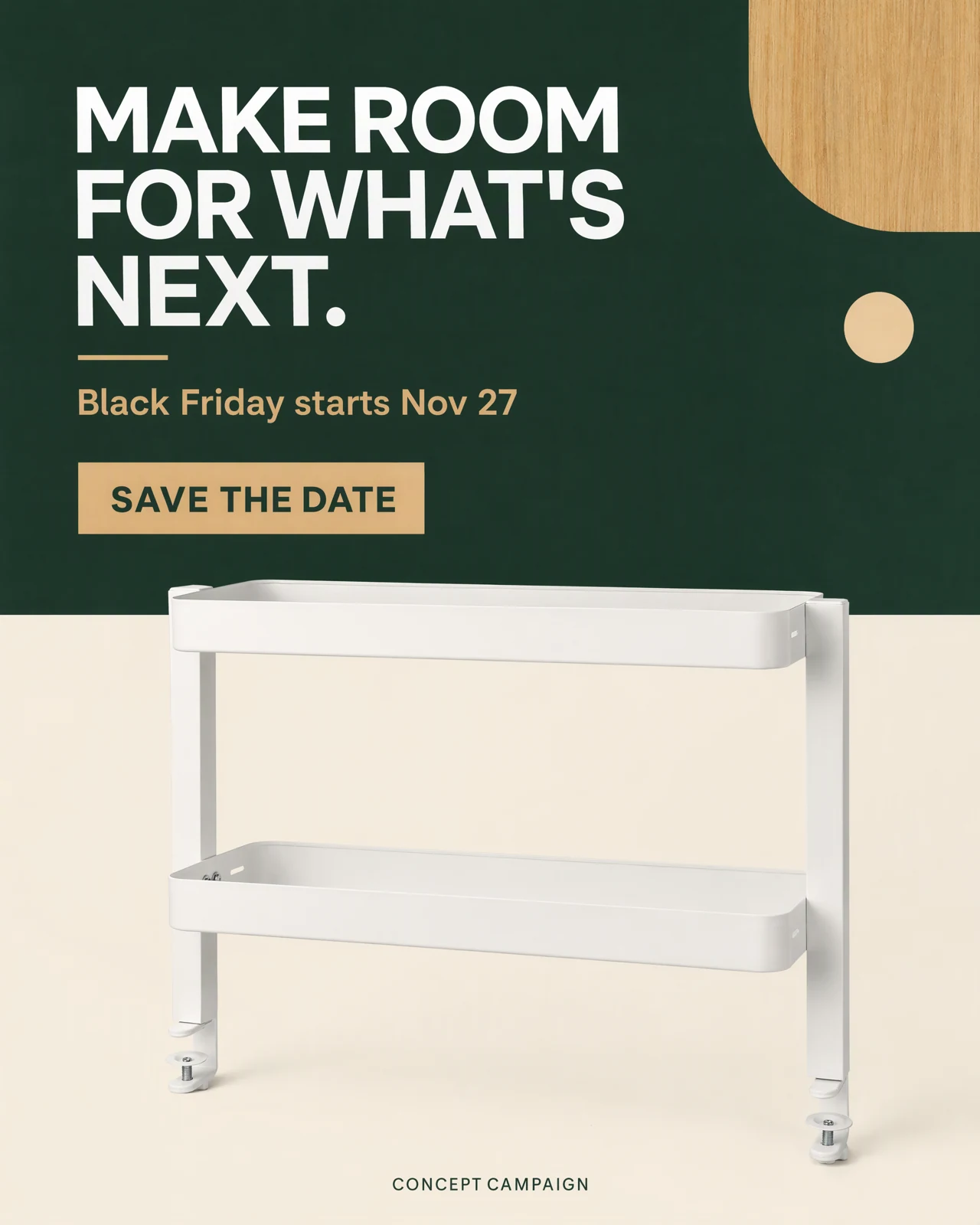
Lead-up: Give shoppers an opening date to remember
“MAKE ROOM FOR WHAT'S NEXT.” connects the product with the prospect of a more organized space. The shelf remains visible, while the event message is simply “Black Friday starts Nov 27,” followed by “SAVE THE DATE.” The offer is not live yet, so the ad gives shoppers a reason to come back.
Launch: Make the offer and next action easy to find
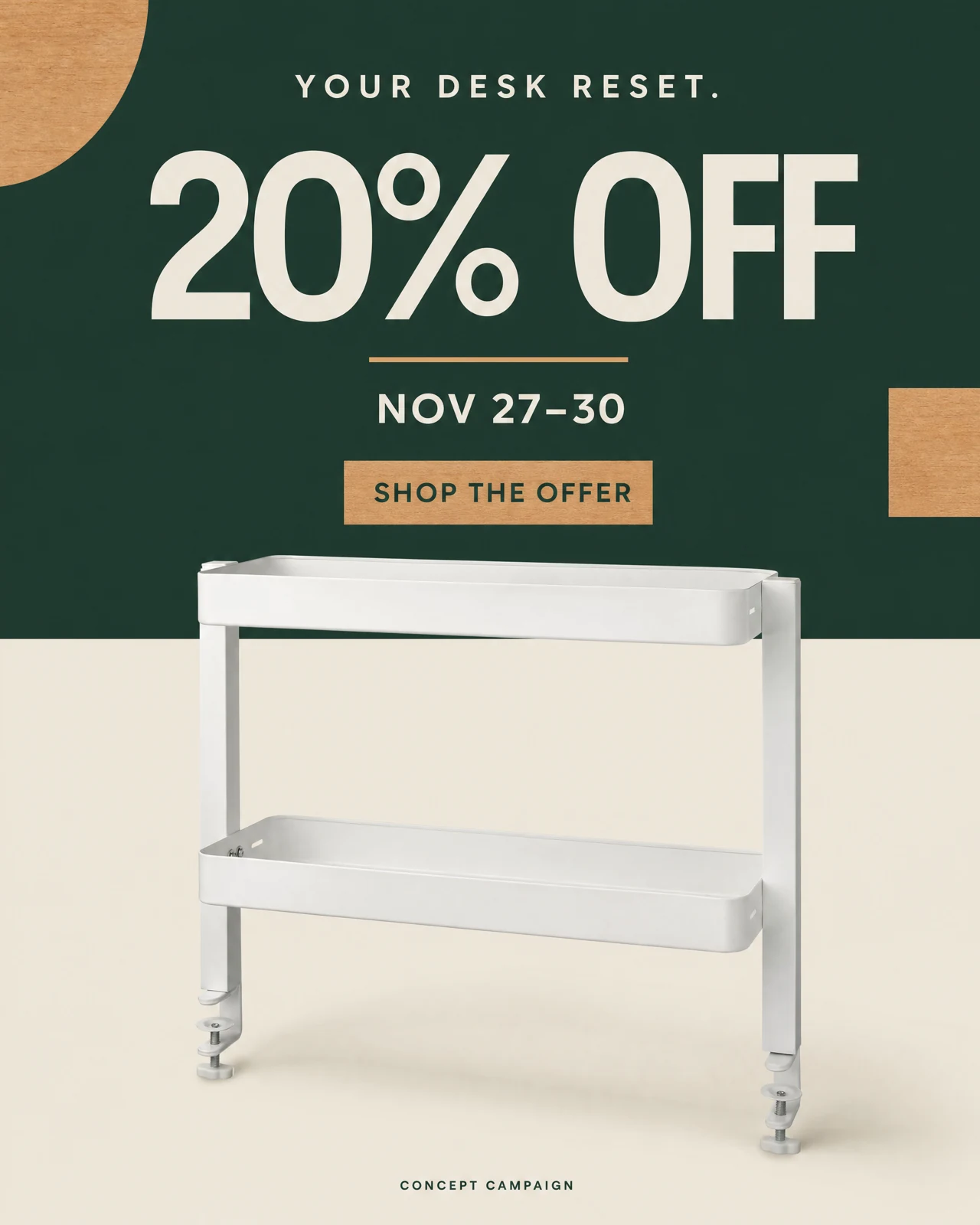
Once the sale opens, “20% OFF” becomes the main message, accompanied by “NOV 27–30.” The call to action changes to “SHOP THE OFFER.” Keeping the product and color palette familiar connects it to the earlier ad, while the new message makes clear what shoppers can do now.
Last day: Tie the reminder to a specific deadline
The final ad leads with “LAST DAY. MORE SPACE.” It places “ENDS NOV 30” beside the offer and asks shoppers to “SHOP BEFORE MIDNIGHT.” In this concept campaign, it belongs on November 30, when that offer and deadline still apply.
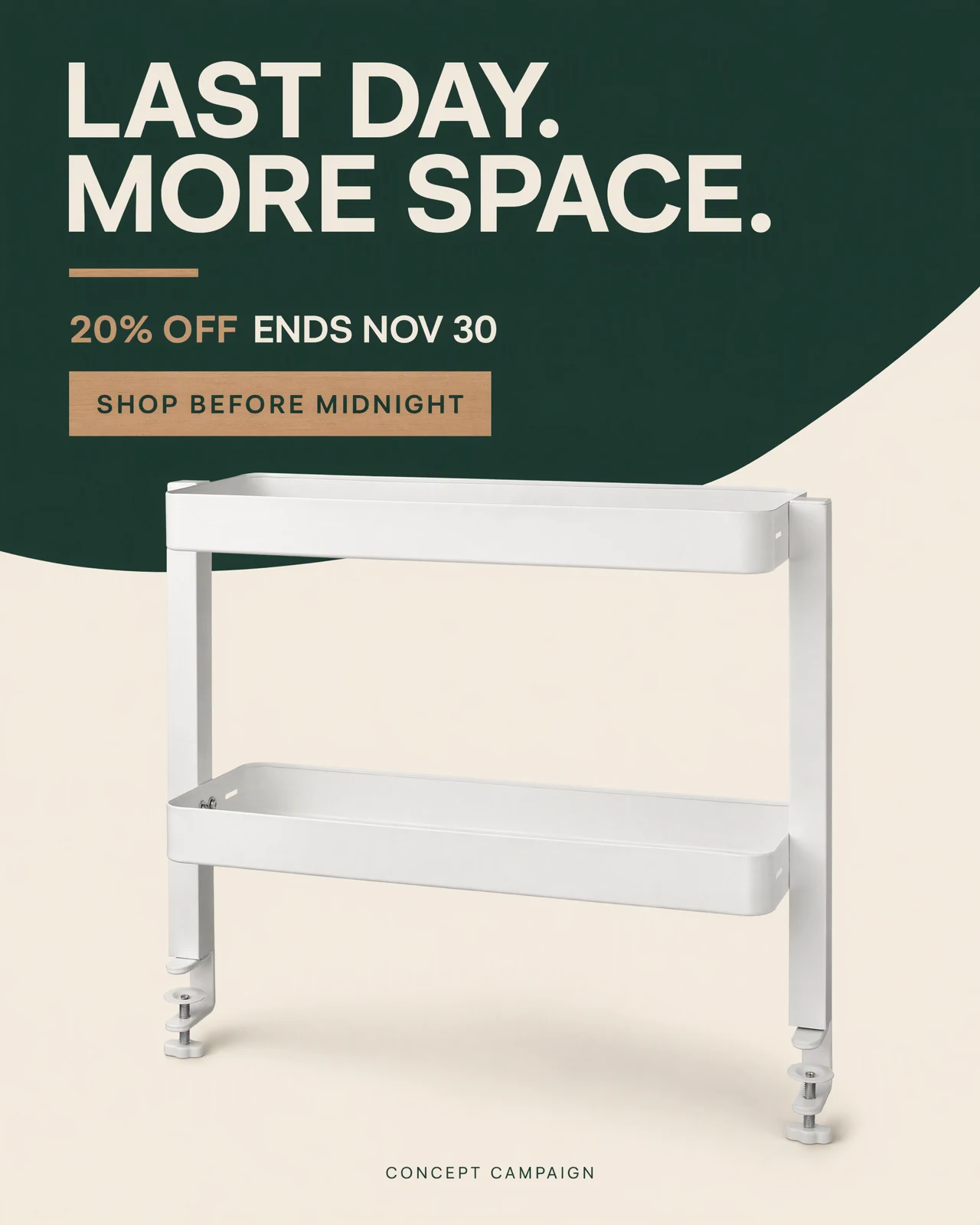
All three ads use the same product reference. The main change is the information shoppers need at each stage. For your own campaign, keep a recognizable product treatment and visual style, then adapt the announcement, offer, and closing message to the actual dates.
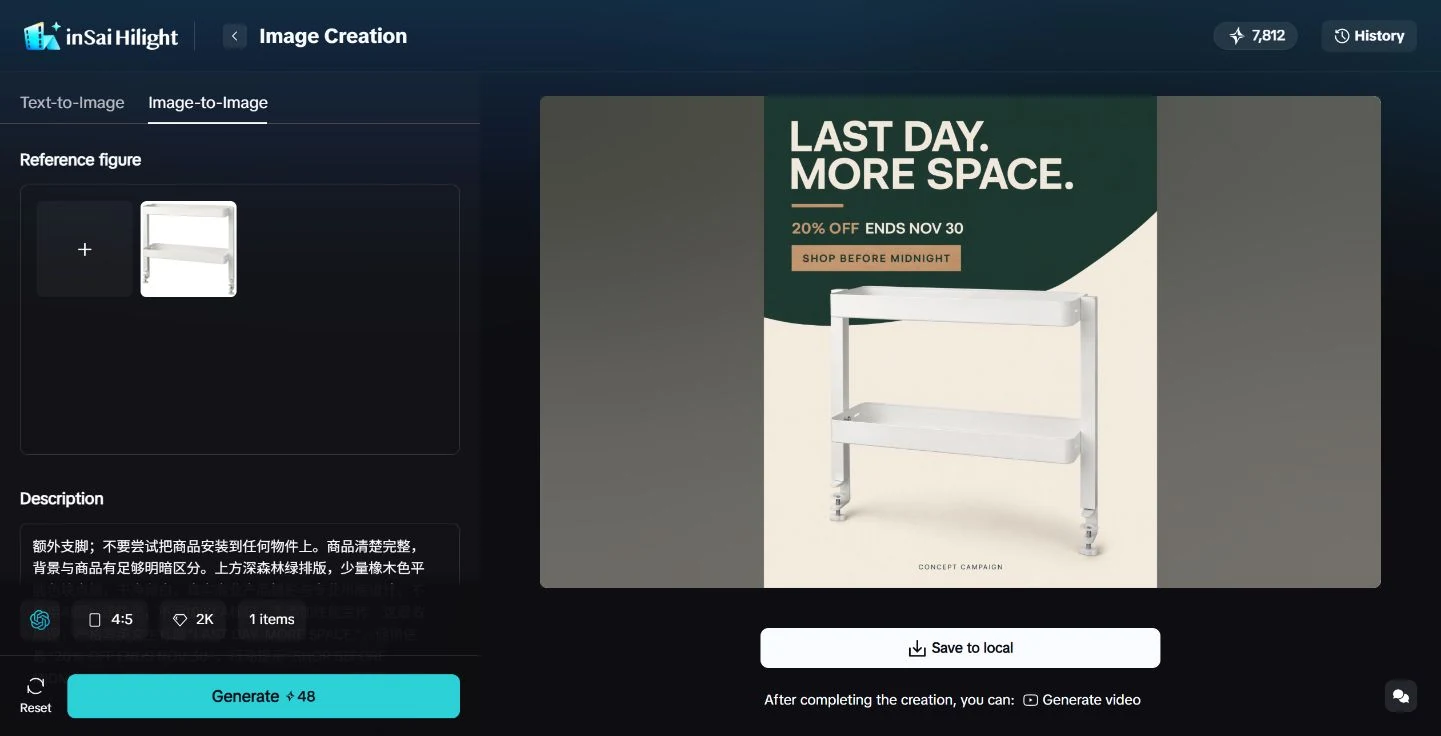
Add a promotional video when product use needs explaining
A static ad can present the offer and dates clearly. If shoppers also need to see how items fit on the shelf or how the product is used, add Black Friday video ads. Hilight's Promotional Video Ads page brings together product material, promotional price, campaign dates, promotion method, and a Black Friday theme.
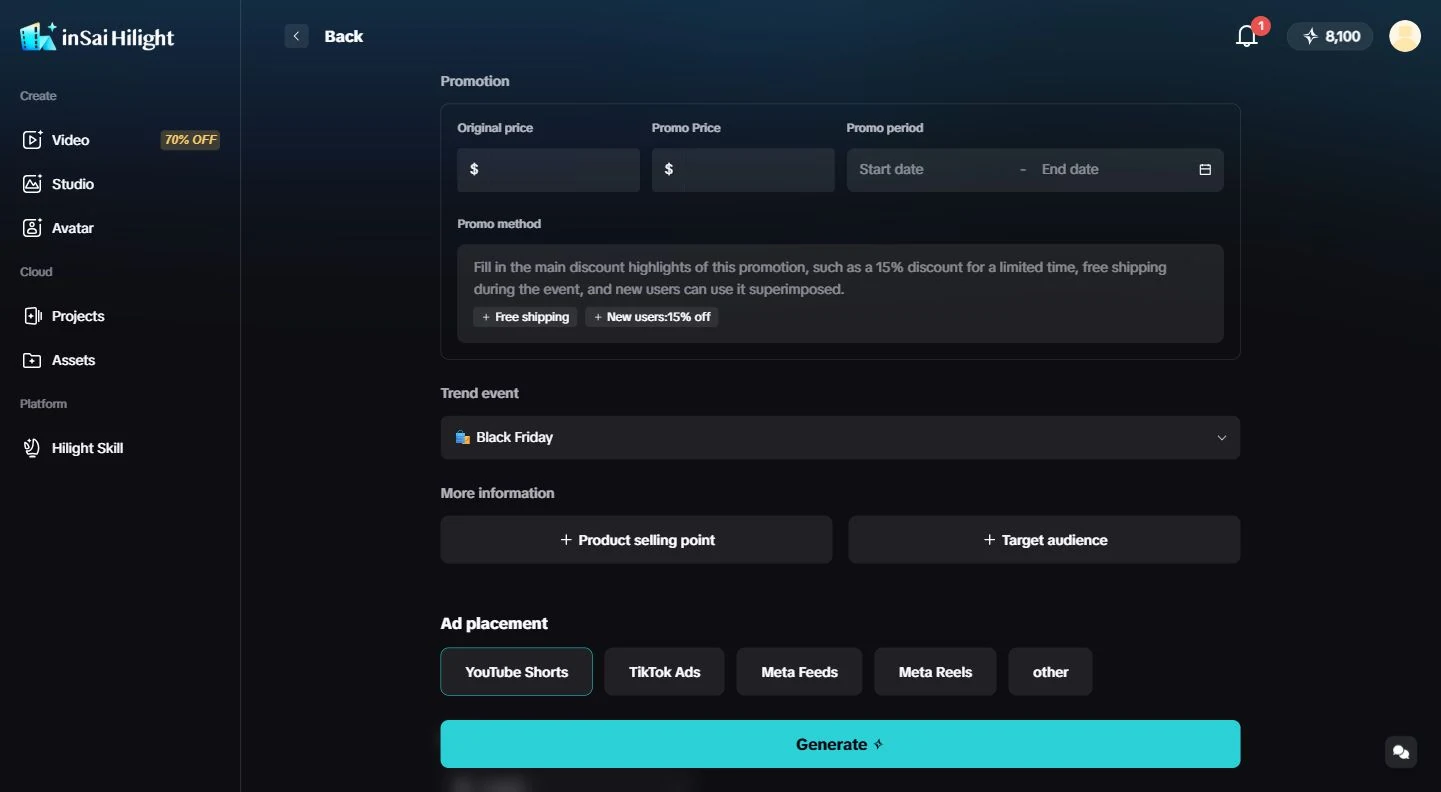
Hilight is an AI marketing agent. With the real product and event information, the agent can develop the video direction and continue through asset creation and the finished video. For this shelf, a video could show how everyday items are arranged, giving shoppers a clearer understanding of the product alongside the offer.
Choose co-creation when you want to discuss how the idea is expressed, or the faster creation mode when you want a complete first version. The images carry the event information; video adds the actions and sequence needed to explain product use.
Check that the offer matches the purchase page
After clicking, shoppers should easily find the product and offer they just saw. A bundle ad leading to a single-item page, or an automatic-discount message that unexpectedly requires a code, makes them stop and work out the difference.
Amazon Ads' Black Friday guidance also identifies price and product mismatches as common blockers. Following a real purchase path before launch can reveal these problems.
- Product match: The advertised variant, size, and bundle are easy to find.
- Clear eligibility: Offer, gift, and early-access conditions are understandable.
- Usable instructions: Explain any required code or qualifying condition where shoppers need it.
- Consistent timing: Announcements, live offers, and end dates agree; expired content stops running.
- Fulfillable promises: Stock, delivery, and service arrangements support the promises in the ad.
After launch, assess outcomes against the original objective. Lead-up signups and sale-period visits and purchases answer different questions. If clicks do not lead further, examine the page and offer conditions before deciding to change the video.
For your next Black Friday ad, bring the confirmed event details and existing product material to Hilight. Start with a use worth explaining, and let the agent develop the promotion into a product video.
Questions about Hilight
Yes. Upload clear product photos and add the product name and promotion requirements. Detail images or usage clips can also help the agent understand its appearance and purpose.

