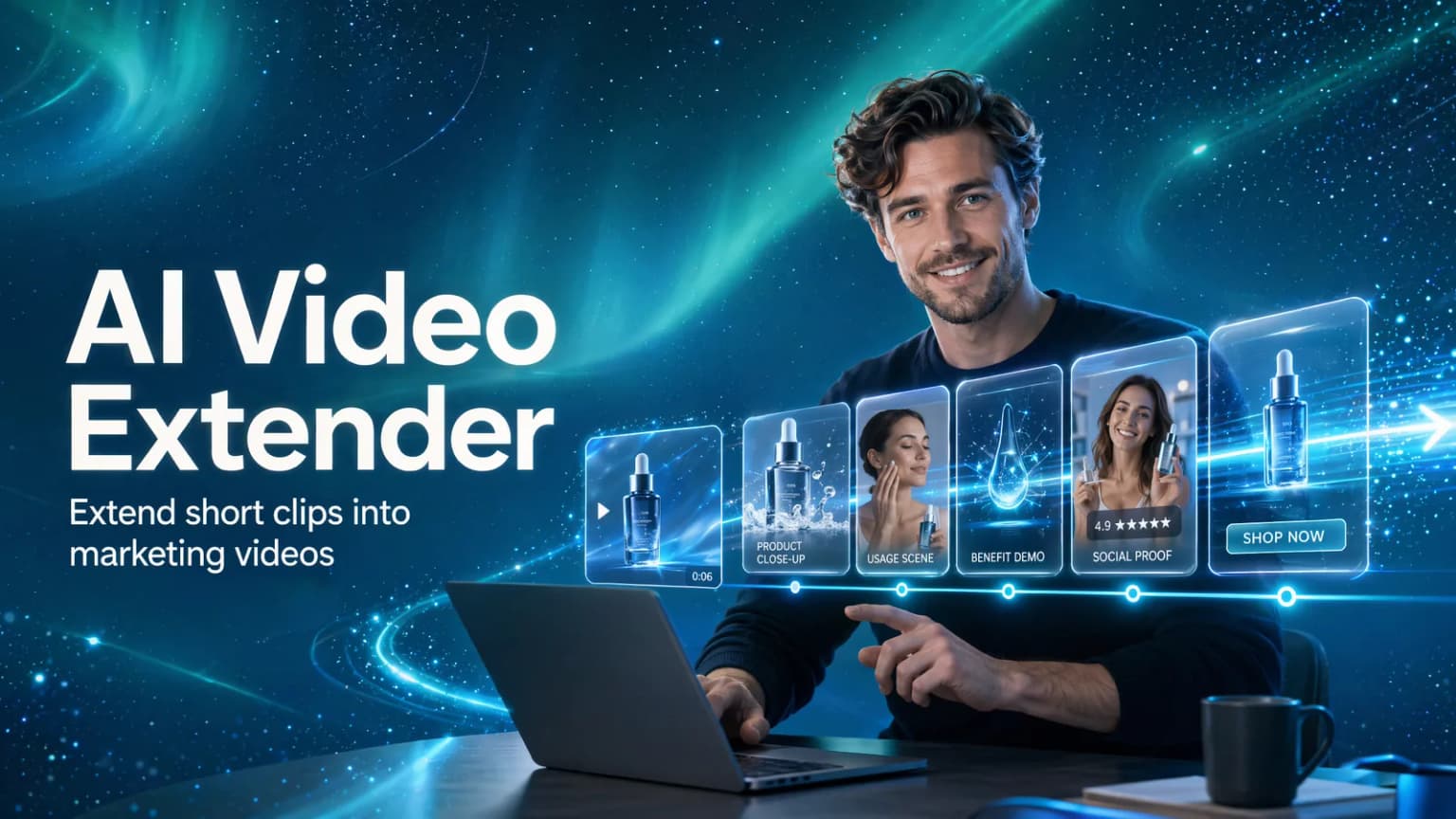
Quick Answer
An AI video extender should not only mean adding a few more seconds to a clip. For ecommerce teams, the better use is expanding a short product clip, product link, image, script, or selling point into a fuller marketing video structure.
Hilight fits when a team wants to turn an existing product video idea into new hooks, scenes, selling-point angles, scripts, product assets, digital-human or talking-photo explainers, and complete product videos for different channels.
A product video is not always weak because it is short. It may be weak because it only shows one angle, one scene, or one product benefit.
When marketing teams search for an AI video extender, the practical goal is often bigger than length. They want a short product clip to become a landing page video, a TikTok ad, a seasonal campaign version, or several testable ad angles without starting from zero.
Why Marketing Teams Extend Existing Videos
Most product videos are not useless because they are short. They become weak because they only show one angle. A skincare clip may show the bottle but not the routine. A gadget video may show the product but not the before-and-after benefit. A fashion video may show the item but not enough styling context.
That is why ecommerce teams often look for a video extender. They are trying to answer practical campaign questions:
- Can this short product clip become a landing page video?
- Can this product demo become a TikTok, Reels, or Shorts ad?
- Can this old campaign asset support a seasonal promotion?
- Can one video idea become several testable ad angles?
- Can we add a presenter, voiceover, or product explanation without starting from zero?
The better way to think about extension is simple: keep what already works, then add the missing product story.
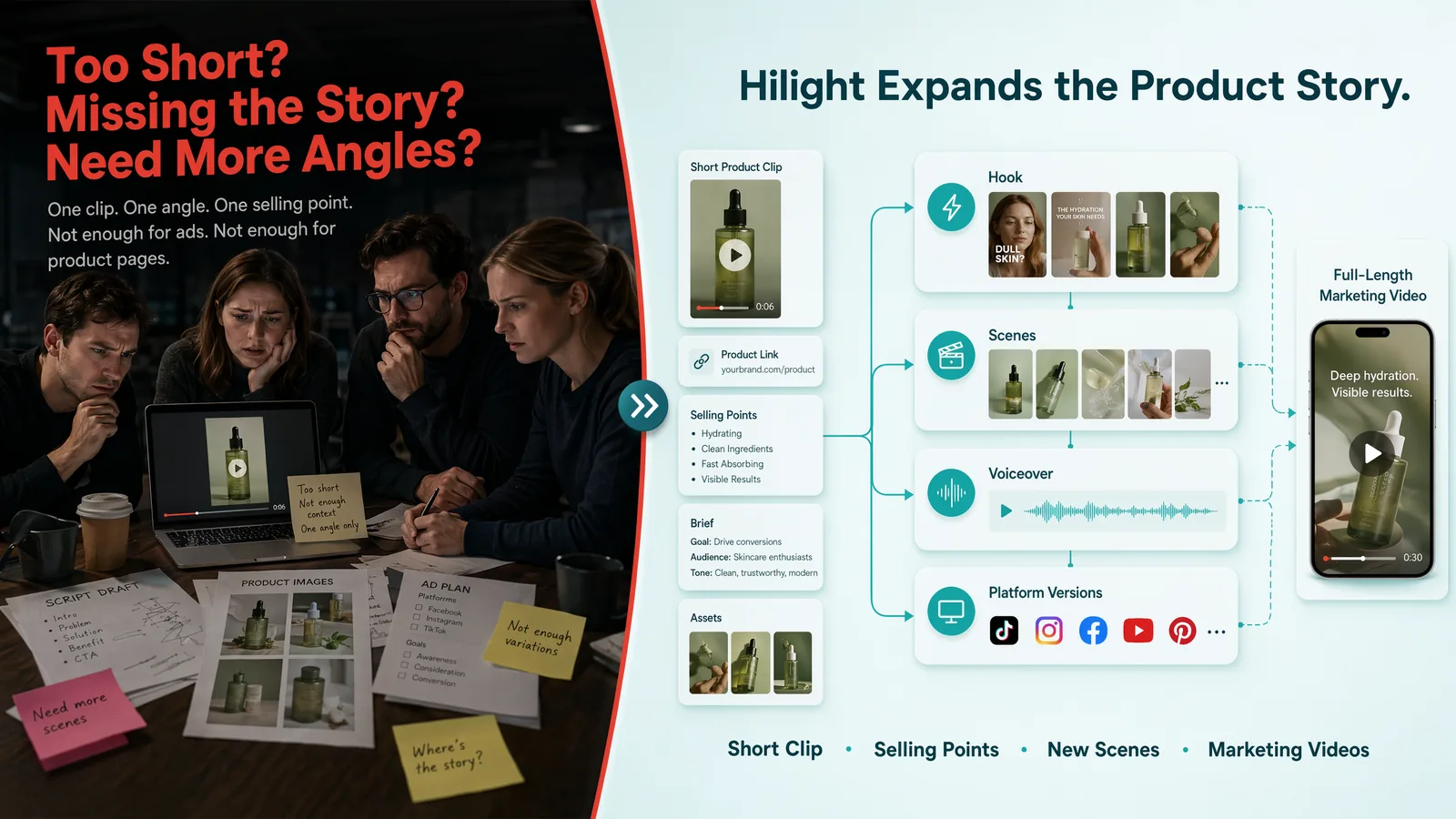
Ecommerce Videos Need More Than Extra Seconds
In a generic editing context, an AI video extender may mean making a clip longer or generating more frames after the original ending. That can be useful for cinematic footage or simple social visuals.
For ecommerce teams, the real need is usually more specific.
This is where an ecommerce workflow matters. A plain video extender AI can continue a clip, but a product marketing workflow needs to understand why the new seconds should exist.
Use Cases: When AI Video Extension Makes Sense
Turn a short product demo into a fuller product page video with use context, benefits, and a clear ending.
Refresh an old ad with a new seasonal angle, offer, audience, or opening hook while keeping useful source material.
Extend one product idea into multiple testable hooks: problem-first, benefit-first, creator-style, comparison, or limited-time offer.
Add a digital-human or talking-photo style layer when the product needs clearer explanation or multilingual delivery.
A Better Workflow: Extend the Product Story, Not Just the Clip
Decide what the original video is missing
Choose the purpose of the extension: a stronger opening, more product explanation, a new use case, a longer product page version, or a paid-social variation.
Add product context
Use product links, images, existing scripts, short clips, and selling points so Hilight understands the product, not only the visual style.
Define the new marketing angle
Do not only make the video longer. Decide whether the new section should explain a benefit, show a scene, build trust, or guide the viewer to the next step.
Prepare supporting assets
Use AI Studio for product backgrounds, scene images, product visual enhancement, digital-human assets, talking-photo assets, or other materials that support the added section.
Generate the new marketing video version
Use Smart Video to turn the expanded direction, script, scene flow, product inputs, and assets into a complete marketing video for the chosen use case.
How Hilight Fits AI Video Extension
Hilight is strongest when the extension needs product and campaign context. Instead of treating video extension as a pure visual trick, Hilight helps ecommerce and marketing teams build a fuller marketing video from product links, product assets, scripts, selling points, and briefs.
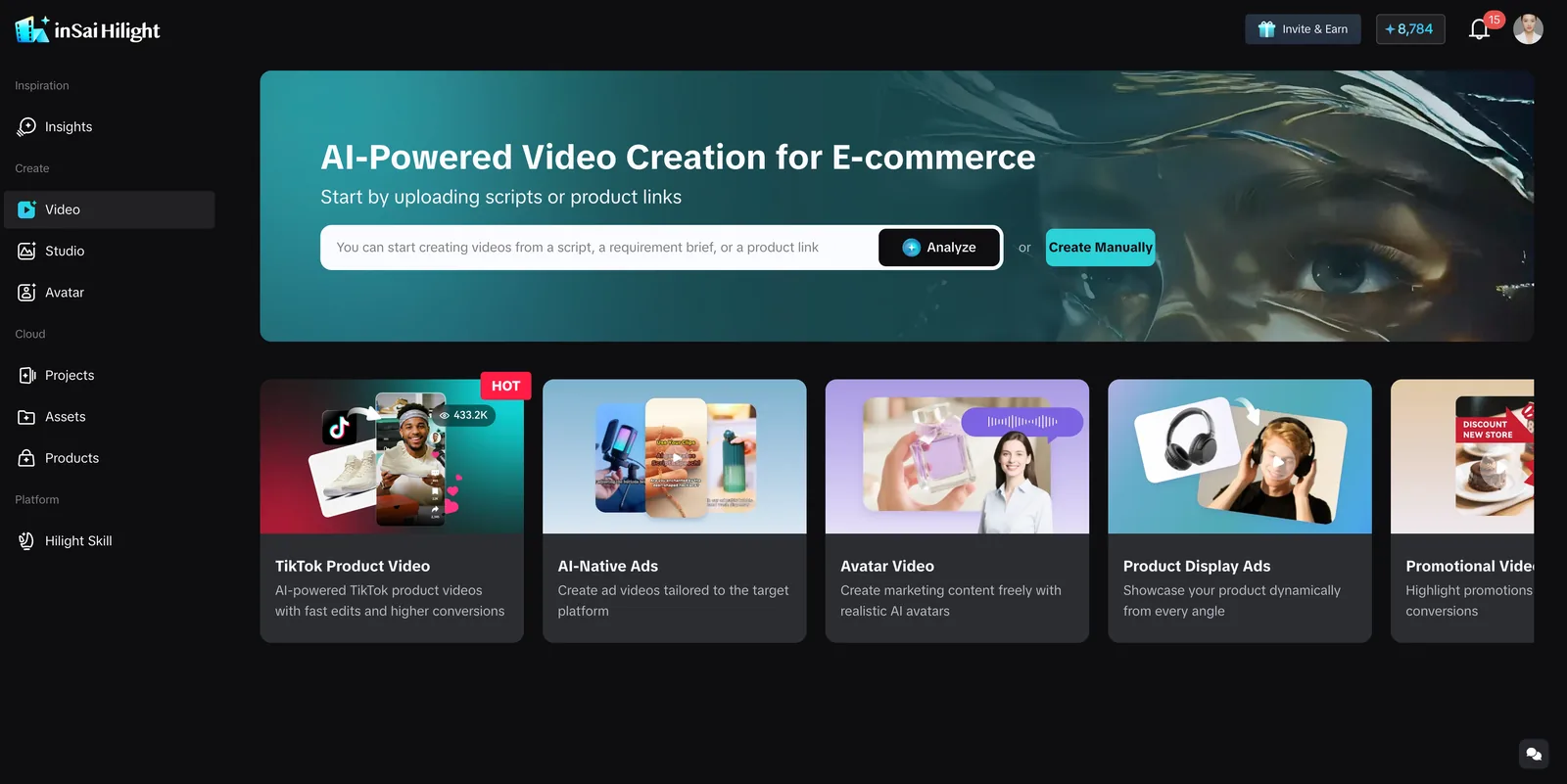
Generic Video Extender vs Hilight Workflow
If you only need a shot to continue for a few seconds, a generic video extender may be enough. If you want the extended video to carry product benefits, new scenes, a platform version, and a clearer marketing message, Hilight is the better fit.
What to Add Before You Extend a Product Video
Before making a video longer, decide what the new section should solve. For ecommerce teams, extension is rarely about adding seconds. It is about helping the viewer understand the product, believe the selling point, or take the next step.
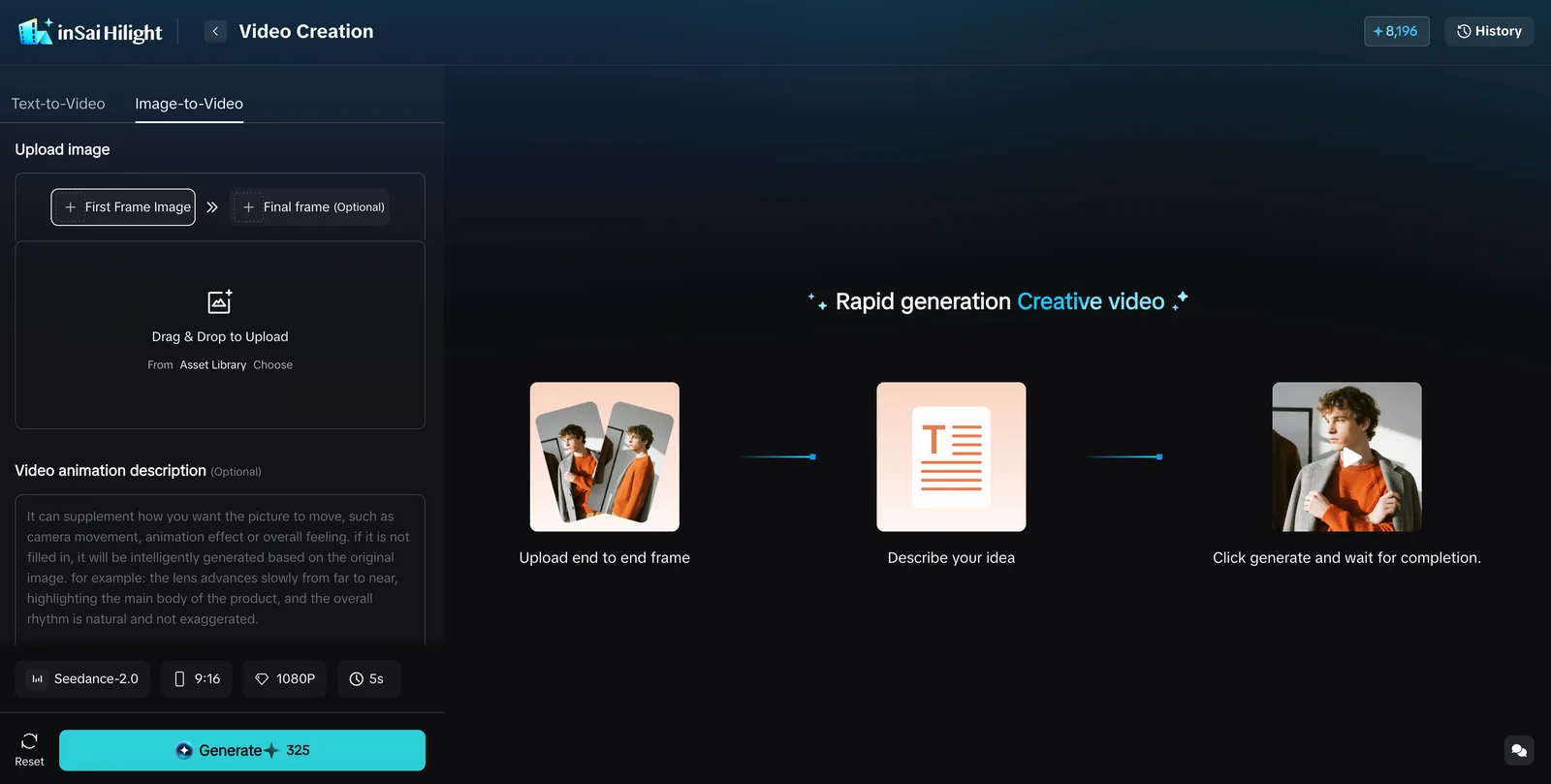
What Teams Often Miss When Extending Product Videos
Many teams focus on whether the video can become longer, but the better question is why it should become longer.
- Does the added section introduce a new selling point?
- Does the new scene help people understand the product faster?
- Do captions or voiceover answer something the buyer actually cares about?
- Is the platform version adapted for TikTok, Reels, Shorts, or product pages?
- Do the new assets still match the product style?
- After the extension, is the reason to watch or buy clearer?
FAQ
What is an AI video extender?
An AI video extender uses AI to make a short clip, short video, or existing video idea more complete. For ecommerce teams, this can mean adding a stronger hook, product benefit, usage scene, captions, voiceover, or platform version.
Is AI video extension useful for product videos?
Yes, especially when you already have a short product clip, product images, a product link, or an ad idea, but still need more scenes, selling-point explanation, presenter content, or platform-specific versions.
Are free AI video extender tools enough?
They can be useful for visual testing. For ecommerce marketing, also check product context, commercial rules, export quality, watermark limits, asset reuse, and whether the workflow can support real product videos.
Can Hilight directly turn a short product idea into a longer marketing video?
Hilight is designed to connect product context with video creation. It can use product links, product images, briefs, scripts, selling points, and supporting assets to help generate a fuller marketing video.
When should I use Hilight instead of a generic video extender?
Use a generic video extender when you only want a clip to continue visually. Use Hilight when you want the extension to add a product story, selling point, script, new scenes, platform version, and complete marketing video structure.
Final Thoughts
The best AI video extension is not just a longer clip. It is a stronger product story.
For ecommerce teams, each added section should support a selling point, scene, audience, or platform goal. When you already have a short video, product link, product image, or rough campaign idea, Hilight can help expand it into scripts, scenes, supporting assets, and complete marketing videos.

