
Quick Answer
Holiday campaigns often require multiple types of content, including product hero images, promotional posters, social media visuals, presenter clips, and complete marketing videos. Producing each asset through separate shoots, design rounds, recordings, and edits takes time, effort, budget, and people. When campaign details or distribution channels change, much of that work has to be repeated.
AI marketing tools can use existing product information, images, scripts, and campaign requirements to quickly create the visuals, presenter-led content, or videos needed for the campaign. This reduces repetitive production work and helps teams produce more marketing assets with less time and effort.
More Holiday Assets, Less Production Friction
Holiday production becomes difficult because every campaign moment changes several things at once. The product may stay the same, but the background, offer, headline, language, aspect ratio, presenter, or video structure may all need a new version.
Start by defining the deliverable before choosing a tool. A product image for a Christmas landing page, a holiday market poster, a short talking announcement, and a complete paid-social video are different production tasks.
This need-first approach keeps the workflow simple. Create only the missing asset instead of rebuilding the entire campaign package for every change.
Create the Visuals Each Campaign Moment Needs
A clean product visual can make an existing campaign feel seasonal without organizing another shoot. In Hilight AI Studio, product images can become new scene assets, enhanced visuals, apparel presentations, or source material for later video creation.
Build a seasonal setting around the product
Start with a clear product image and match the scene to the campaign moment. Product Background Swap can place the product in a new visual setting without organizing another physical shoot. A neutral product shot can become a warm Christmas gift scene, a winter tabletop arrangement, or a brighter retail-promotion visual.
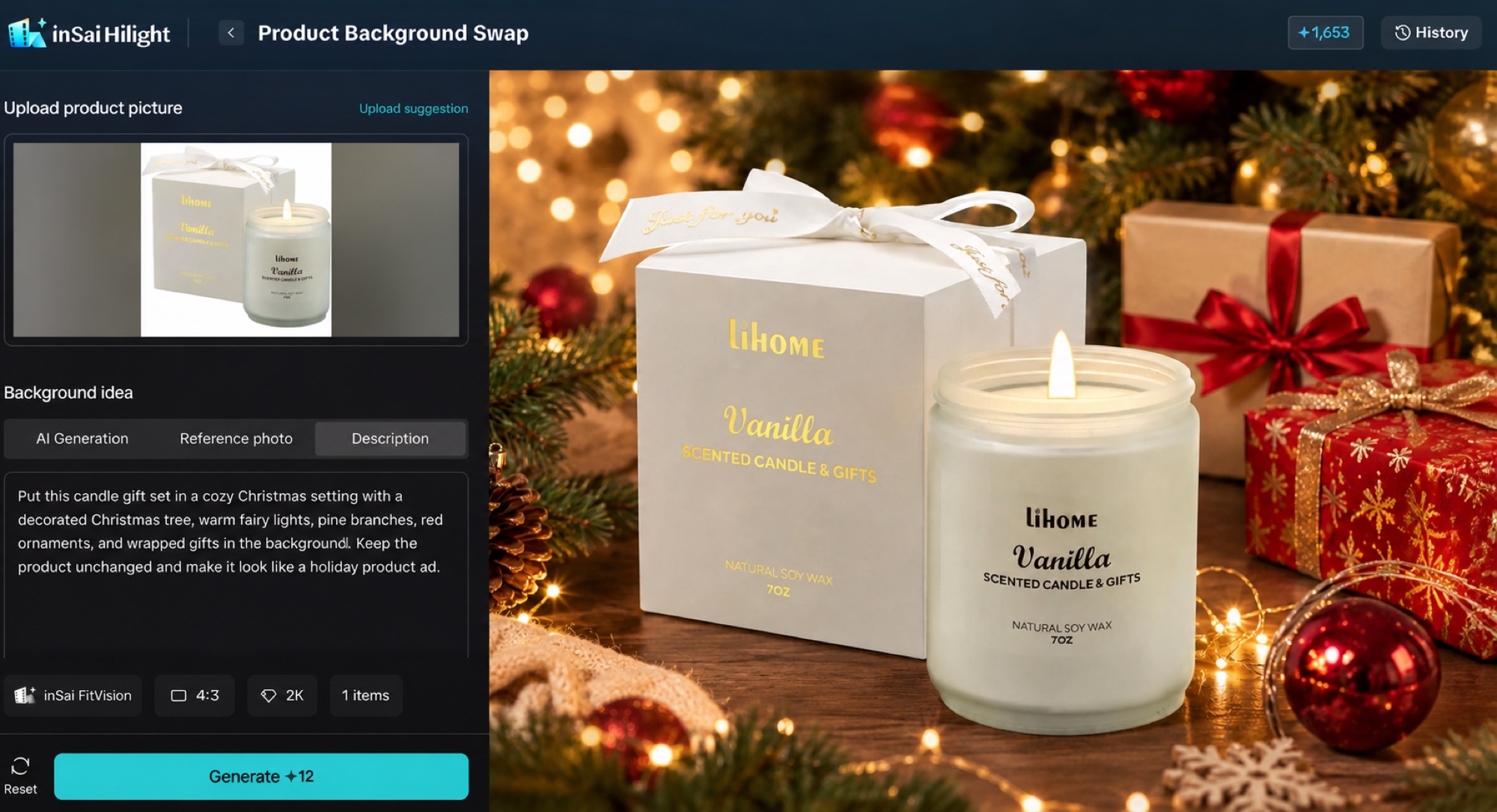
If the brief calls for an AI Christmas photo or an AI poster generator, get the product presentation right before adding campaign text. Keep the product recognizable, leave usable space for the headline, and add the approved offer, dates, and CTA in the final poster layout. The AI product background guide provides a closer look at building product scenes from existing images.
Show apparel in the seasonal look
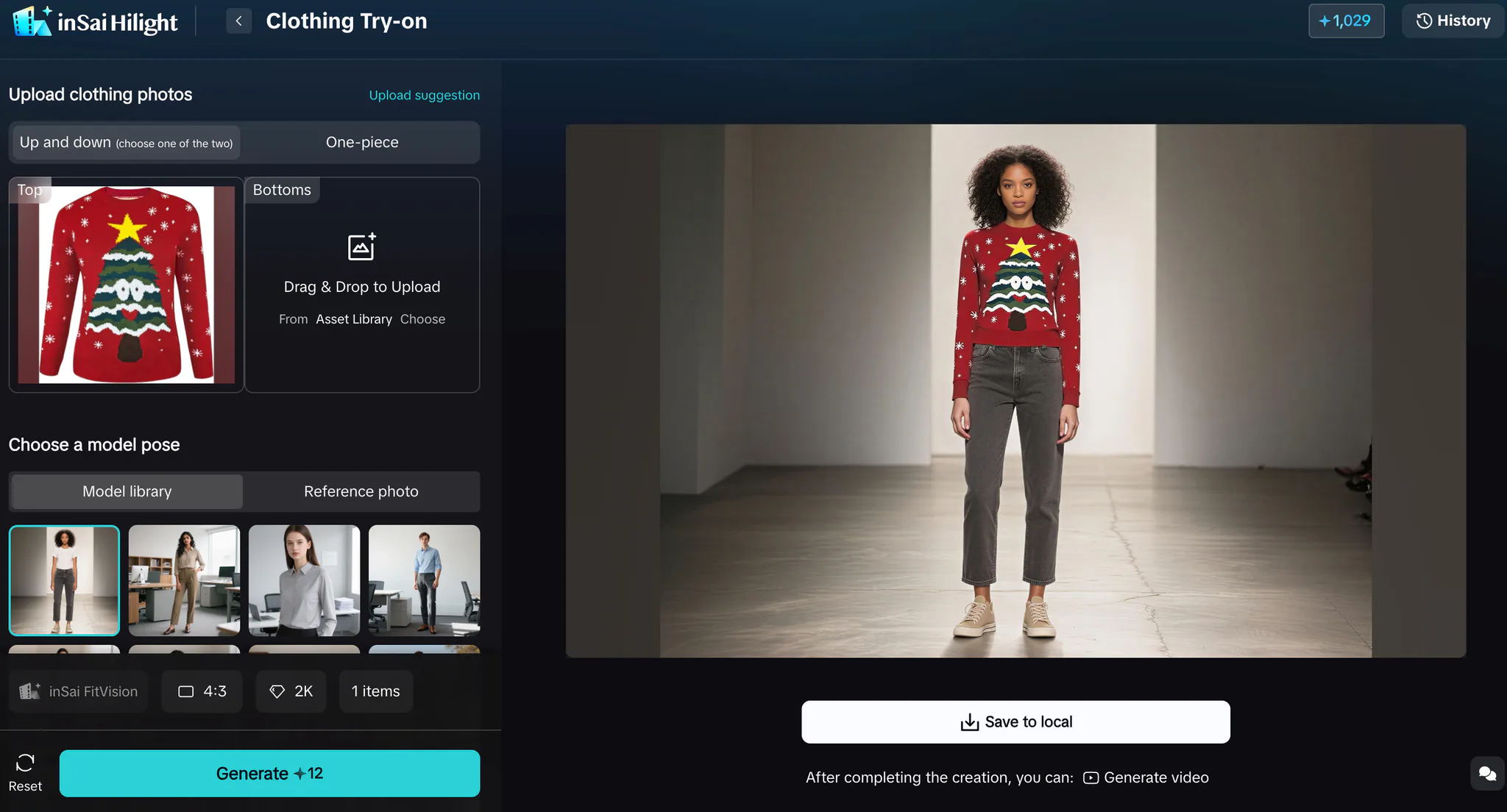
Flat clothing images may not communicate the complete holiday outfit or styling idea. For apparel campaigns, Clothing Try-On can create an on-model presentation from clothing assets, giving the campaign a clearer lifestyle context before those visuals move into social posts or video.
Give Seasonal Promotions a Voice
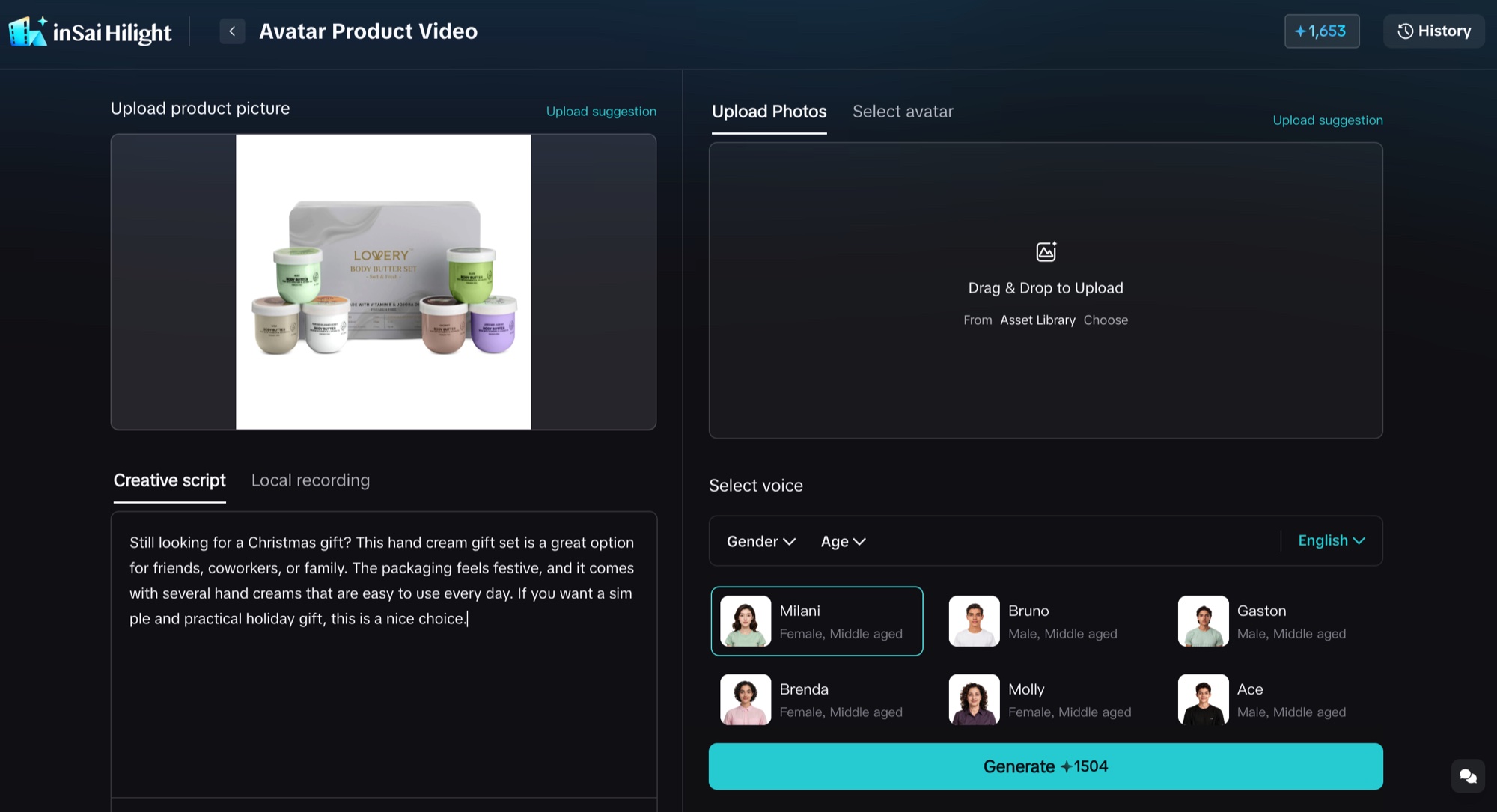
Some offers are easier to understand when a person delivers the message. A spoken clip can introduce the promotion, explain a gift idea, highlight a product detail, or localize the same campaign for another language.
Choose the format by the role the presenter needs to play:
Keep the script tied to one message: the occasion, the product benefit, the offer, or the next action. Product visuals and captions should reinforce what the presenter says rather than compete with it.
Presenter-led content also needs an honest role. Use the presenter to explain verified product information or the current promotion; do not write an invented customer experience or unsupported endorsement.
Move from Individual Assets to a Finished Campaign Video
Individual images and talking clips solve specific gaps. When the final deliverable needs a hook, product story, supporting scenes, captions, music, and a closing CTA, use a complete video workflow instead of assembling every element separately.
Hilight Smart Video can begin with a product link, product images, existing clips, a script, or a focused creative brief. Add the selling point, audience, platform, language, campaign occasion, and promotion details that matter to the final video.
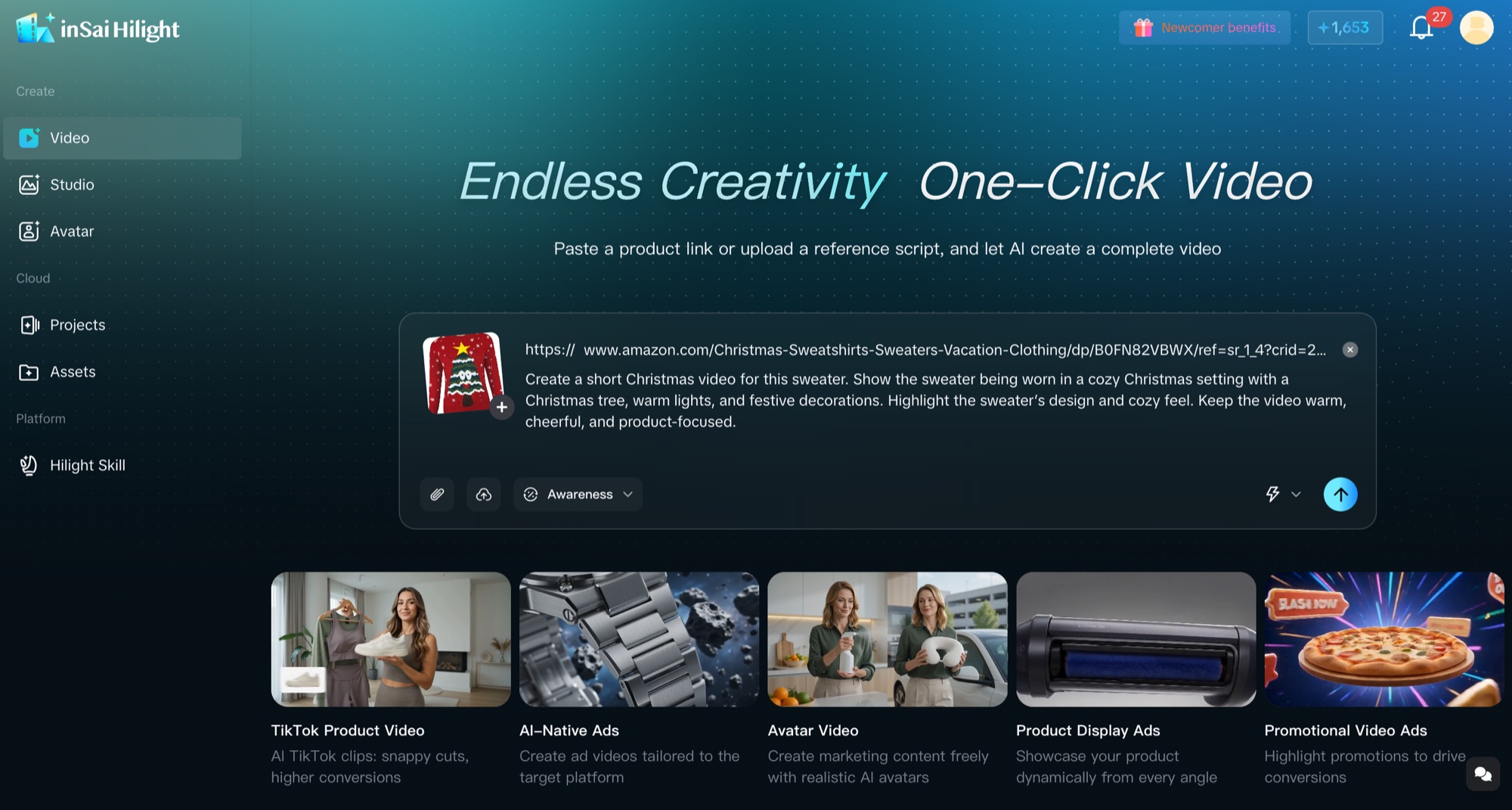
This is the useful dividing line: AI Studio fills individual asset gaps; Smart Video organizes the inputs into a complete marketing video. Existing product images can also become motion assets, as shown in the image-to-video workflow for ecommerce.
Create the Materials Your Campaign Needs Next
If the campaign is missing a product scene, apparel visual, or talking asset, open Hilight AI Studio and create that component first.
If the campaign needs a complete video built from product information, images, clips, a script, or a creative brief, start with Hilight Smart Video.
FAQ
What holiday marketing assets can AI marketing tools create?
Depending on the workflow, AI marketing tools can create seasonal product scenes, poster-ready images, on-model apparel visuals, talking-photo clips, digital-human explanations, presenter-led product segments, and complete multi-scene marketing videos.
Can the same workflow support more than Christmas campaigns?
Yes. The production logic also works for New Year promotions, Valentine’s Day, Mother’s Day, summer sales, Black Friday, local festivals, holiday markets, and other campaign moments. Change the occasion, approved offer, visual direction, language, and channel requirements while keeping product information accurate.
Should I start with a product image or a product link?
Start with a clear product image when the missing deliverable is a visual, background, try-on result, or talking asset. Start with a supported product detail page link when the goal is to give Smart Video broader product context for a complete marketing video. Images, clips, scripts, and a focused brief can provide additional direction.

