Quick Answer
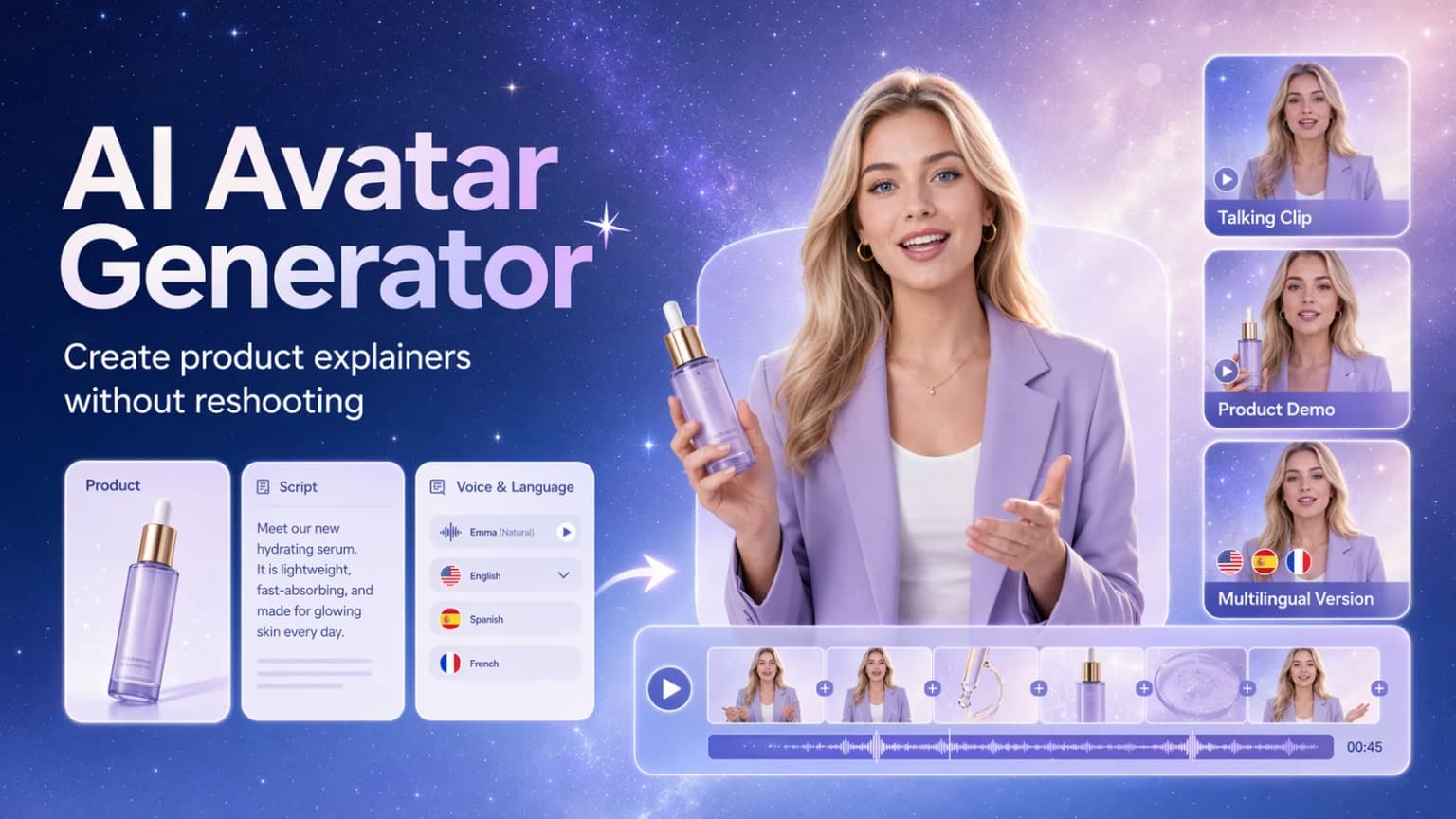
An AI avatar generator helps ecommerce teams create a reusable on-screen presenter for product videos. In Hilight, teams can create or choose a digital presenter, then use scripts, recordings, product images, voice settings, and language choices to make talking clips, product explainers, multilingual product introductions, and avatar-led product videos.
The real value is not just creating an avatar. It is giving your team a repeatable way to explain products when you do not have time to schedule a presenter, shoot another product demo, record another language version, or remake the same talking video for every campaign.
A new SKU is ready, the product page is live, and the team already has photos, specs, and a few selling points. But the video still stalls because no one is available to appear on camera, the script is not polished, or the same product needs English, Japanese, Spanish, and Chinese versions.
That is the moment when AI avatars become practical. They are not just a digital face on screen. Used well, they help ecommerce teams turn product facts into a presenter-led explanation that can be repeated across product pages, short-form platforms, paid social, and localized campaigns.
Product Videos Stall When No One Explains the Product
Many ecommerce products are hard to sell with images alone. A product photo can show shape, color, packaging, or texture, but it often cannot answer the questions a shopper is silently asking:
- What problem does this solve?
- Why is this product different?
- How would I use it in real life?
- Which feature matters most?
- Is this suitable for me?
That is why product videos often need a human-like explanation layer. A presenter can guide attention, simplify the selling point, and make the product feel easier to understand.
For a skincare serum, the presenter may explain when to use it and what skin concern it targets. For a portable blender, the presenter may show how it fits a morning routine, gym bag, or travel setup. For a small home appliance, the presenter may turn a list of specifications into a clearer use case.
This is where AI avatars become useful for ecommerce teams. Instead of treating an AI avatar generator as a novelty avatar creator, the better question is:
Can this help us create repeatable product explanation videos without filming a new person every time?
For ecommerce teams, the best AI avatar generator is not necessarily the one with the most character styles. It is the one that can connect the presenter, script, product visuals, voice, language, and marketing use case into a practical product video workflow.
Why Live Presenter Videos Are Hard to Scale
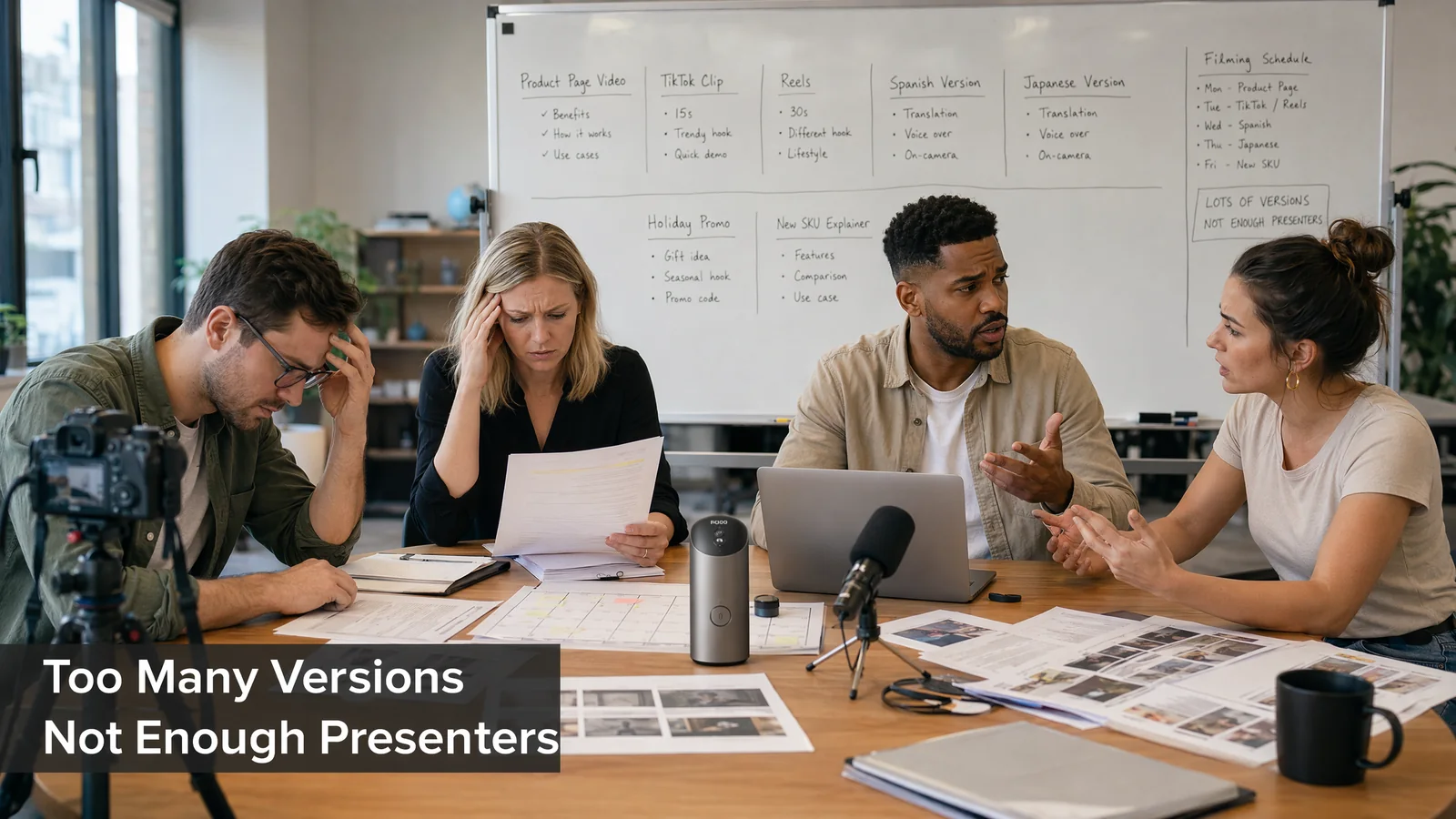
Live presenter videos can work well, but they are difficult to repeat across many products, markets, and campaign angles.
A typical ecommerce team may need:
- one product introduction for the product page
- several short talking clips for TikTok, Reels, or Shorts
- one multilingual version for another market
- one benefit-led version for paid social
- one offer-led version for a seasonal campaign
If every version requires a person, location, lighting setup, script revision, filming session, retake, and edit, the team quickly slows down.
The problem is not that ecommerce teams dislike filming. The problem is that product marketing moves faster than traditional presenter production. New SKUs arrive, offers change, markets shift, and social content needs fresh variations.
An AI avatar video workflow can help when the team already knows what needs to be said, but does not want to rebuild the whole filming process every time.
Where AI Avatars Fit in Ecommerce Marketing
AI avatars are most useful when the product needs a clear spoken explanation. They are less useful when the main value depends entirely on close-up texture, real use, or physical handling. In those cases, product visuals should still lead, and the avatar should support the message.
For ecommerce teams, AI avatar videos usually fit these scenarios.
Use an AI avatar to introduce what the product is, who it is for, and why the main selling point matters. This works well for product pages, landing pages, marketplace listings, and first-touch social content.
Some products have too many features on the page. A talking avatar can turn those features into a clearer story: one problem, one benefit, one reason to care.
Cross-border teams often need the same product explained in different languages. A reusable AI avatar or digital avatar can make it easier to create localized product explainers without arranging a new shoot for each market.
Short-form platforms often reward content that feels direct and easy to understand. A talking avatar can be used for quick product tips, campaign announcements, common questions, or creator-style product explanations.
When a product page already has images, specifications, and reviews, an AI avatar video can help summarize the strongest message in a more watchable format.
Which Hilight Avatar Workflow Should You Use?
Before choosing a tool, decide what the viewer needs to see and hear. Is the team building a reusable presenter identity? Is the goal to turn a script into a talking video? Or does the product need to appear together with the presenter?
This is the capability handoff: Digital Avatar gives the team a reusable on-screen person; Avatar Video gives a script a face and voice; Avatar Product Video connects that presenter with the product itself.
Use Avatar Video when the message is the hero. Use Avatar Product Video when the viewer needs to see the product and hear the explanation at the same time.
How Hilight Supports Avatar-Led Product Explainer Videos
Hilight separates two parts that ecommerce teams often mix together: who appears on screen, and what kind of product explanation needs to be created.
For example, a skincare brand may want one consistent presenter for weekly product education clips. A portable blender seller may need a presenter to explain breakfast, gym, and travel use cases. A cross-border team may need the same product message in multiple languages. These are different tasks, but they all start from the same question: what should the presenter help the buyer understand?
Create or Choose a Reusable Presenter
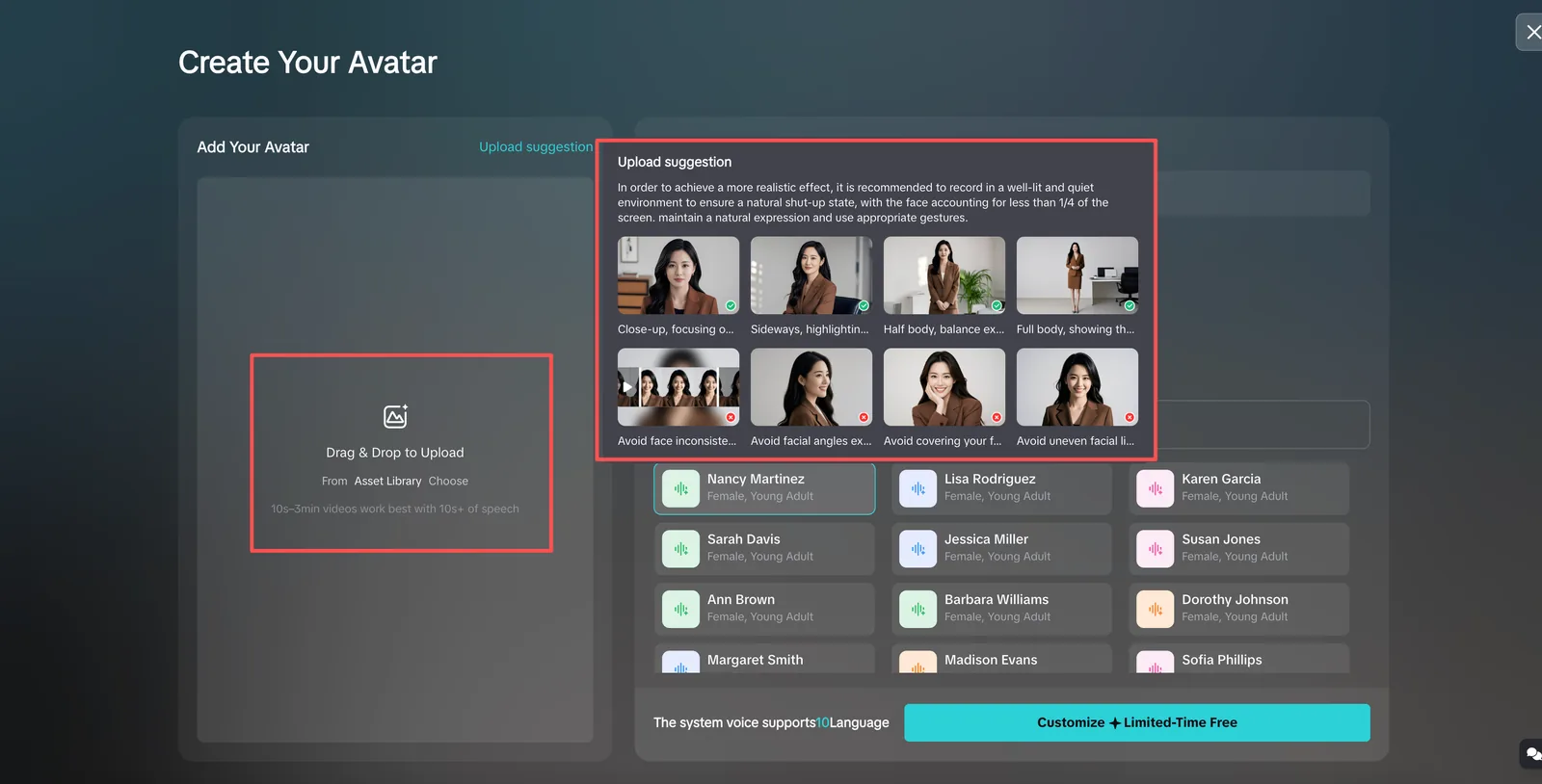
In Digital Avatar, teams can create a custom AI avatar from authorized image or video materials, or start with available system avatars when they want to test quickly.
For custom avatars, source quality matters. A clear single-person image or video, stable lighting, visible face, and suitable voice/language setup will usually lead to a more natural result. If the team wants to use the voice from a source video, the spoken audio should be clear and not buried under background noise.
Turn a Message into a Talking Avatar Video
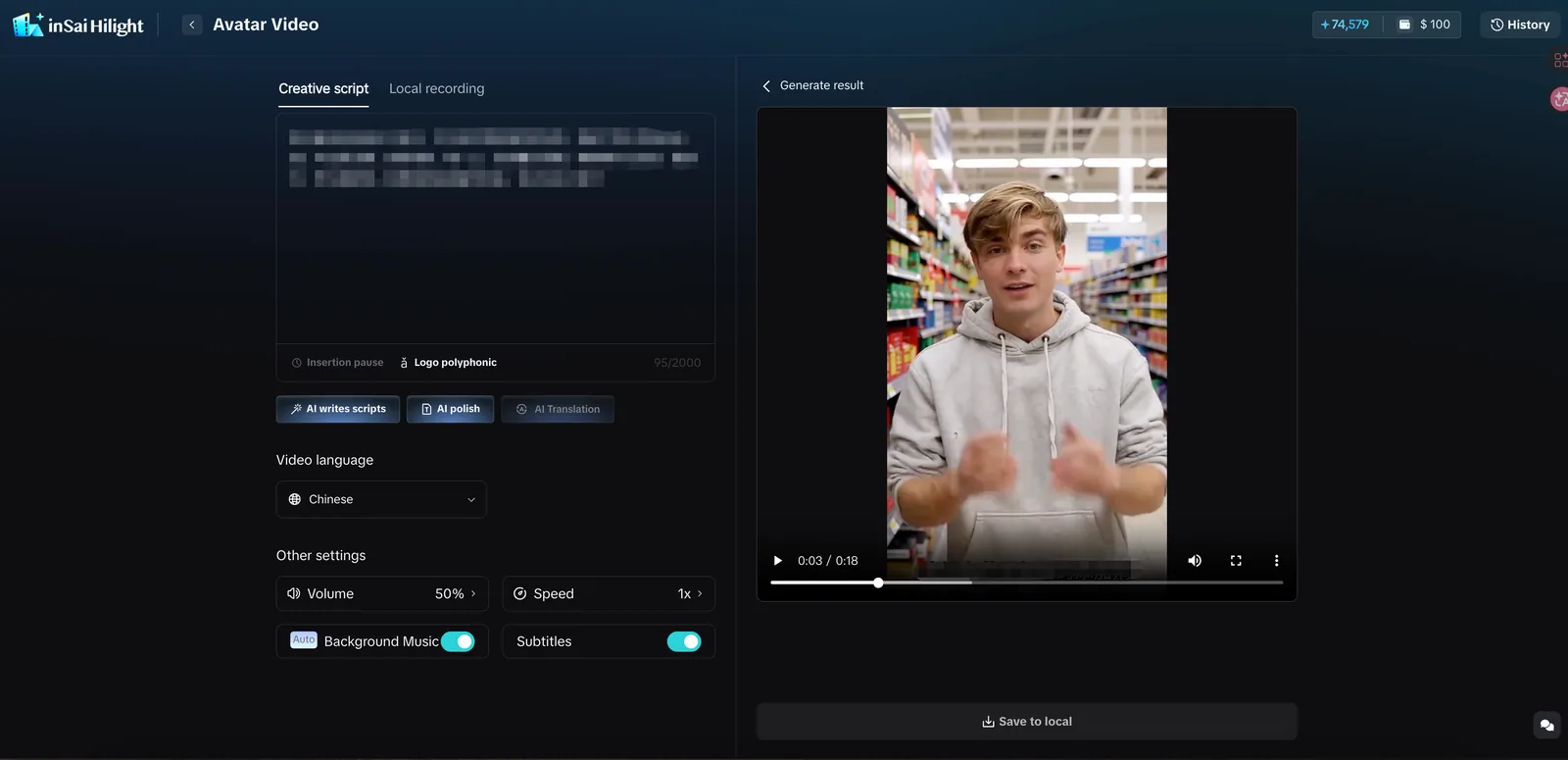
For talking-head content, Hilight can use a creative script or local recording as the content source. This makes it useful when the team already has product copy, a campaign message, or an audio explanation.
The script should sound conversational. A good AI talking avatar video usually does not read like a product manual. It should sound like a person explaining one clear idea to a viewer.
Bring the Product into the Presenter Scene
For ecommerce content, Hilight can bring the product into the presenter format. Teams can work with an avatar, product image, script, voice, video language, subtitles, music, speed, and related settings to create product explanation videos.
This matters because a product video is not only about a face speaking. The buyer needs to see the item, understand the use case, and connect the presenter’s words to the product on screen.
Support Multilingual Product Messaging
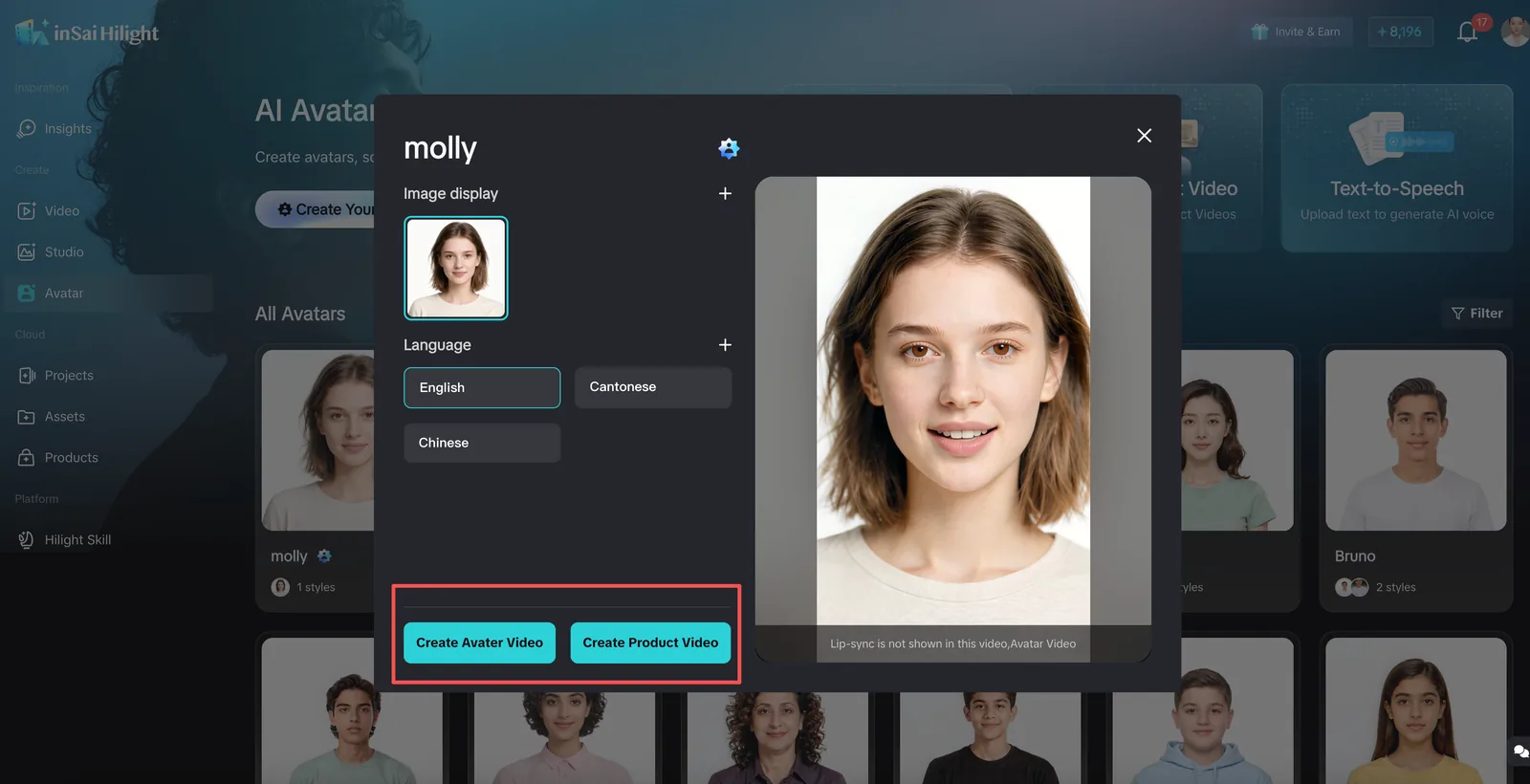
For cross-border sellers and global ecommerce teams, language support can reduce the friction of creating multiple market versions. In the app screens reviewed for this article, the language selector shows 10 options: English, Chinese, Cantonese, Arabic, Russian, Spanish, French, Portuguese, German, and Japanese.
The important check is to keep the script language, selected voice, and supported avatar language aligned. If the voice and language do not match, the video can feel unnatural. Choosing the language first, then selecting the avatar and voice, is usually the cleaner workflow.
Start with the Right Avatar Task
If the team is still choosing or creating the presenter, start with Digital Avatar. If the team already has the presenter, product image, script, or recording, use Avatar Video or Avatar Product Video to generate the actual talking asset.
How to Make AI Avatar Videos Feel More Natural
The best AI avatar videos usually do not try to say everything. They explain one clear idea with a natural rhythm.
Start with One Product Angle
Do not ask the avatar to explain every feature. Pick one angle:
- problem and solution
- best use case
- before and after
- key benefit
- seasonal offer
- comparison with the old way
The clearer the angle, the easier it is for the avatar video to feel useful instead of generic.
Write Like Someone Would Speak
A script for an AI avatar generator should sound spoken, not printed. Short sentences work better. One idea per sentence works better. A direct hook works better than a long intro.
Instead of:
> This product adopts an innovative design and is suitable for multiple scenarios.
Write:
> If your desk gets messy every morning, this small organizer gives everything one place.
Match Avatar Style to Product Category
A beauty product may need a softer, more personal presenter style. A productivity product may need a calmer, clearer explanation. A fitness product may need more energy. A premium electronics product may need a more polished tone.
The avatar is part of the product message. It should not feel random.
Keep Product Visuals in the Story
For ecommerce, the avatar should not hide the product. Use product images, close-ups, usage visuals, or supporting clips when the buyer needs to see the item clearly.
An AI avatar can explain the selling point, but product visuals make that point believable.
Test Short Versions First
Before creating a long video, start with a short 15-30 second script. Check the avatar style, voice, subtitle readability, speaking speed, and whether the product message is clear.
This is especially useful if you are testing a new avatar, a new language, or a new product category.
Common Mistakes
An avatar is a presenter format, not the strategy. The video still needs a clear hook, product angle, script, and audience.
If the script sounds like a product spec sheet, the avatar video will feel stiff. Keep the language closer to a real product recommendation or explanation.
Do not start with “which avatar looks nice?” Start with the task: product introduction, selling point explanation, multilingual market version, or social talking clip.
For multilingual videos, the avatar, voice, and script language should work together. A mismatch can make the video feel less natural even when the visuals look good.
A product page explainer, TikTok talking clip, Reels short, and paid social ad may need different pacing, subtitles, hooks, and aspect ratios. Keep the presenter consistent, but adapt the video to the channel.
For product videos, the avatar should support the product. If the product is barely visible or the selling point is unclear, the video may look polished but fail to explain why the item matters.
FAQ
What is an AI avatar generator?
An AI avatar generator creates a digital presenter that can appear in videos. For ecommerce, the useful version is not just an avatar creator, but a workflow that helps the avatar explain products, introduce selling points, and support product marketing videos.
Can I use an AI avatar for product videos?
Yes. AI avatars are useful for product introductions, talking product explainers, multilingual product content, social media talking clips, and product page support. In Hilight, Avatar Video and Avatar Product Video support different presenter-style content needs.
What is the difference between an AI avatar and an AI digital human?
In marketing use, the terms often overlap. An AI avatar, digital avatar, or AI digital human usually refers to a digital presenter that can appear in video. The important question is whether it can support your actual task: talking-head explanation, product presentation, multilingual content, or repeatable product videos.
Some teams may also call this a digital human avatar or an AI avatar video generator. The label matters less than the output: a presenter-style video that helps explain the product clearly.
Are free AI avatar tools enough for ecommerce product videos?
Free talking avatar tools can be useful for testing a basic presenter style. For ecommerce work, the bigger question is whether the tool supports product images, product-focused scripts, commercial use, export quality, watermark rules, voice options, and multilingual versions. A free avatar creator may be enough for experiments, but product marketing usually needs a workflow that connects the avatar to the item being sold.
When should I use Avatar Video instead of Avatar Product Video?
Use Avatar Video when the main goal is explaining information clearly, such as a brand message, product overview, activity notice, or tutorial. Use Avatar Product Video when the presenter needs to connect directly with a product, such as a product recommendation, selling point explanation, or ecommerce product showcase.
Final Thoughts
AI avatars are most valuable when they solve a real production problem: your team needs a person-like presenter, but does not want to arrange a new shoot for every product, language, and campaign.
For ecommerce teams, the strongest use case is not making a random digital face. It is creating a reusable product explanation workflow. With Hilight, teams can use AI avatars, talking videos, and avatar product videos to create clearer product explainers, multilingual talking clips, and short-form marketing assets that are easier to repeat.

